Skip to content →
Browse

Capybara

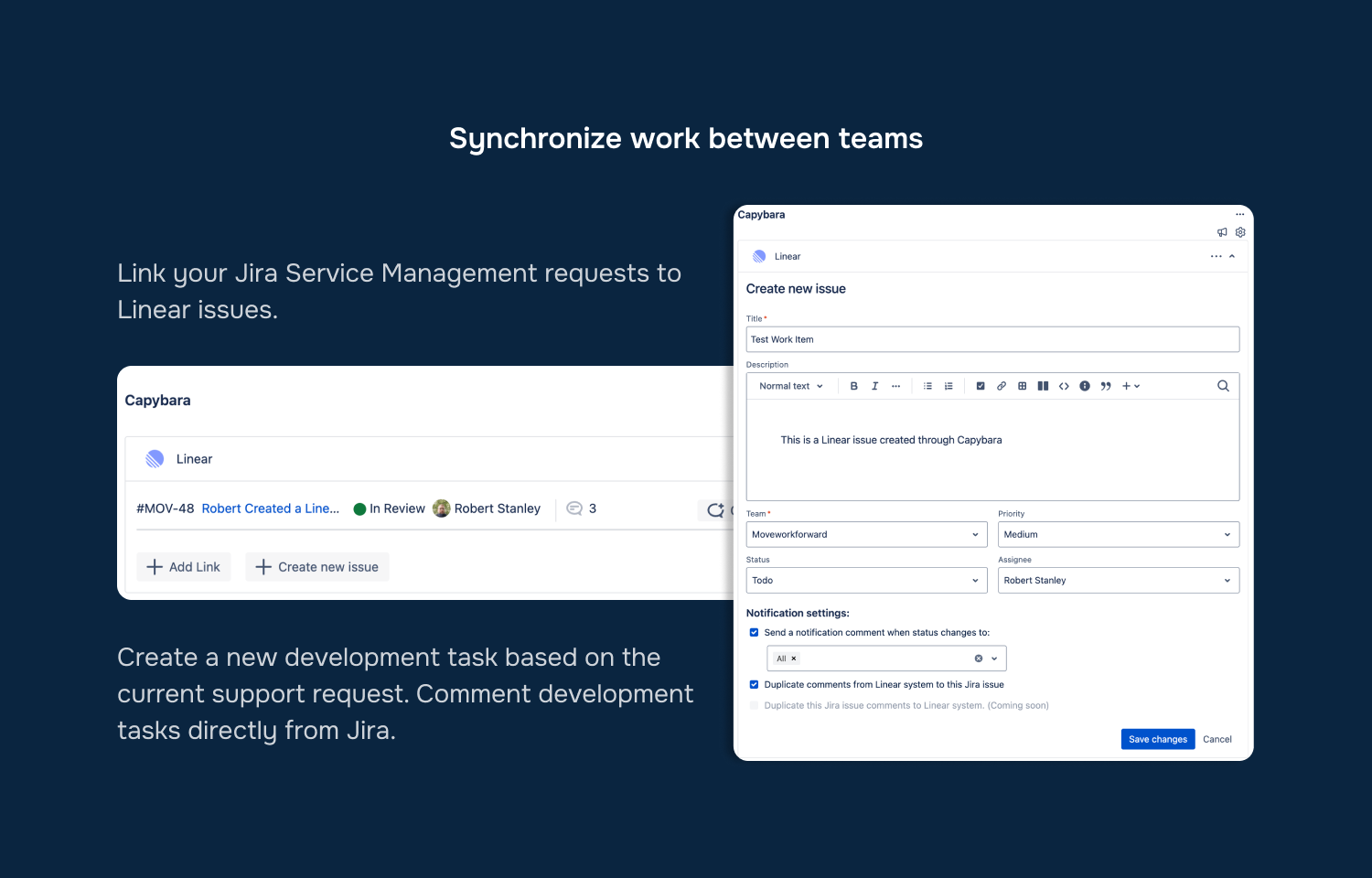
Create Linear issues and comments based on Jira tasks

create linear issues from jira through capybara
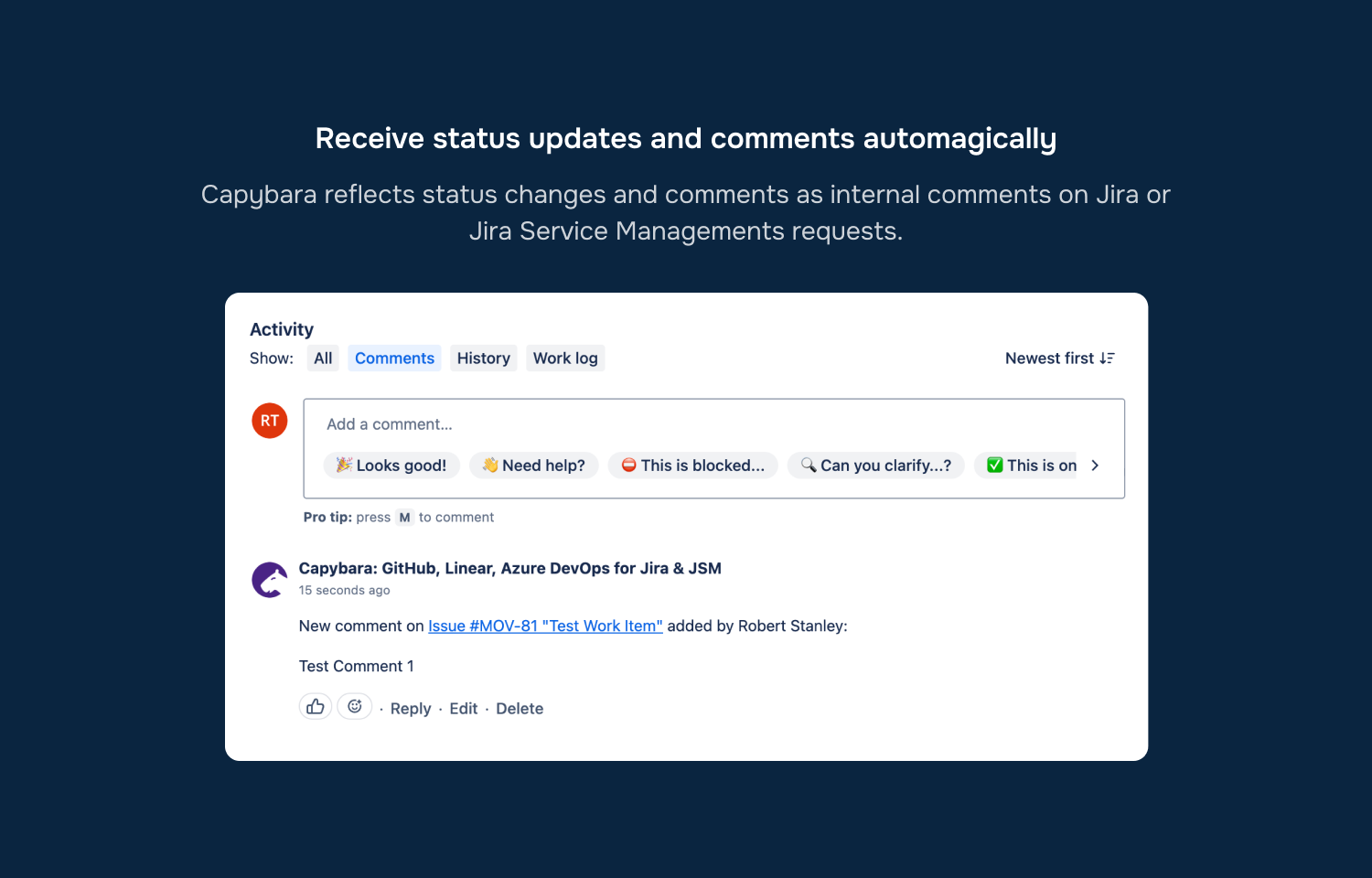
Status updates are synced between both platforms
Connecting Linear to jira with Capybara

Overview

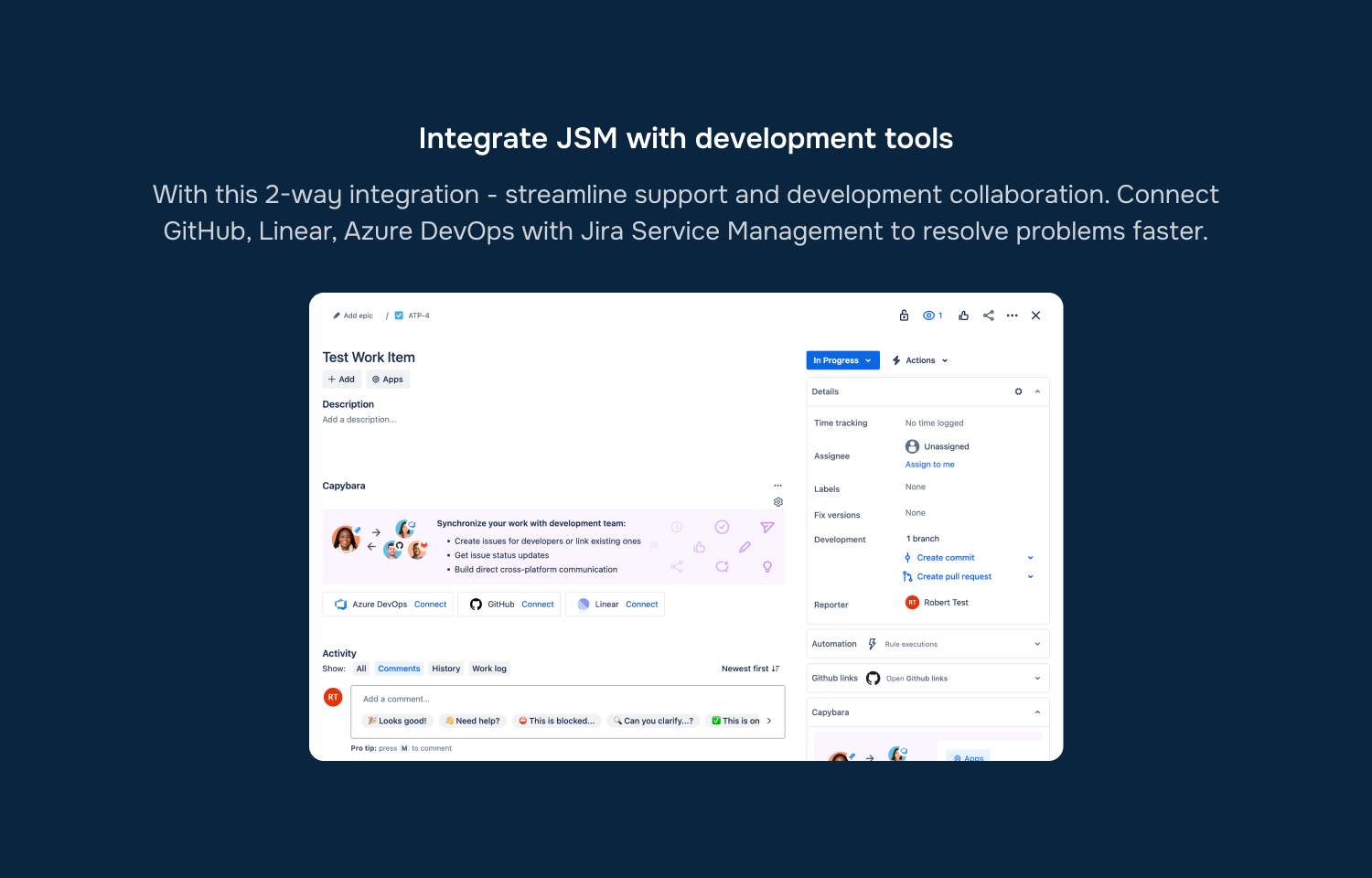
Capybara bridges Jira with GitHub, Linear and Azure DevOps, streamlining support and development collaboration.

How it works

The Capybara integration for Linear helps connect or create Linear issues to Jira tasks. Synchronise comments and statuses from Linear issues back to Jira to help solve customer's problems across tools faster.

Configure

1. Install Jira app from the marketplace here.
2. Go to a Jira task or support request and open Capybara panel.
3. Click "Connect to Linear" and login into Linear.
Build your own integration

Create your own integration with Linear’s API and submit it to the directory.

Start building