Datadog
Create Linear issues from Datadog Cases and Monitors
Overview
Linear’s Datadog integration allows you to create Linear issues directly from Datadog Cases and Monitors, bringing native observability context into Linear.
How it works
The integration enables teams to seamlessly manage their work across Datadog and Linear. Once installed from the Linear integration tile within Datadog and authorized through Linear, you can create Linear issues directly from Datadog Monitor alerts or Cases.
Create issues from Datadog Monitors
With the integration, you can manage Monitor alerts directly from Linear. You configure issue templates that define how your alert data is translated into Linear issues. Templates can include teams, projects, assignees, and labels. You can also choose to comment on or transition issues when a Monitor resolves. Once configured, these templates can be referenced in Monitors using handles like @linear-my-template to automatically generate issues when alerts trigger.
Create issues from Datadog Cases
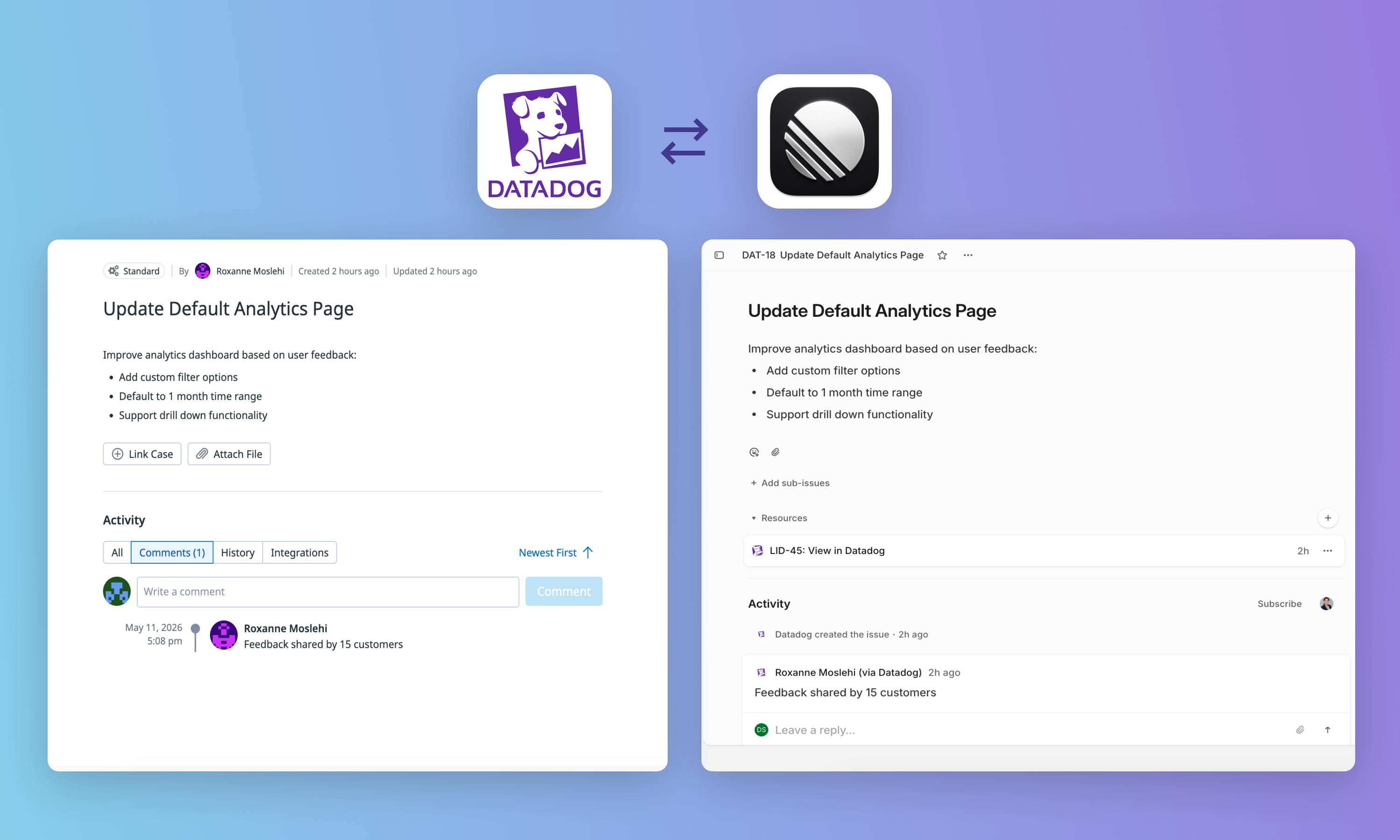
Case Management is Datadog’s ticketing tool. With the integration, you can automatically create issues from Datadog Cases. You can also set up bi-directional syncing between Linear and Datadog to ensure that issues and Cases stay in sync without any manual updates. New comments and updates to the title, description, assignee, status, and priority will be reflected both ways.
Configure
For configuration information, refer to the instructions here. To authorize the integration within Datadog, you must be a Linear admin.
Datadog is also available as an MCP server for use with Linear Agent.