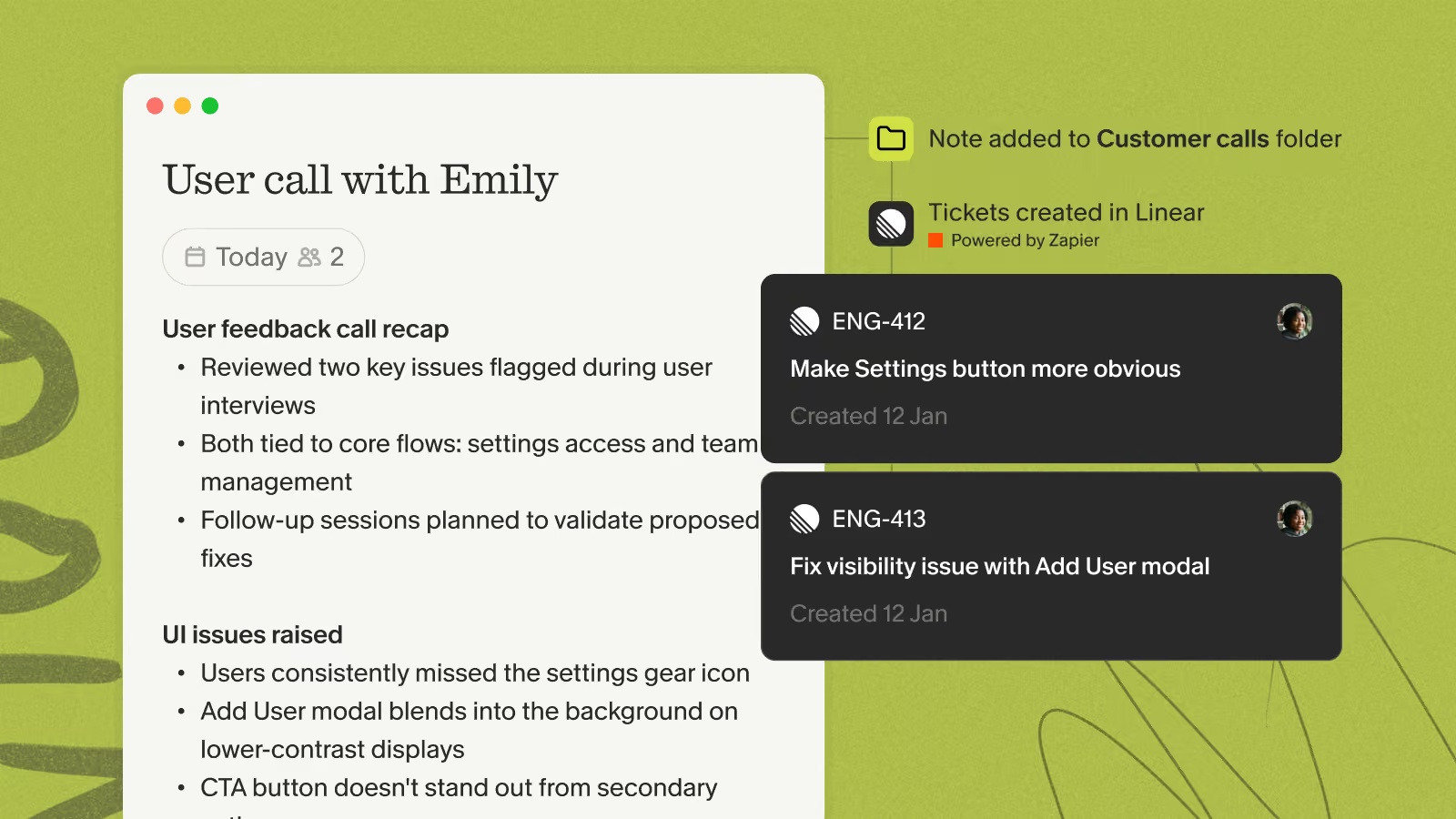
Connect Linear to Granola via Zapier to turn your meeting action items into Linear issues automatically — so what you agreed to in the call lands in your engineering backlog without any copy-pasting.
Zapier is available to paid Granola users on the desktop app, and you'll need a Zapier account.
In Zapier, create a new Zap and choose Granola as the trigger app.
Pick your trigger — Note added to Granola folder to fire automatically whenever a note lands in a chosen folder, or Note shared to Zapier to push notes by hand from the note's share menu.
Add Linear as the action app and select Create Issue.
Map the note's action items into the issue title and description, choose the team and project, then turn the Zap on.