Microsoft Teams
Drive work forward by turning conversations into issues, projects, and documents
Overview
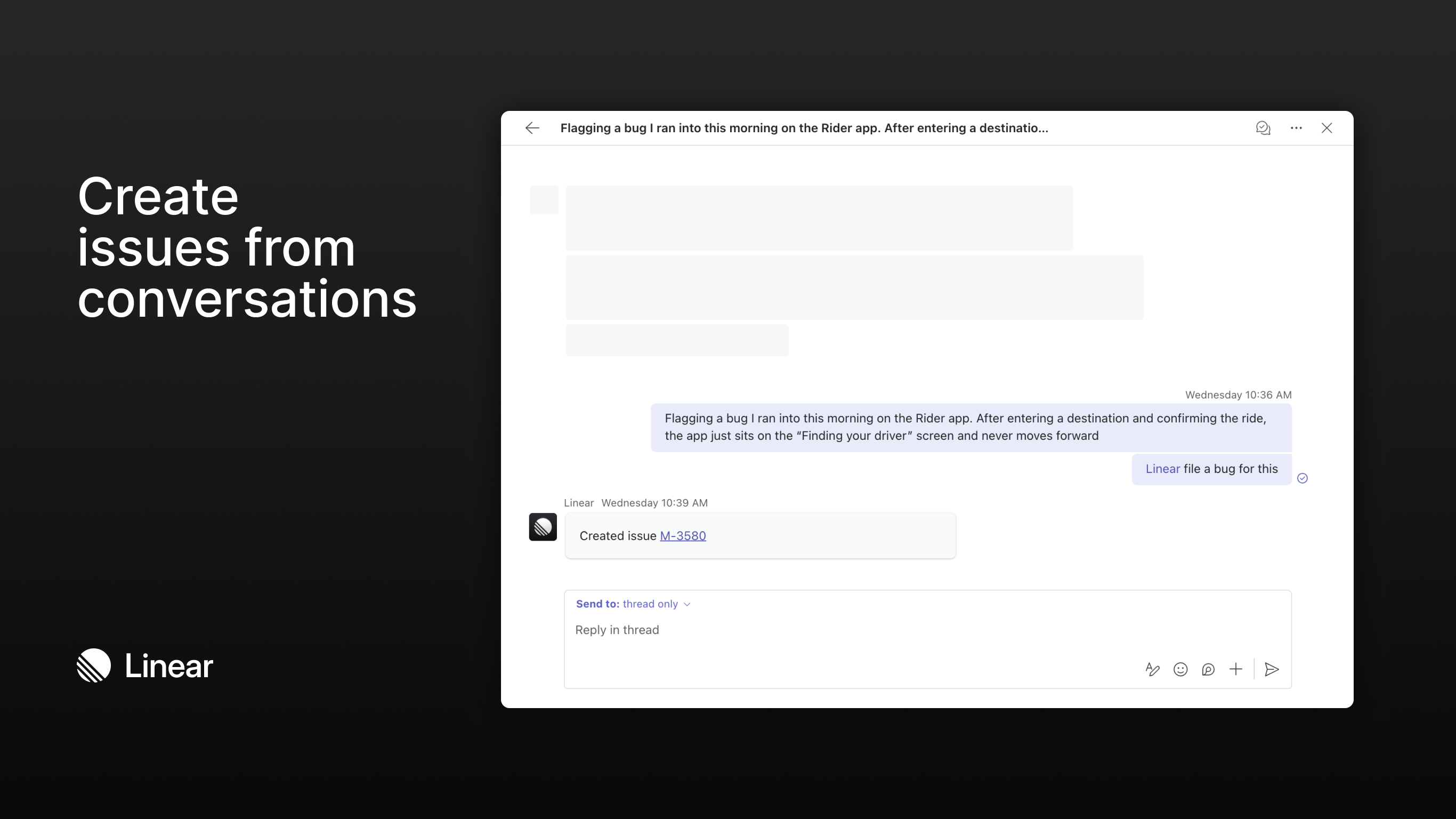
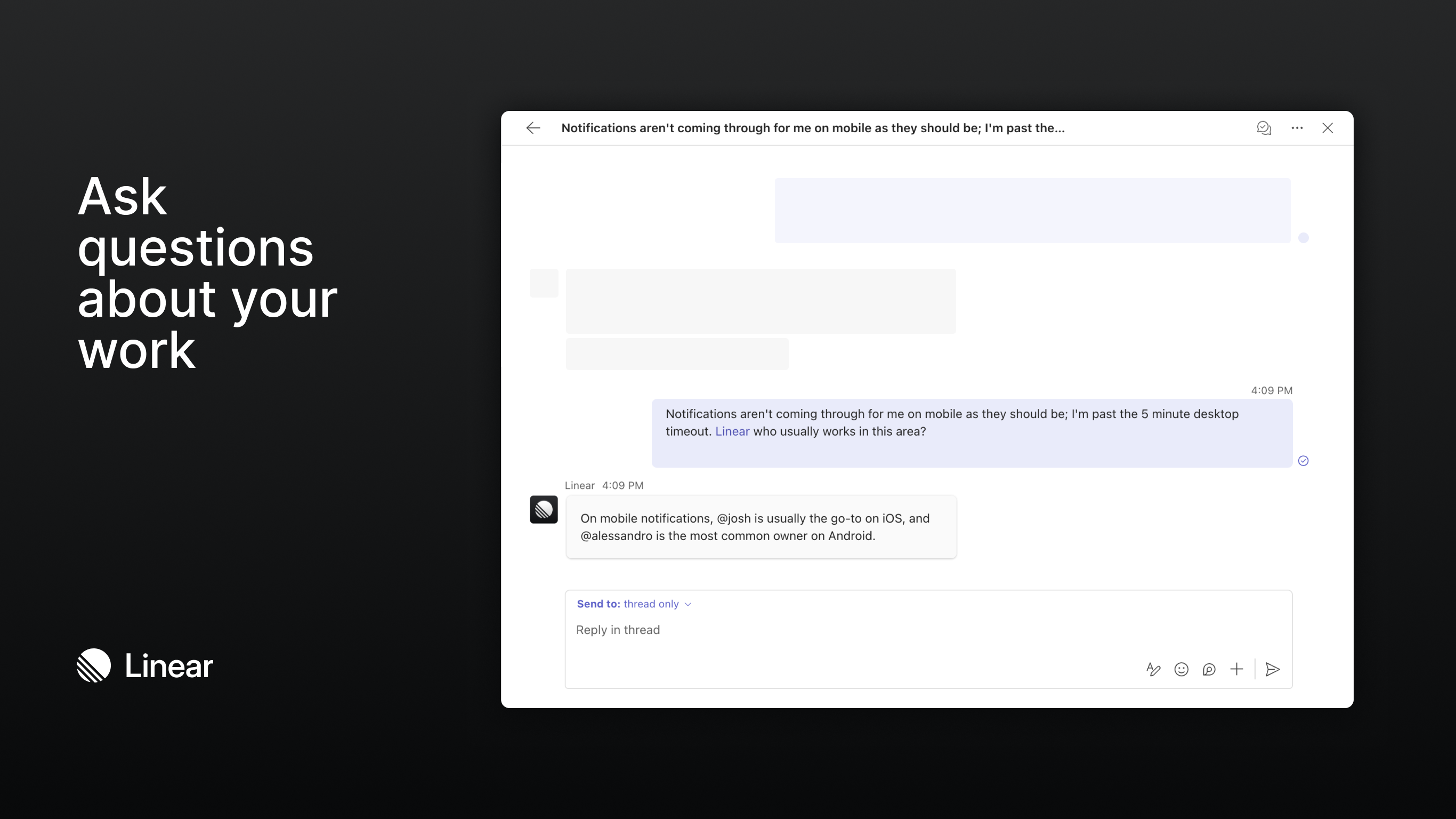
Mention @Linear in any Microsoft Teams channel to turn your discussions into actionable work. You can file issues, update projects, or ask questions about your Linear workspace without leaving Teams.
Keep your team aligned on decisions with a quick message to Linear like:
- @Linear file a bug for this and assign it to me
- @Linear who usually works on notifications issues?
- @Linear create a spec document on the Billing API project
This integration is available to all Linear users with a Teams account.
Linear uses AI to analyze conversations in Teams and create or update content in your Linear workspace. Linear can also use information from your Linear workspace to generate summaries and answer questions in Teams.
Configure
Connect Linear to Microsoft Teams in Settings > Integrations > Microsoft Teams. This step must be completed by a Linear admin or workspace owner with admin privileges in the Microsoft Tenant.
Once the workspace connection is in place, a Teams admin will need to install the Linear app from the Microsoft Teams marketplace. If your organization manages apps centrally, this should be done through the Teams Admin Center rather than by individual users.
Learn more in our documentation.