Pixelesq
Build and update websites directly from Linear issues
Overview
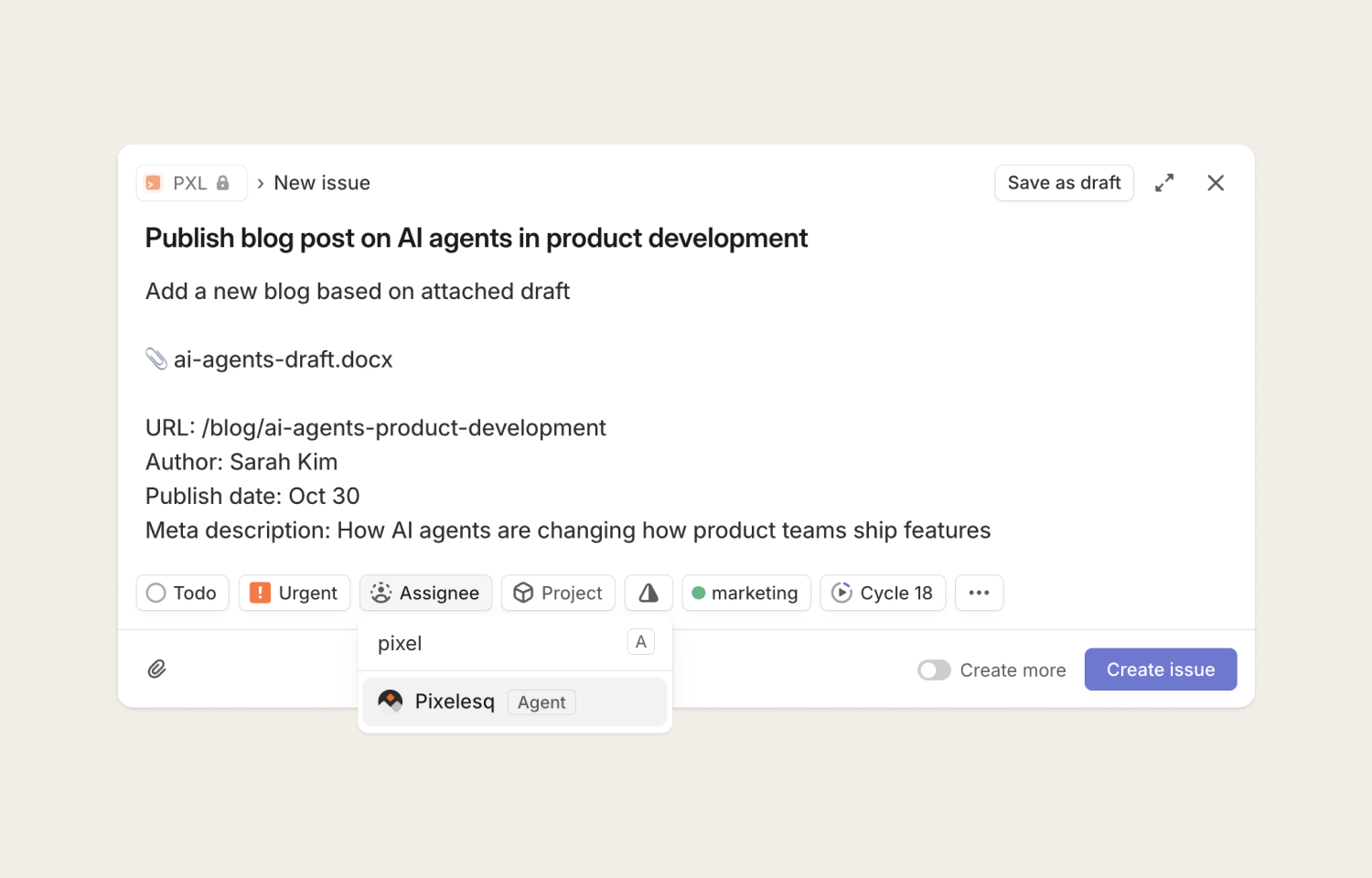
The Pixelesq agent autonomously builds, updates, and optimizes website pages when assigned Linear issues. Delegate website and marketing tasks directly from your product workflow, and track progress as the agent designs, writes content, and deploys changes—all within Linear where your team already manages work.
How it works
When you assign a Linear issue to Pixelesq, the agent immediately begins executing the website or marketing task. Whether you're requesting a new landing page, updating existing content, or optimizing for SEO, the agent analyzes the issue description and any attached documents or links. It then autonomously handles the complete workflow: from content generation and design to deployment—while keeping the human assignee as the primary owner.
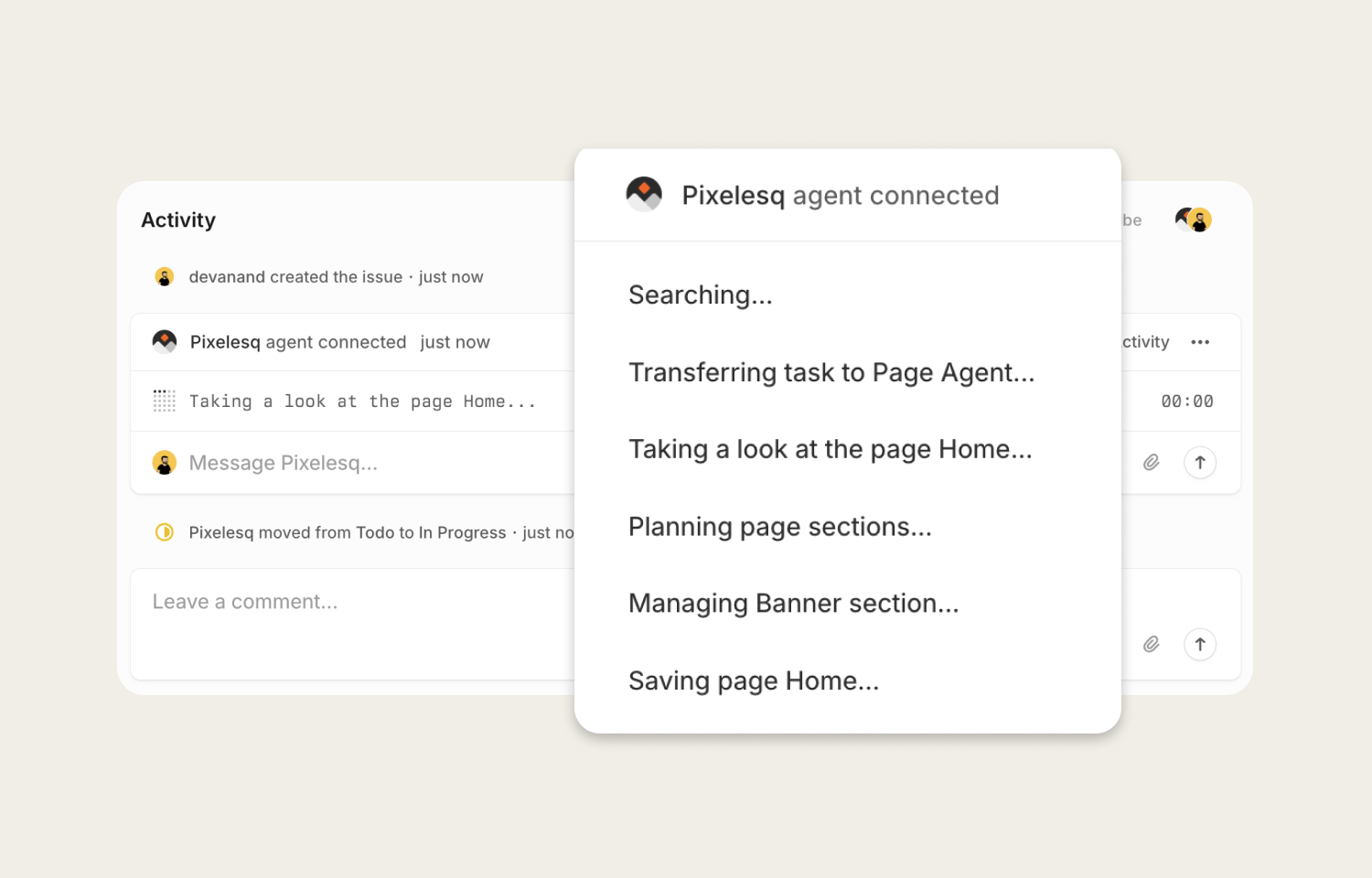
As the agent works, you'll see real-time updates flow directly into the Linear issue. The agent transparently shares its reasoning and progress through status updates. This visibility lets you monitor work without leaving Linear, and the agent's structured activity updates make it easy to understand what's happening at each step. Your team stays aligned whether they're focused on product development or marketing execution.
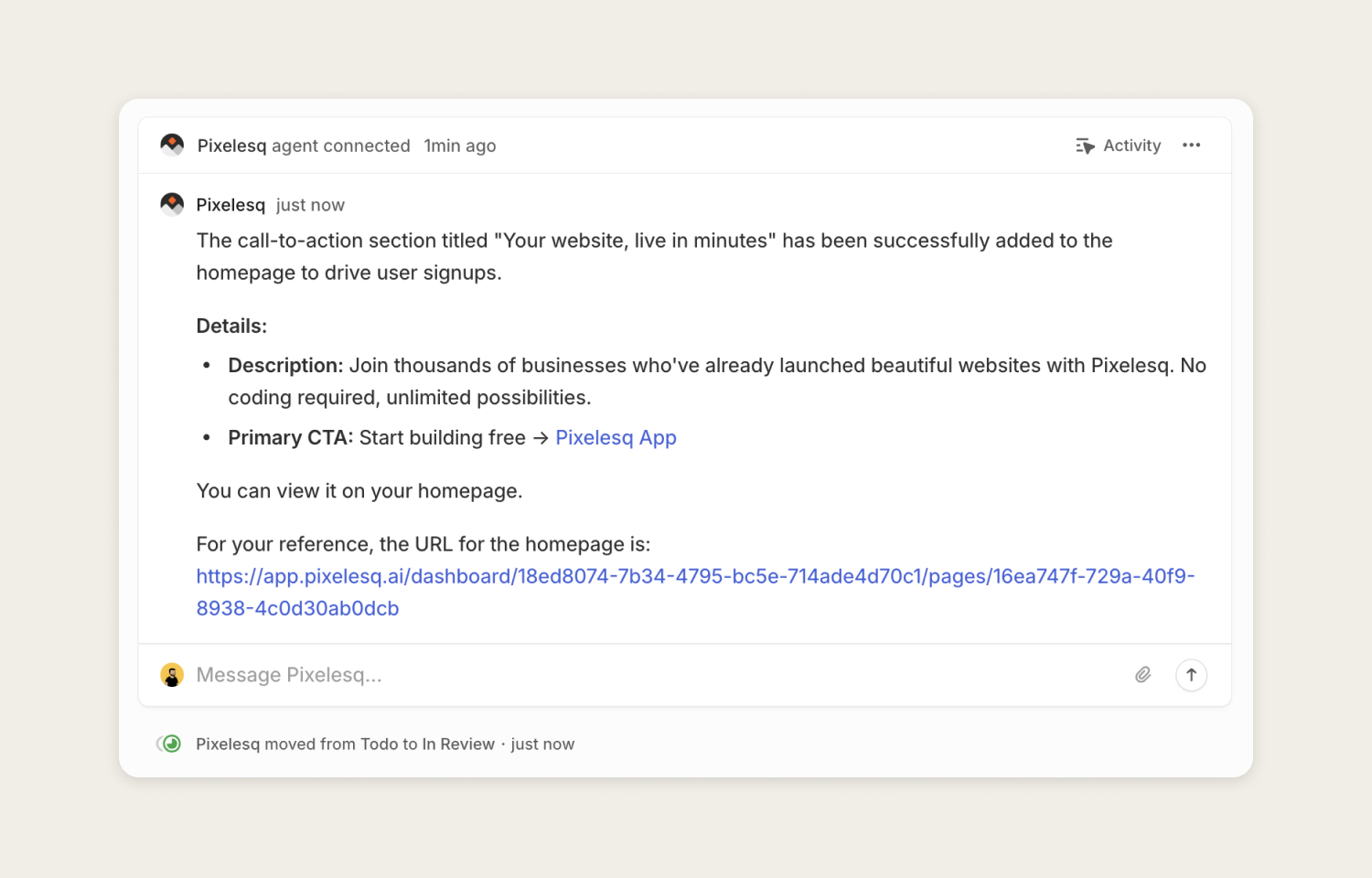
When the agent completes a task, it updates the issue with the final results and provides a direct link to preview the changes. You can review the work, provide feedback through Linear comments, or request adjustments—the agent will iterate based on your input.
The integration ensures assignments, status updates, and deliverables stay synchronized, making it seamless to move from planning website changes to seeing them live in production.
Configure
Workspace admins can install the Pixelesq agent from your workspace settings at Settings > Integrations. During installation, you'll connect your Pixelesq account through OAuth and select which teams the agent should have access to. Once connected, you can assign issues to Pixelesq from the assignee menu or @mention the agent in comments to request website updates.