Reflag
Create and manage feature flags
Overview
Reflag is feature flags for SaaS that run on TypeScript and integrates deeply with your Linear workflow.
The Reflag agent lets you create and manage feature flags and update access rules from within your Linear workspace.
How it works
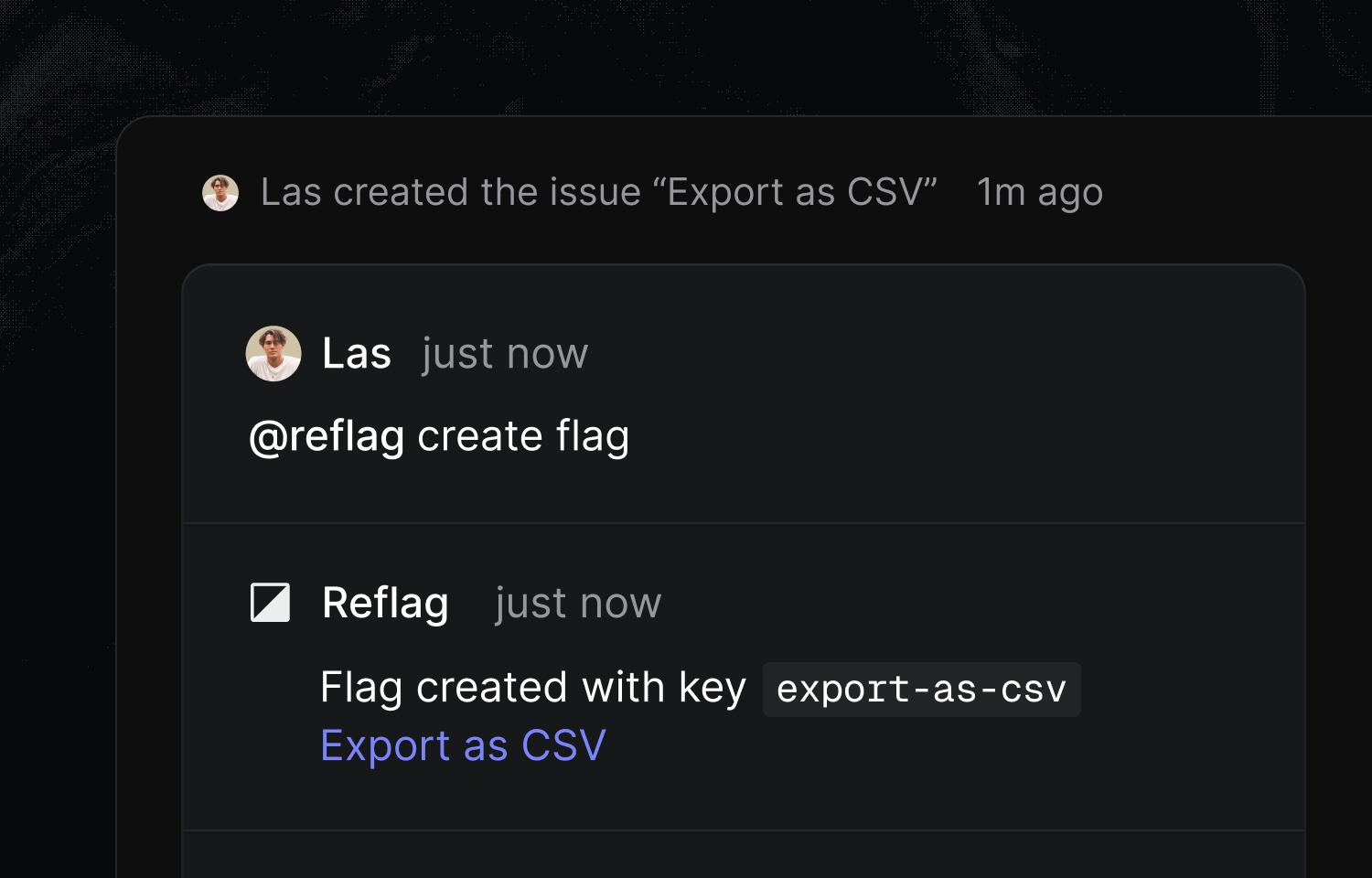
Mention @reflag in any Linear issue to create or manage feature flags and update access rules.
For example, if you’ve built a “Download CSV” feature and want to create a flag for it, just ask @reflag to create it from within the issue. The agent will then create a feature key on reflag.com with a relevant name.
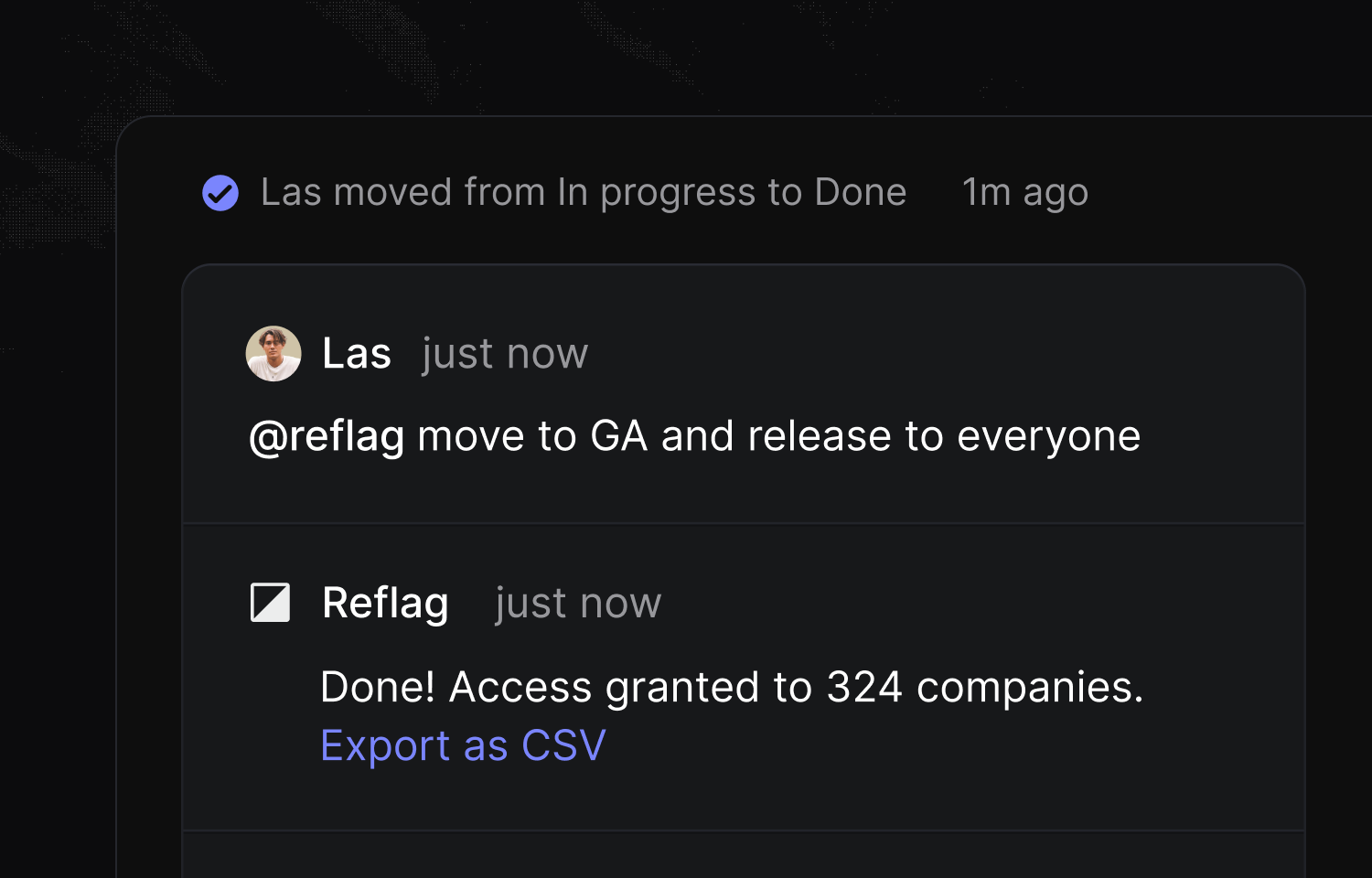
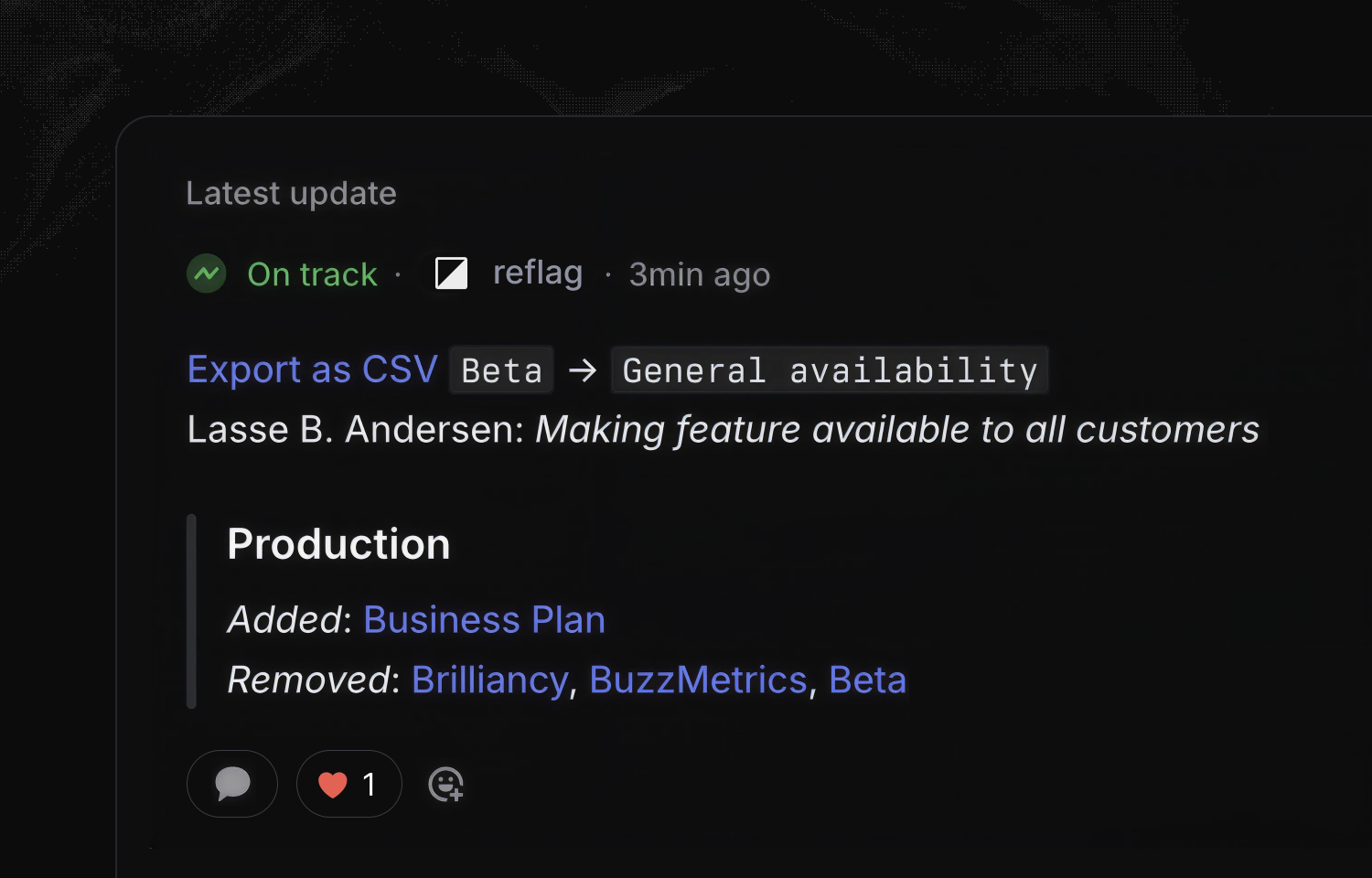
Want to change who can access that feature? Drop @reflag a note and ask it to release this feature or give Acme access to this feature from within a relevant issue. You can also automatically share access changes as comments in Linear issues or projects.
Configure
Visit Reflag's integrations section for your organization and use the "Connect to Linear" button to initiate the authorization process. For help configuring the integration, check out the docs.


