Tella
Embed Tella videos in Linear
Overview
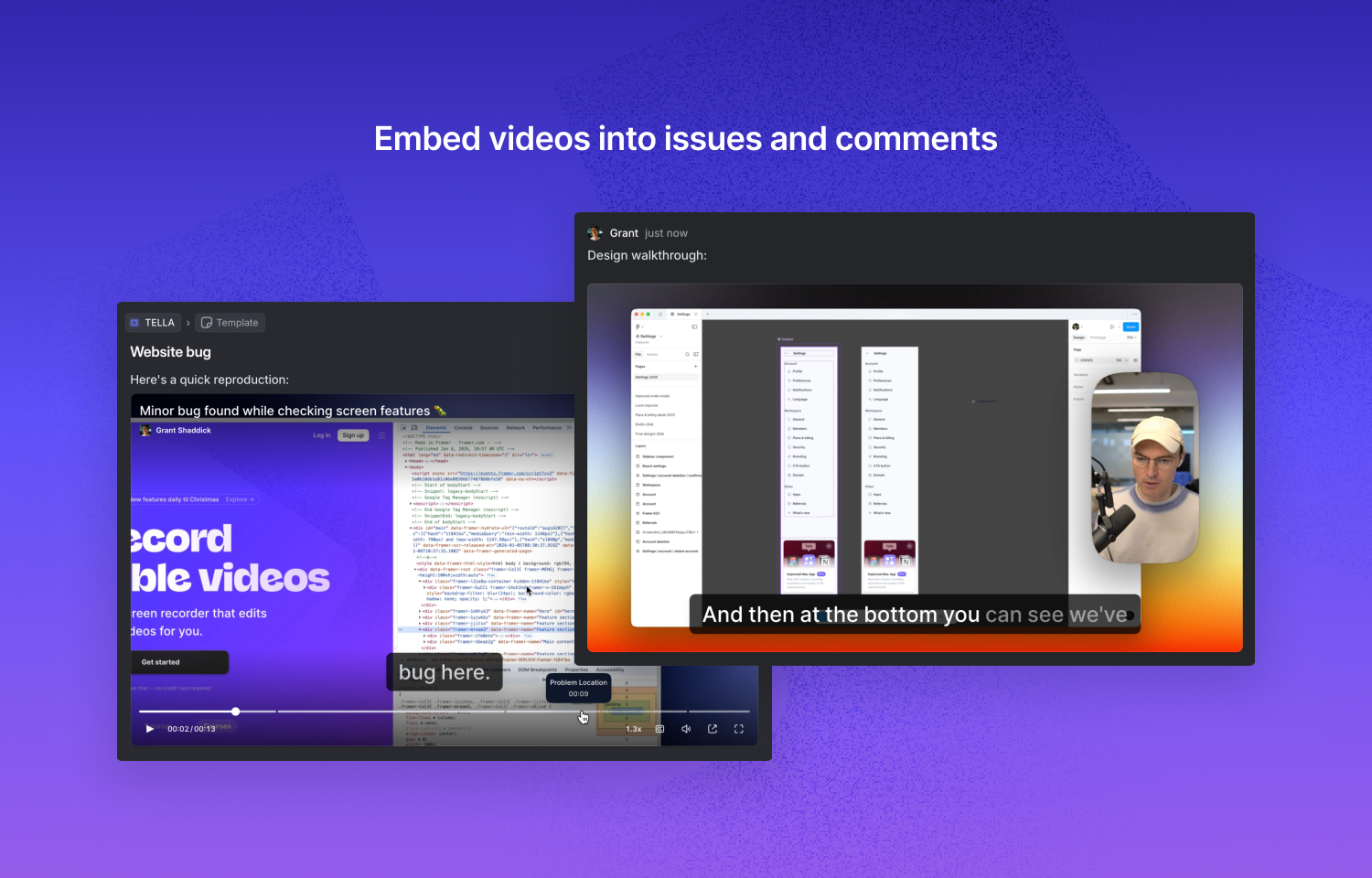
Tella videos now embed in Linear, so you can paste a link and instantly share screen recordings, walkthroughs, or demos right where your team works. It makes bug reports clearer, async updates more personal, and keeps context visible without switching apps.
How it works
When you paste a Tella video link into Linear, it automatically embeds and displays a playable preview. This works in issue descriptions, comments, and project documents - anywhere you'd normally share a link. Your team can watch videos inline without leaving Linear, keeping all the context in one place.
This makes it easy to share bug reproductions, feature demos, design walkthroughs, or quick async updates with your team.
To use the integration, simply copy the share link from any Tella video and paste it into Linear and select the embed option. The embed appears automatically, no configuration or authentication required. Videos remain linked to the original Tella recording, so if you update the video in Tella, the embedded version in Linear stays current.
Configure
No configuration is required. The Tella integration is available to all Linear users by default - just paste a Tella link and it embeds automatically.