Customer Requests on projects
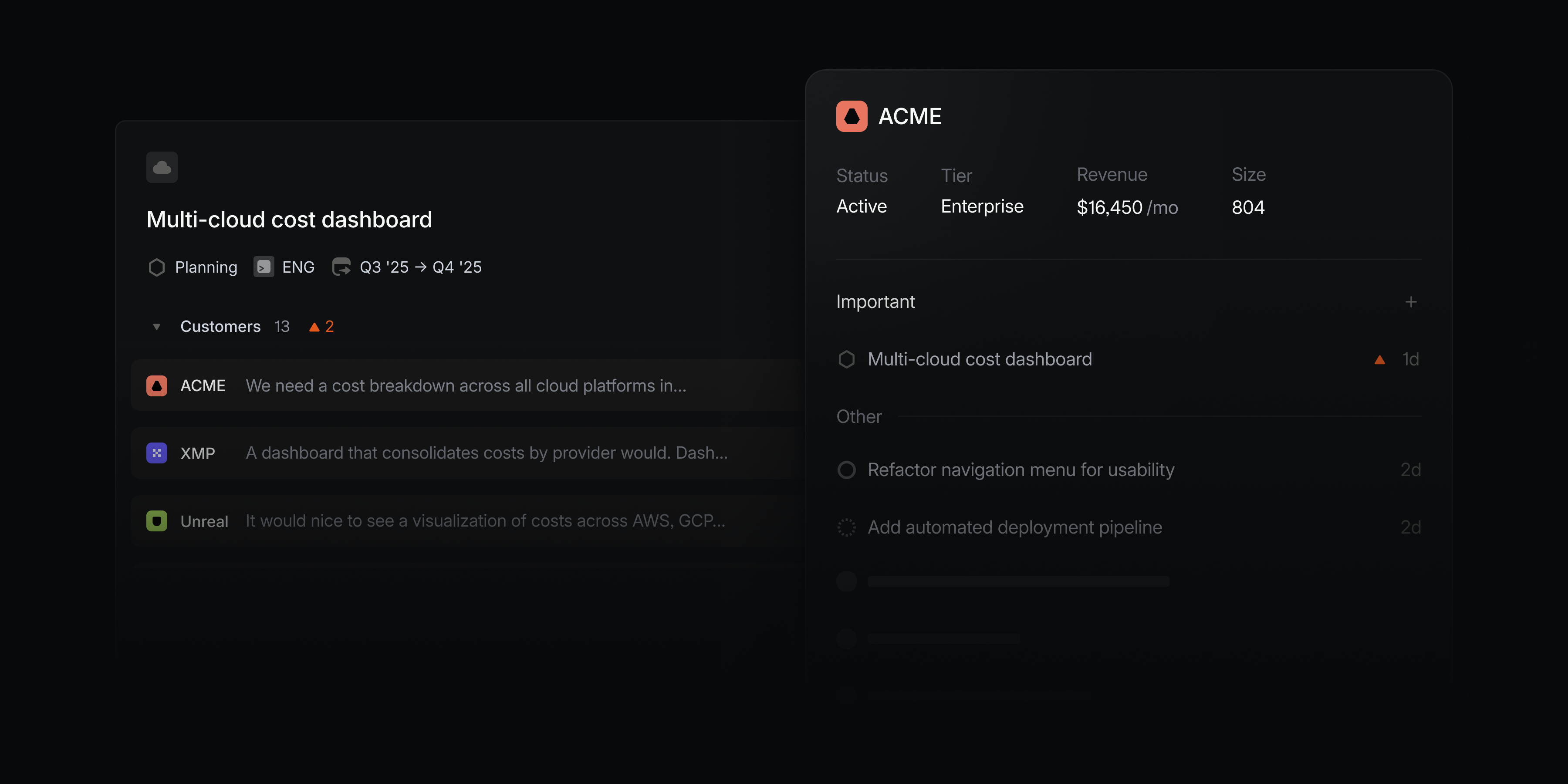
We recently introduced Customer Requests to allow you to bring the voice of your customer directly into your issues. Now customer requests can be added to projects as well, so you can capture product feedback and connect customer needs with your roadmap and planning processes.
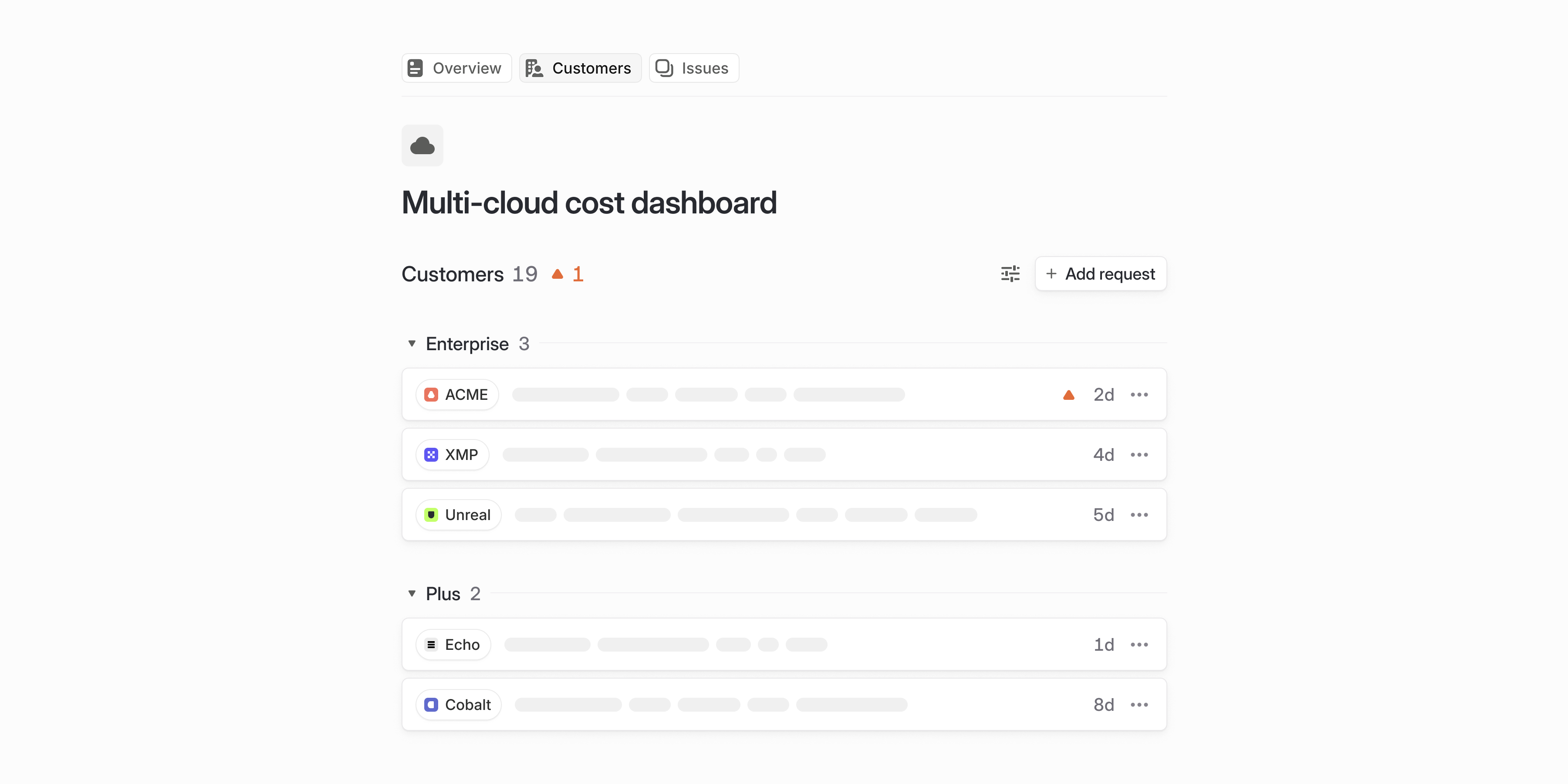
Add a customer request from the project overview page and a new Customers tab will appear. In one consolidated view, you'll see requests captured at the project level as well as those related to issues within the project. Filter and sort these requests to focus on the most relevant feedback as you build features and make product decisions.
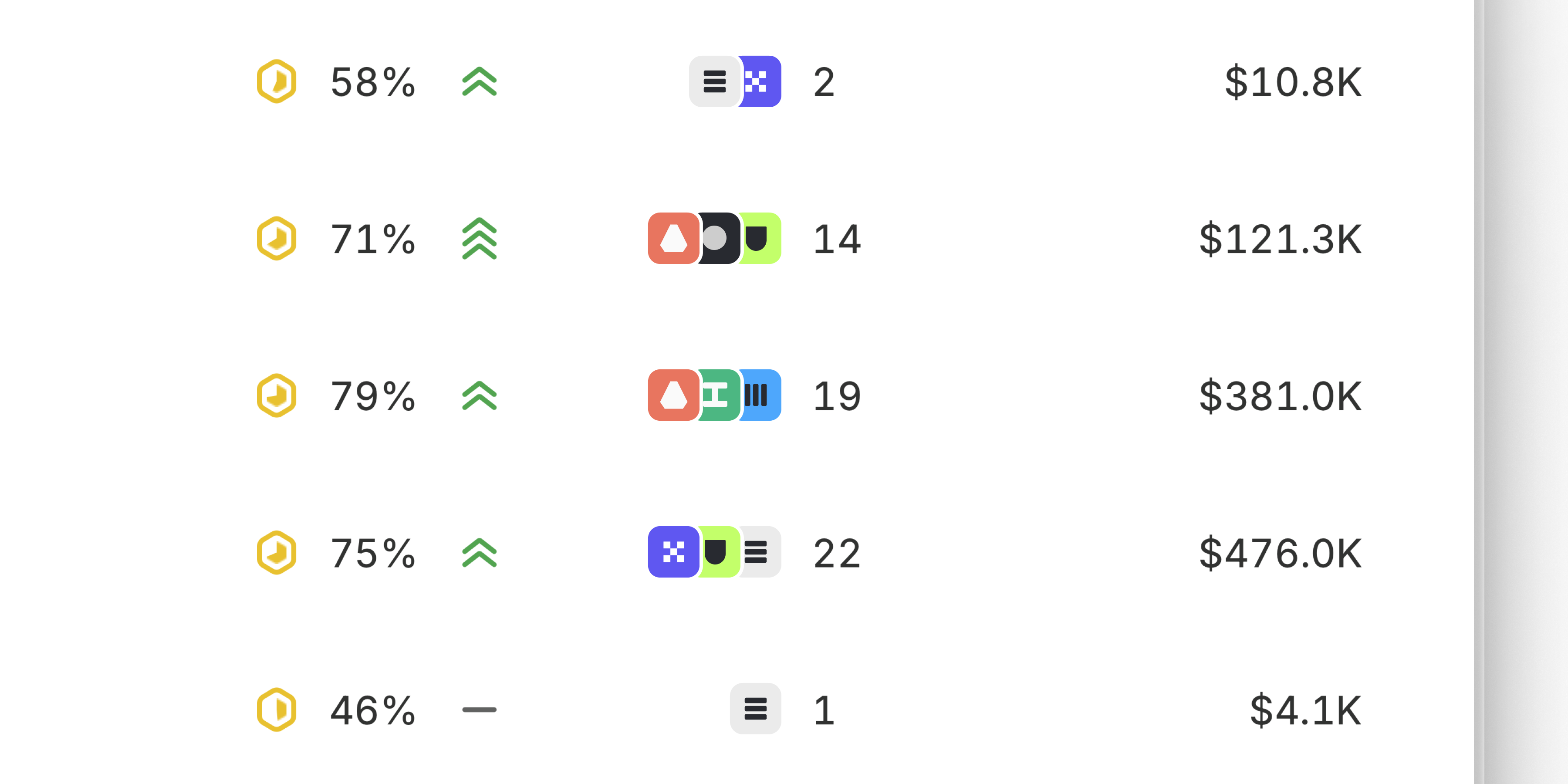
Use customer requests to align your planning process to real demand. In any project view, you can display and organize projects by customer count and revenue. To target a specific segment of customers, filter by attributes like customer size or status.
Customer subscriptions
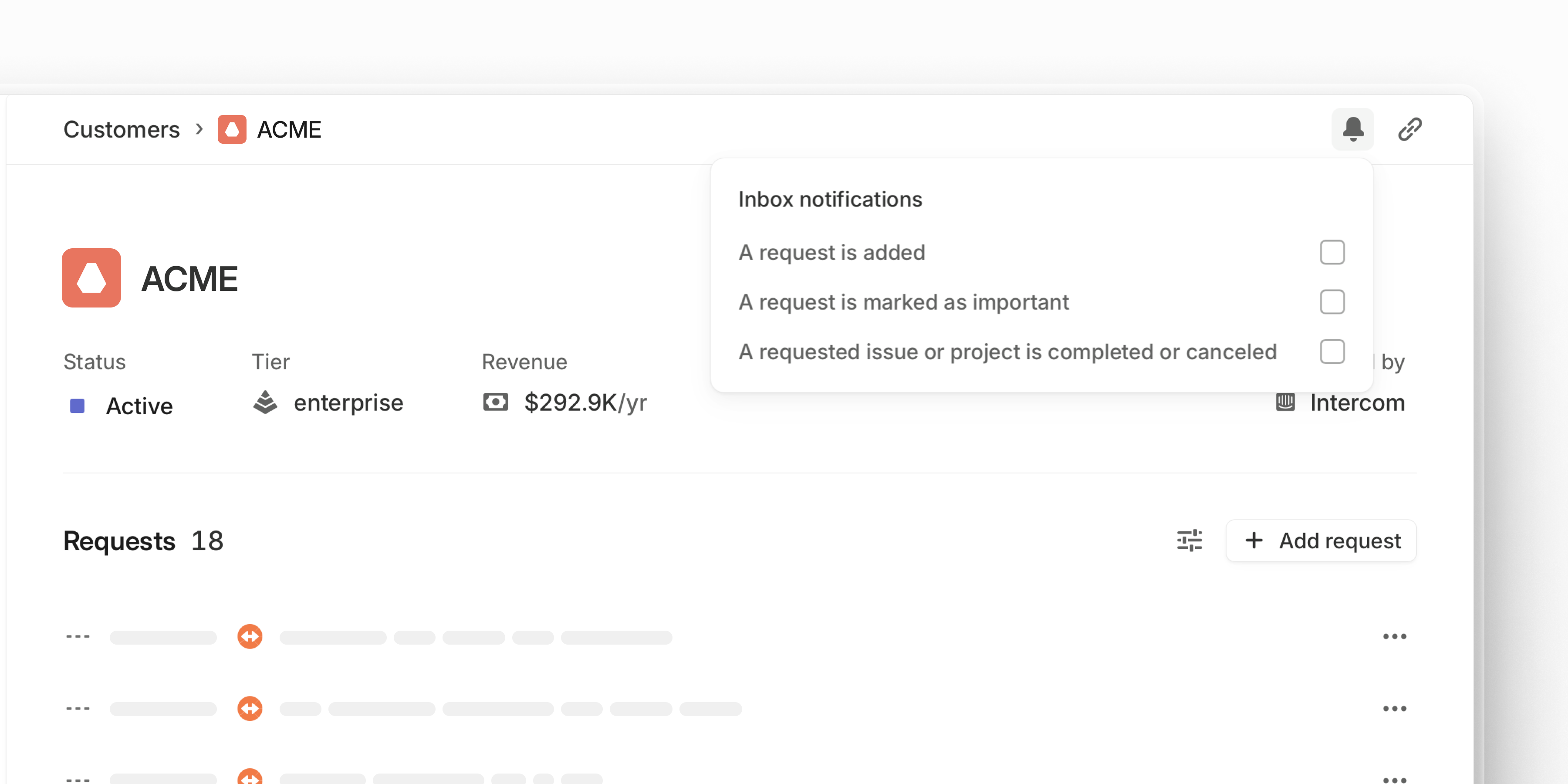
Stay informed about the customers you care about the most. Open a specific customer page and select the bell icon to subscribe to notifications.
You can be notified when the customer submits new requests, when one of their requests is marked as important, or when any of their requested issues and projects ships. Access notifications and review requests from desktop, iOS, and Android.