Project Slack channels
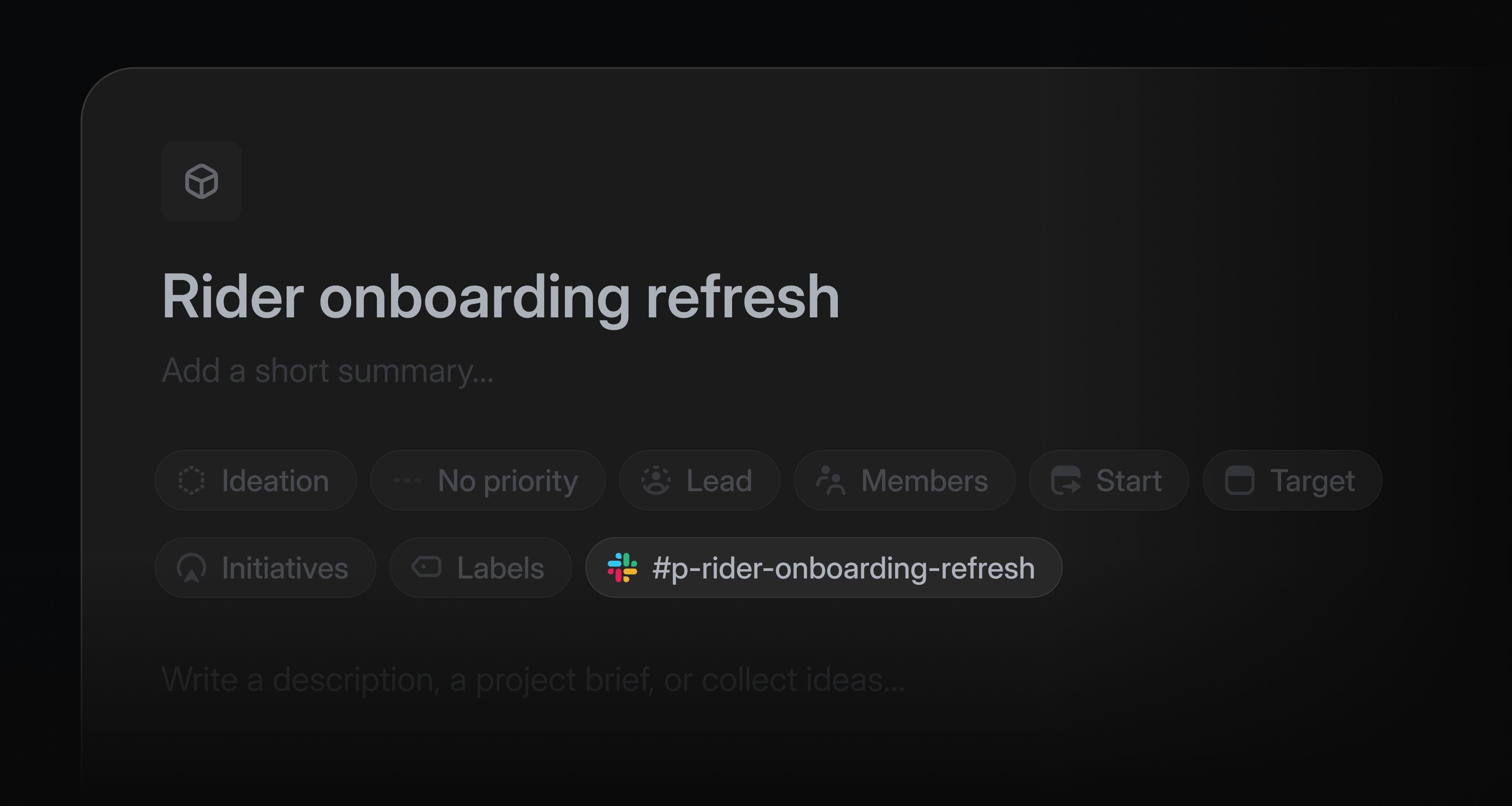
Project teams often use a Slack channel to discuss and share feedback about their project as it takes shape.
Now, Linear can spin up that Slack channel automatically every time a new project is created. All project members are automatically added to the project Slack channel, and project updates post to that channel by default.
When working in a project's Slack channel, you can use Linear Agent to answer questions or take actions in the project. Try sending messages to the channel like “@Linear what’s our target date?” or “@Linear file this bug and assign it to me.”
Admins can enable channel creation from settings. Learn more about project Slack channels in our documentation.
Linear Asks Agent
Linear Asks brings internal requests into Linear, where the appropriate team can work on them.
Now, anyone in your Slack workspace can file a request in Linear by mentioning @Linear Asks. Linear checks the templates enabled for that channel, picks the best match, and creates an issue using the conversation as context.
When a template uses required fields, Linear follows up to collect any missing details before creating the issue.
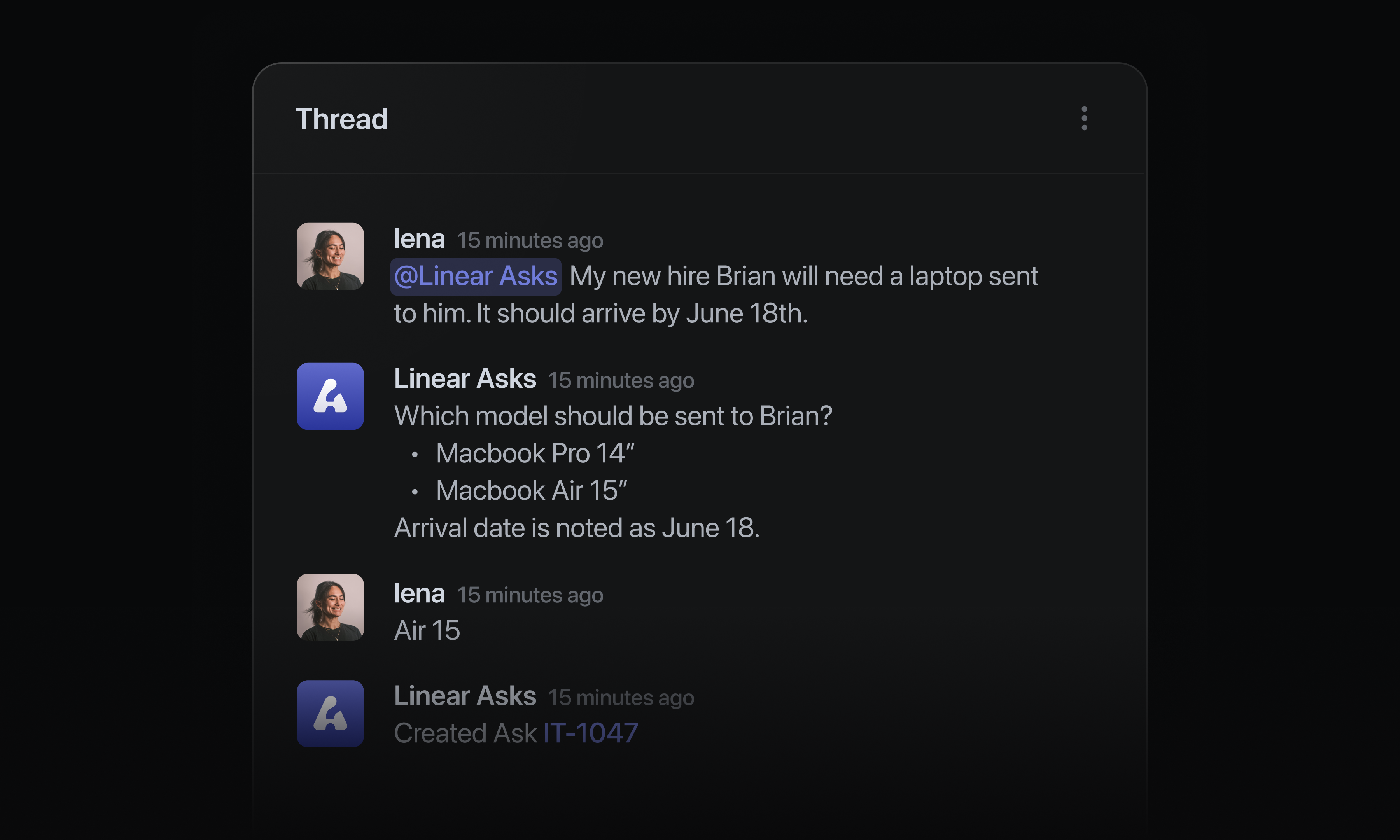
Admins can configure Linear Asks agent in settings for any connected Slack workspace. Asks is available on Business and Enterprise plans. Learn more in our documentation.
Issue duplicates
Duplicate issues now use a dedicated status type in Linear and move context to the original issue.
When an issue is marked as a duplicate, its customer requests, synced Slack threads, and attachments are moved to the original issue. Whether a teammate, agent or Triage Intelligence marks an issue as a duplicate, the issue context moves to the right place.
Because of theses changes, every issue with a duplicate status must now link to the original issue. On duplicate issues, that original issue is shown clearly in the sidebar.
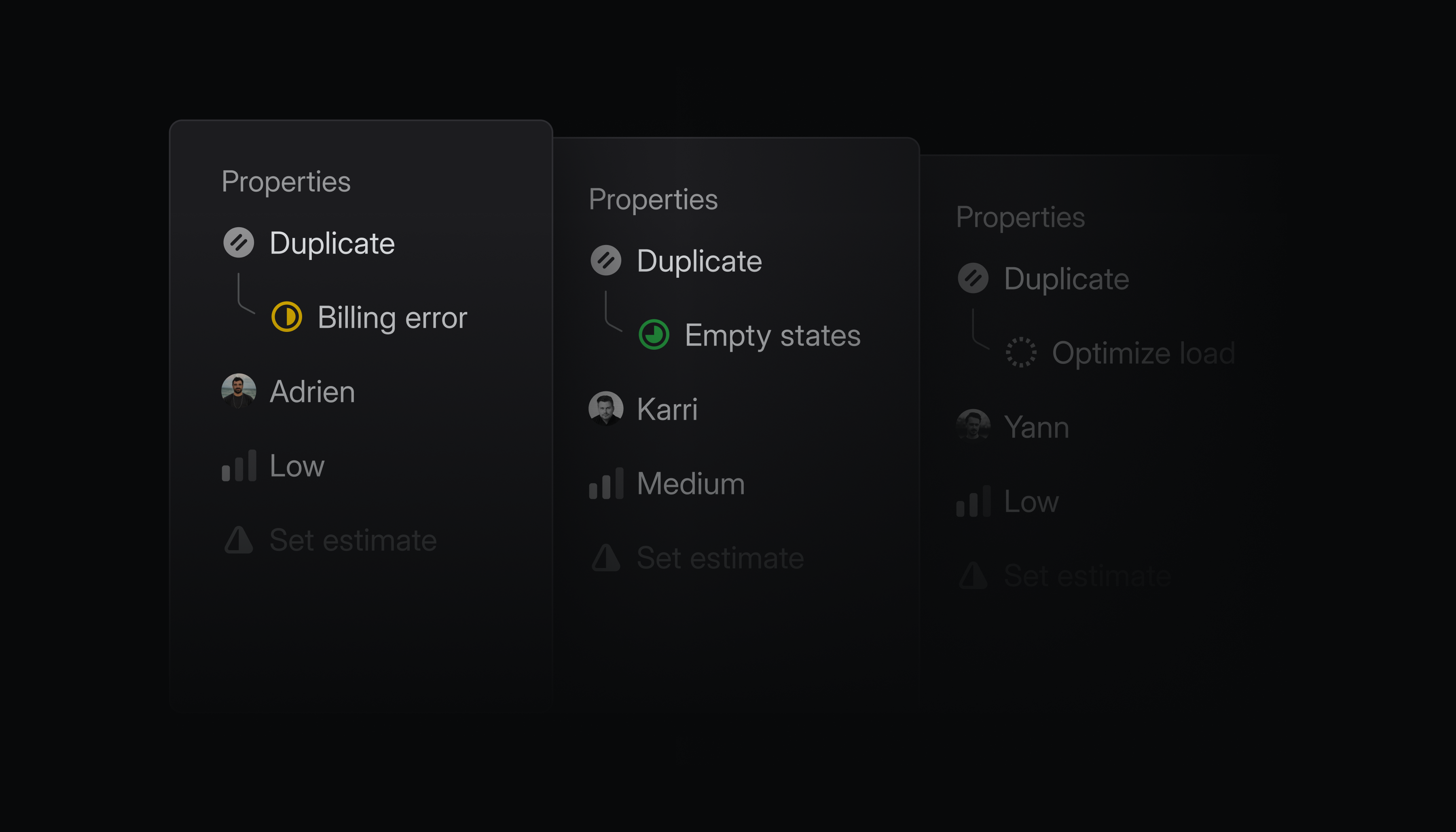
When the original issue is completed, every synced Slack thread is notified. Each linked customer ticket in Zendesk or Intercom also reopens, so you can keep your customers in the loop.
Reorder groups in issue and project views
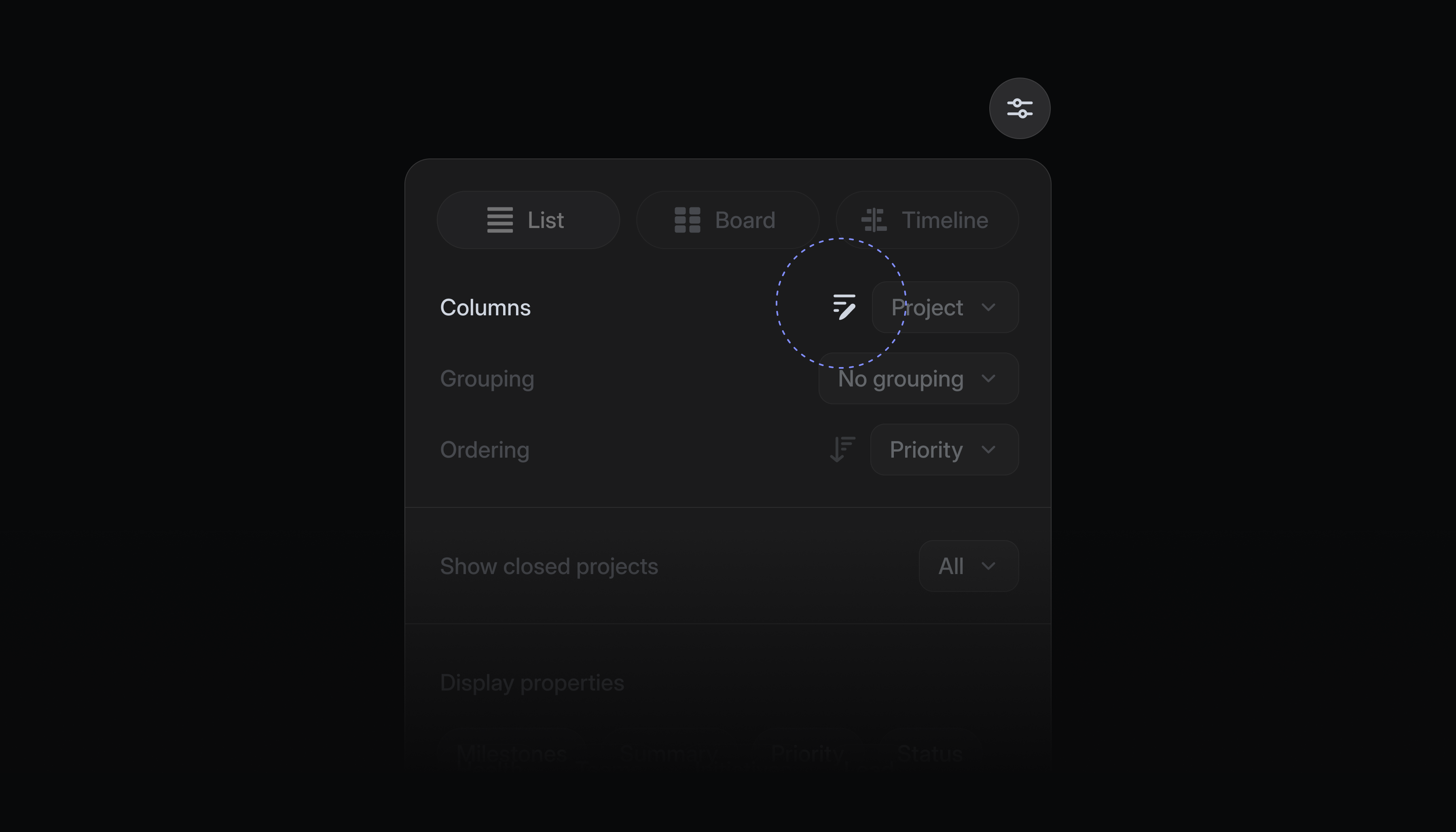
Issues and projects in views are often organized into groups like status, priority, or label. You can now reorder these groups in any list or board view to put the most important sections first.
Click the reorder groups icon in display options, then drag groups into your preferred order. You can reset the view back to the default order at any time.
GitHub Enterprise Cloud integration
Linear now supports GitHub Enterprise Cloud.
Once connected, GitHub Enterprise Cloud users have access to all the benefits of our popular GitHub integration. Linked pull requests update issue statuses automatically, GitHub Issues sync can be enabled for select repos, and you can review PRs natively with Linear Diffs.
This integration is available on Linear's Enterprise plan. Read more in our documentation, and install the GitHub Enterprise Cloud integration to get started.