Priority for projects
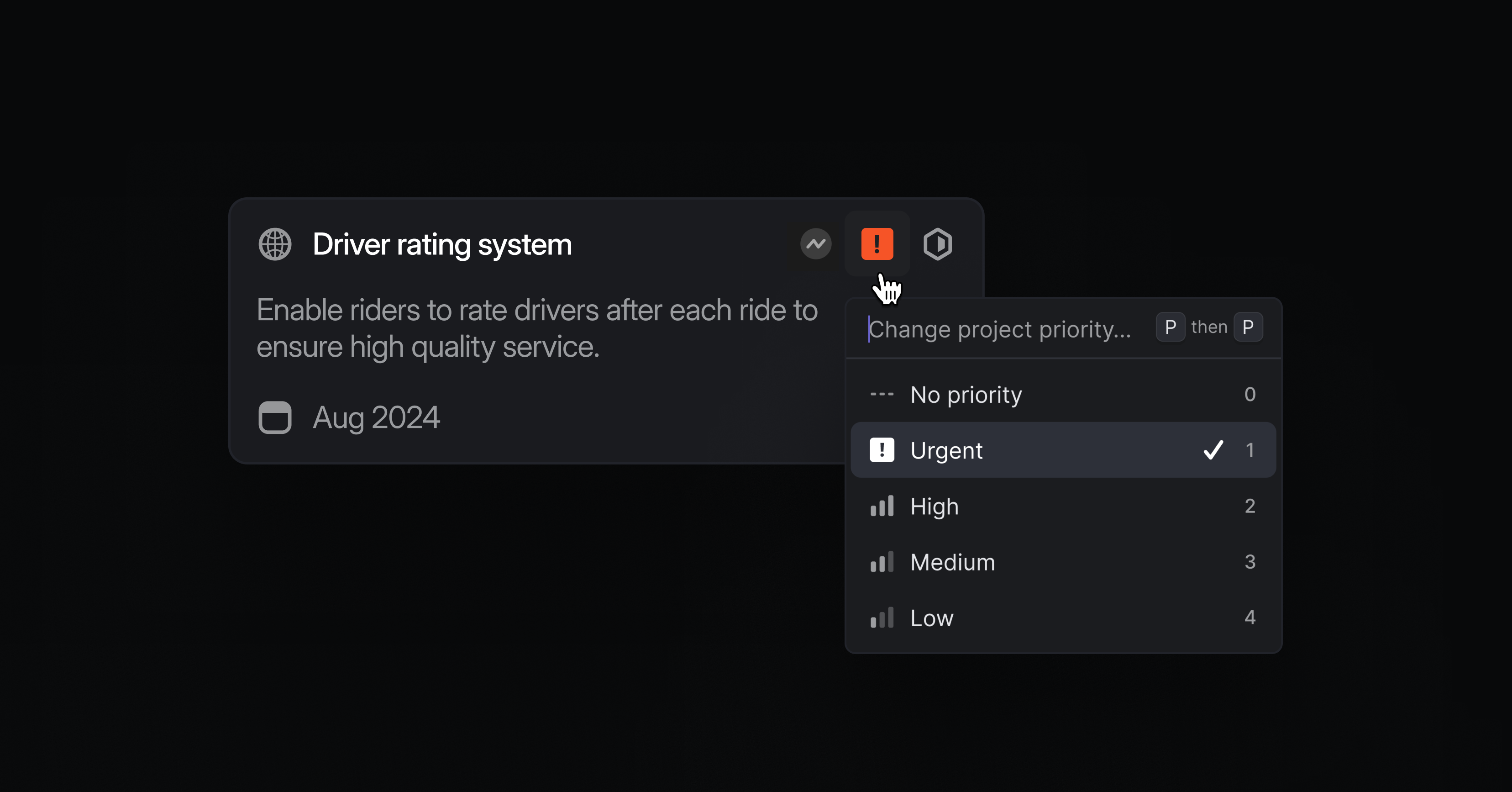
Priority for projects
We've improved how prioritization works in Linear. You can now give projects a priority level, ensuring the most important projects are always in focus. Project priorities use the same scale as issues (Urgent, High, Medium, Low, or No priority).
Micro-adjust priority
Sometimes you want to indicate that a specific piece of work is more important than another one, even if they share the same priority level. You can now do this by micro-adjusting the priority within a list of issues or projects.
On any view ordered by priority, simply drag & drop an issue or project above other ones to indicate it is more important. The exact position will be saved globally across your workspace, so that anyone else looking at a view ordered by priority will see these issues or projects in the same relative positions.
If the moved item is dragged above an issue or project with a different priority level, it will adopt the priority level of the item right below it. By default, items without an assigned priority level are now always sorted last. Learn more by visiting the docs or watch Sagan from our product team walk you through how to micro-adjust priority.
GitHub Enterprise Server
We've expanded Linear's pull request support to self-hosted GitHub Enterprise Server. You can now install the new integration to link Linear issues with a GitHub instance that's hosted in a custom URL. The integration doesn't require new firewall rules and is designed to fulfill the security requirements of our most demanding customers who decide to host GitHub themselves.
GitHub Enterprise Server will support the majority of the functionality of our existing GitHub integration with the exception of issue syncing and commit linking. GitHub.com and Enterprise Cloud users should use our existing GitHub integration and the new one is only meant for Enterprise Server customers.