Project dependencies
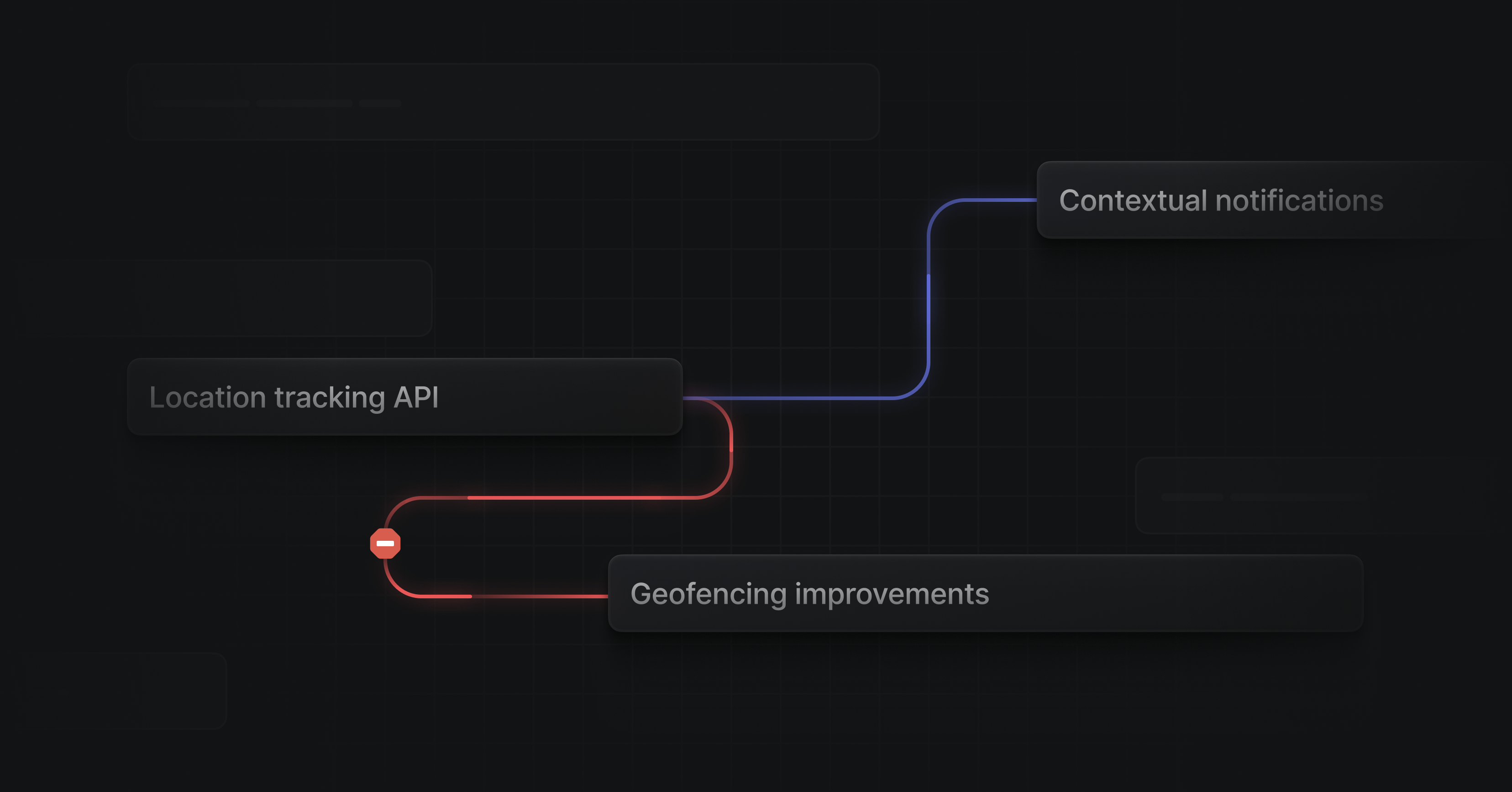
Project dependencies
You can now create and visualize dependencies between projects. Easily identify blockers and critical paths when planning out your work.
Add project dependencies directly from the timeline or from the project overview page. If a blocking project ends after its dependencies are set to start, the connecting line will turn red and receive an indicator badge.
When you move a project around on the timeline, its dependencies will automatically adjust to compensate.
- Projects that have already started will remain in place
- Hold Shift to shift the full dependency chain of projects
- Hold Cmd/Ctrl to ignore constraints and just move a single project
Persisted drafts
Drafts have a new home in Linear. You will now find any issues, comments, and project updates that you've started writing but haven't yet published in a dedicated drafts page, accessible from the sidebar (only when you have existing drafts). Drafts are saved across all clients, so you can start an issue or a comment on one device and finish it on another.
Search improvements
We redesigned search to make it much faster and easier to find results.
- By default, results will include all matching issues, projects, and documents which you can view at once or by content type
- Results now show up in a split view, so that you can jump through them without losing context