New team issues page
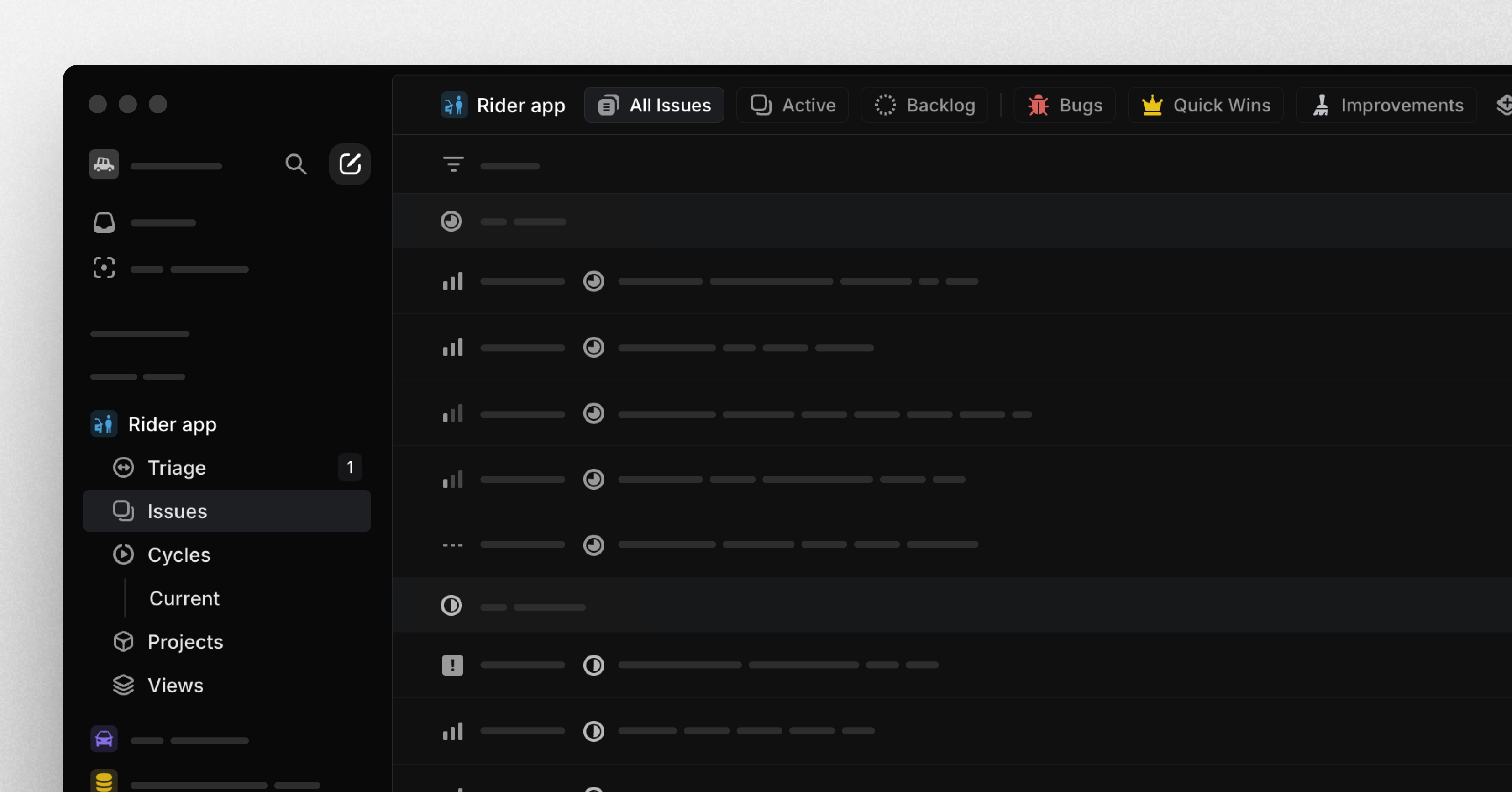
New team issues page
Team pages have been restructured to help you focus on your most important issues.
The main views — All Issues, Active, and Backlog — now appear as tabs at the top of your team issues page. You can also create and add custom views as tabs to support your team's specific workflows and build shared context.
For example, you can create custom views for high-priority bugs, quick wins, or quality improvements. Navigate between views quickly using keyboard shortcuts: press [1] for All Issues, [2] for Active, [3] for Backlog, and [4-9] for your custom views.
New Zapier integration: Instant triggers and new actions
We've rebuilt the Zapier integration for improved speed and reliability. Upgrade now to access instant triggers, which update immediately after actions are taken in Linear (previously, updates could take 1-5 minutes).
We've also added a trigger for project creation, support for templates during issue creation, and several brand new actions: create a project, add an attachment, and update existing issue.
With these updates, you can create automated workflows such as:
- A form that anyone can fill out to propose and create new projects
- Create a corresponding Google Doc for every new project
- Link an issue to every file posted into a Slack channel
To upgrade, go to Zapier and update each Zap to use the the latest Linear integration (v4.4 or above). Earlier versions of the integration will be deprecated on April 24, 2025 (in 6 months), so create an issue to upgrade before that date.