Improvements for SLAs, templates, and Jira & GitHub Issues Sync
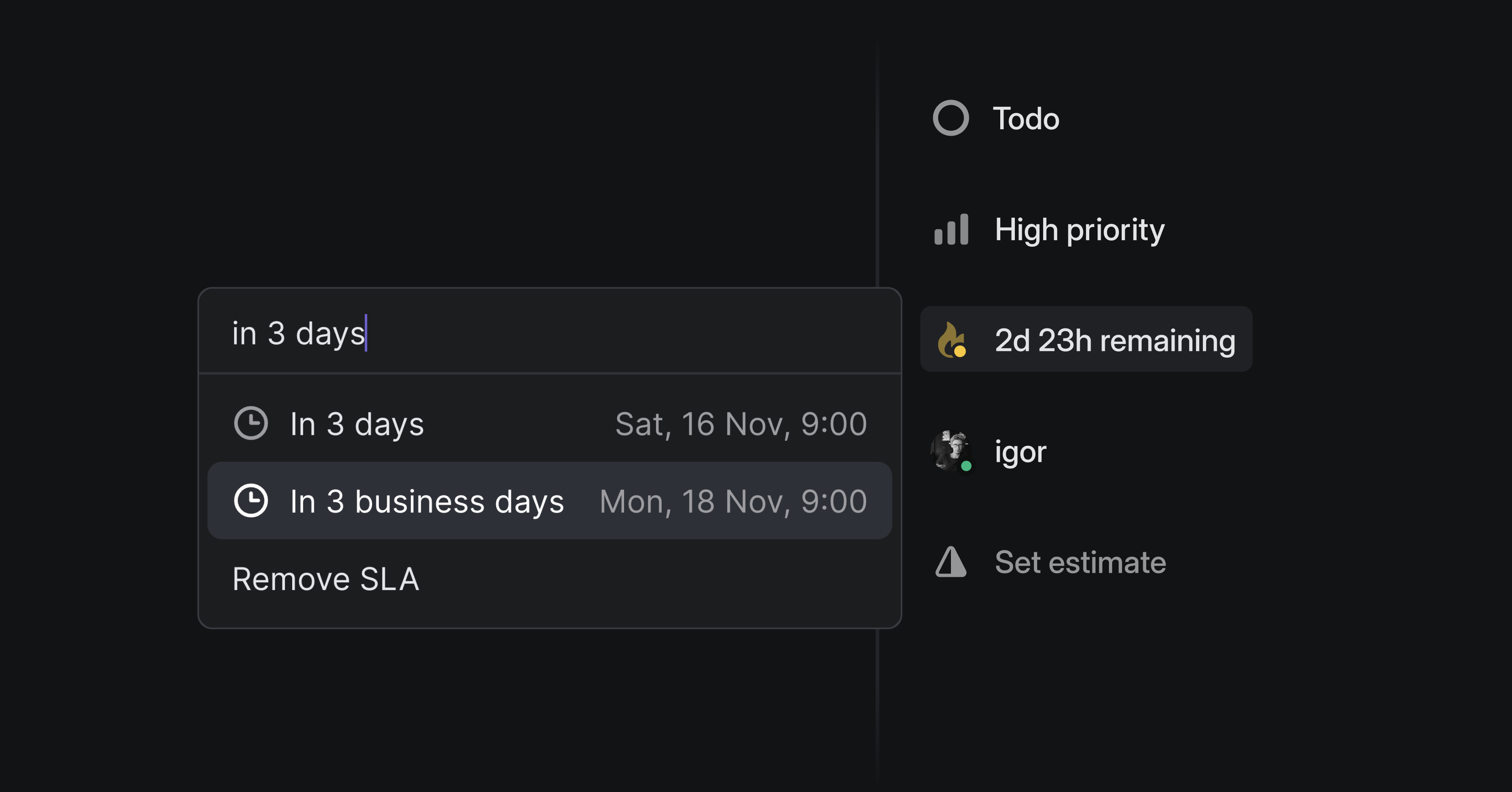
Improvements for SLAs, templates, and Jira & GitHub Issues Sync
This week we improved a few features that weren't quite living up to their potential. They each had small limitations that were annoying and prevented some teams from using them well, or at all.
Business Day SLAs
SLAs are a great way to ensure consistency in responding to issues and bug reports. Now you don't have to worry about SLA deadlines landing on a weekend or coming in on Monday morning with a bunch of broken SLAs. Confidently set SLA parameters and trust that they will behave the way that your team needs. Configure your SLAs to follow business days from settings or update individual issues by selecting the SLA and typing "n business days" in the custom option.
Nested sub-issues in Templates
Templates can help you standardize processes and automate issue creation. You can now add multiple layers of nesting in issue templates to create issues at the level and granularity you need. Spec out project templates in full detail by adding sub-issues to project tasks.
Improved notifications for Jira & GitHub Issues Sync
We now indicate when issues sync (or fail to sync) with Jira or Github Issues. You can bidirectionally sync Linear issues with Jira and GitHub Issues, for instance to manage open source projects from Linear. Previously it was hard to tell if a Linear issue you were looking at successfully synced or if there had been errors. This information is now clearly visible in banners on Linear issues.