Initiative updates
Initiative updates
Keep up-to-date on strategic product work using initiative updates.
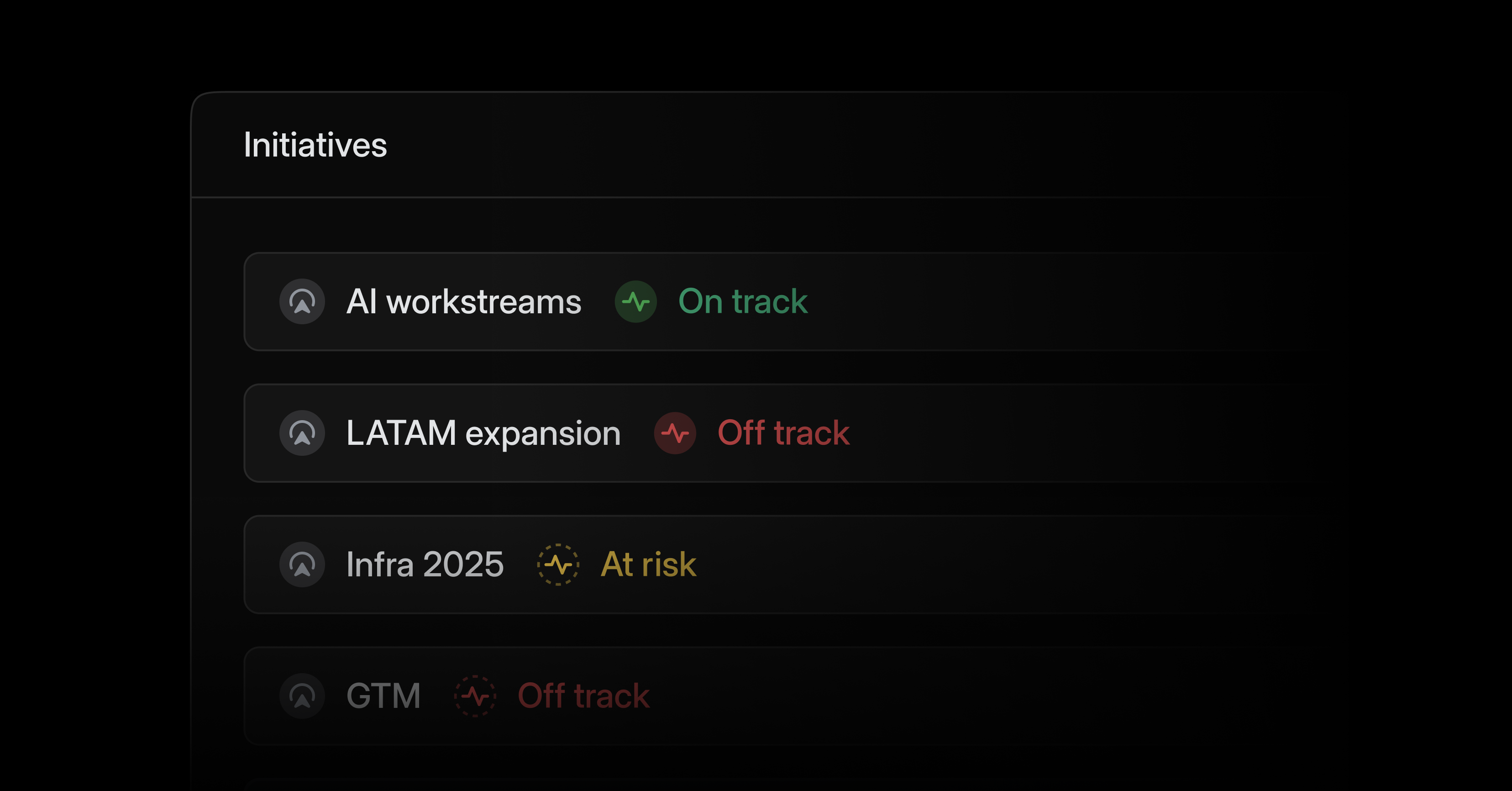
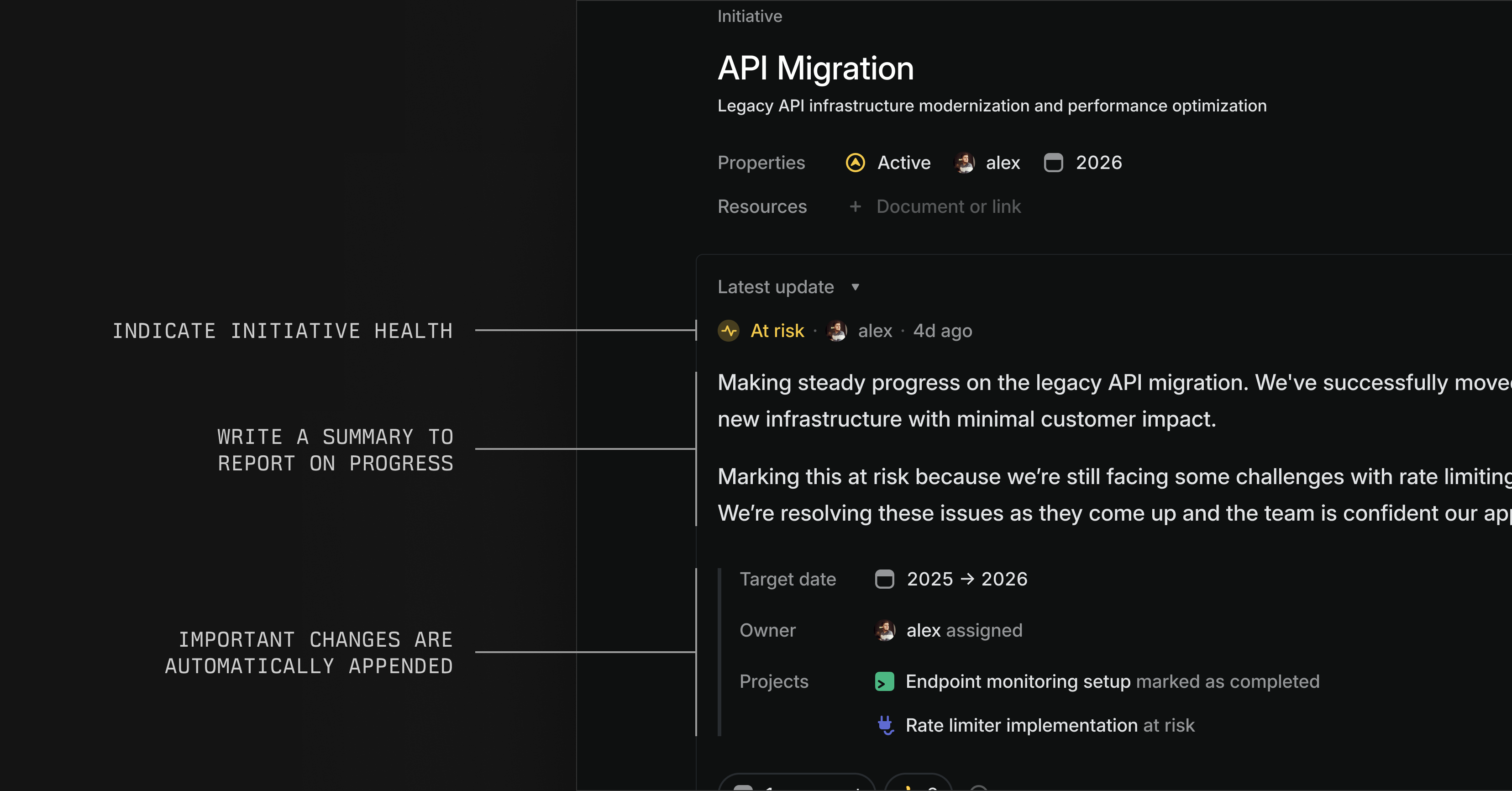
Write initiative updates to report on progress and summarize work across multiple projects. Important changes like revised target dates are automatically appended to updates. From the initiatives list, monitor health across all initiatives, quickly read individual updates, and leave feedback.
Configure initiative updates to cross-post to Slack for additional visibility. Comments and reactions sync bi-directionally and appear in both Linear and Slack.
The latest initiative and project updates now display in their respective overview tabs.
Schedules for project & initiative updates
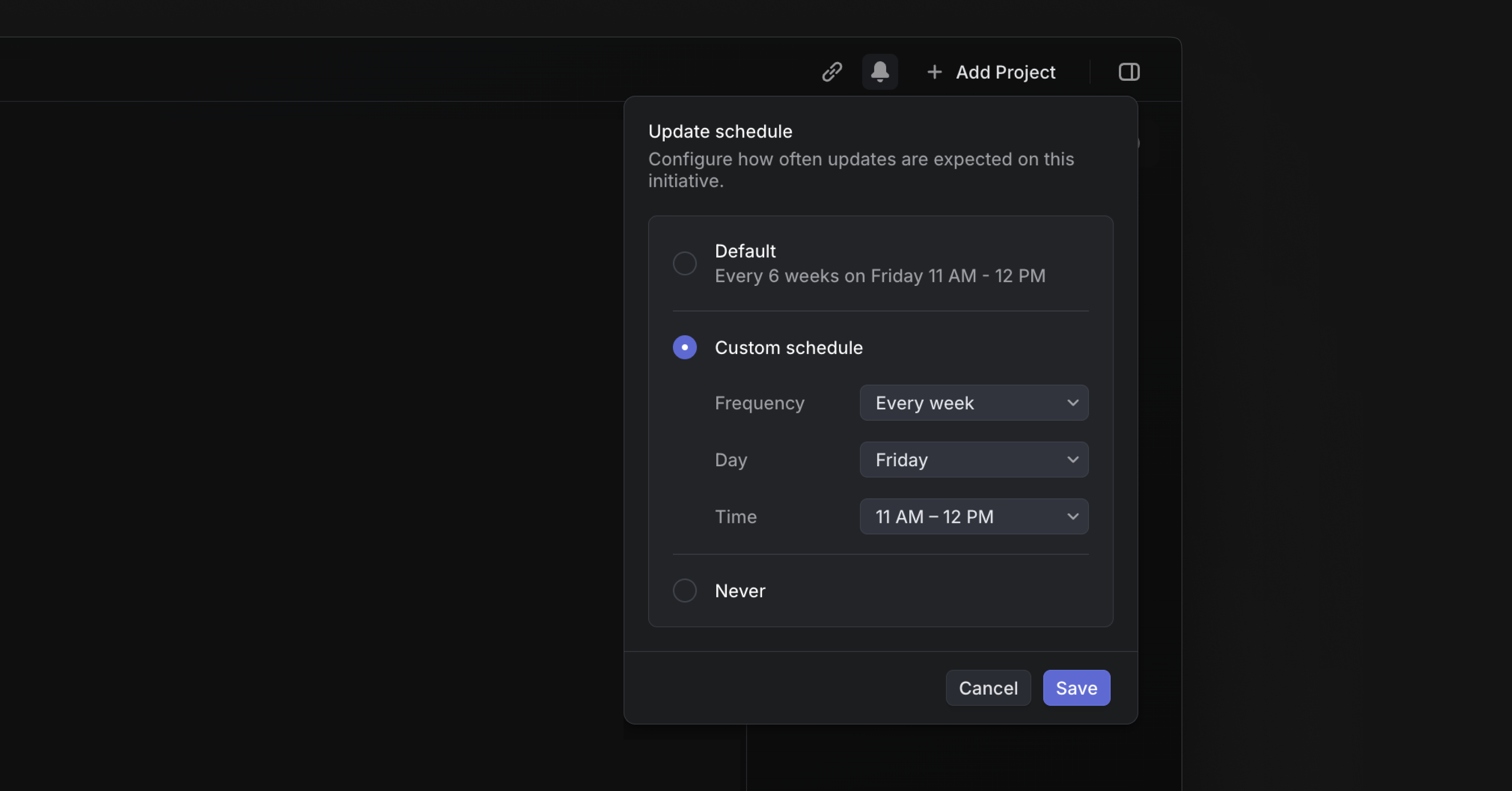
Set expectations for how often project and initiative updates should be posted. Align updates with specific meetings or change the frequency of updates for individual projects and initiatives as needed.
Project leads and initiative owners will get a reminder in their Inbox when they need to share an update and follow-up reminders if the deadline has passed and the update is still missing.
Copy Issues as Markdown for LLMs
Copy issues and documents as Markdown with Cmd Opt C, or from the command menu. When copying an issue, this command captures its full context — including title, description, comments, and customer requests — in a structured format for use in AI chat tools.
Copy multiple issues at once by selecting them on a list or a board and using the same command.
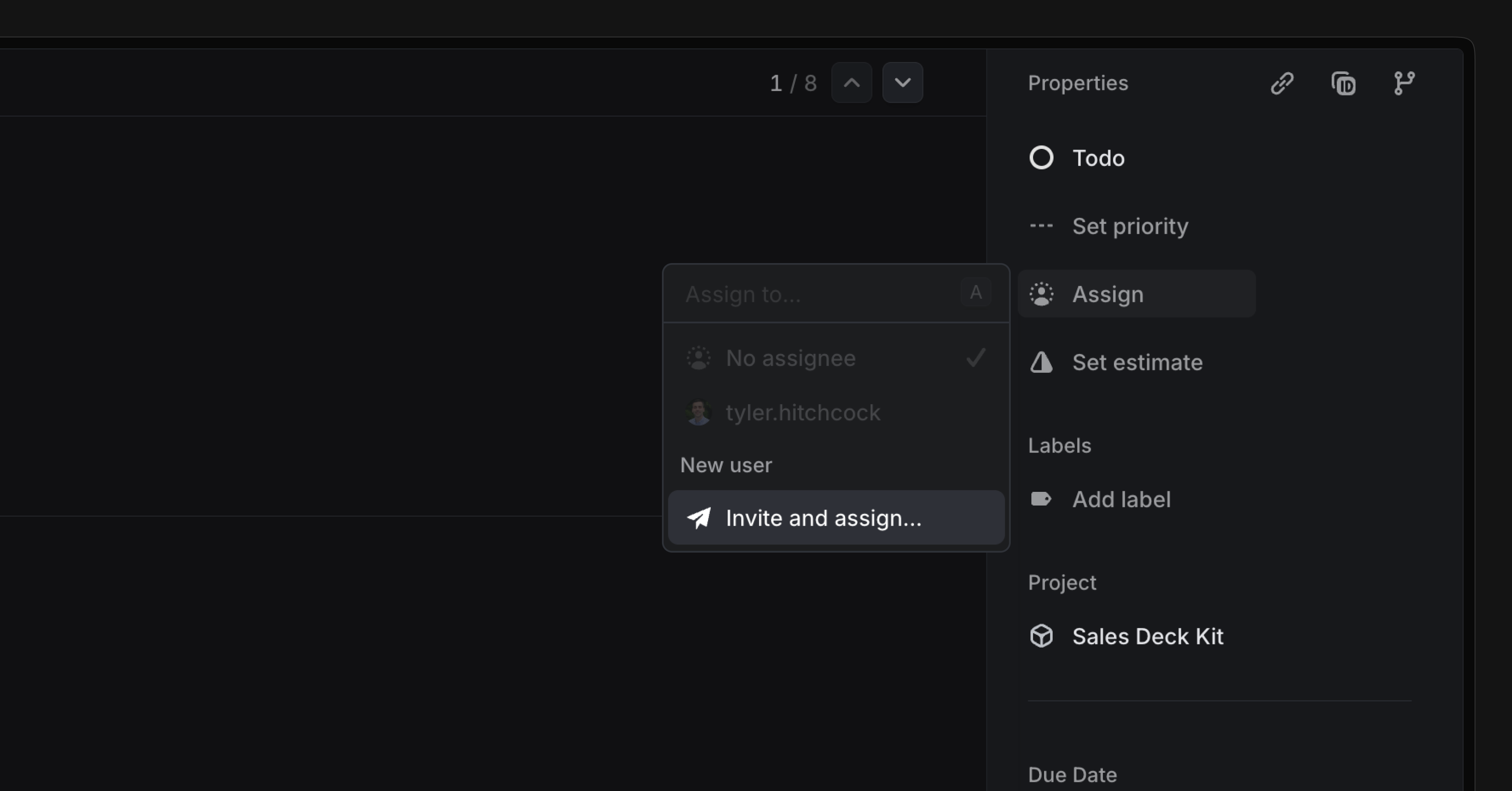
Invite and assign
You can invite team members to Linear and assign them to an issue at the same time. They'll see any assigned work in their Linear Inbox when they log in for the first time.