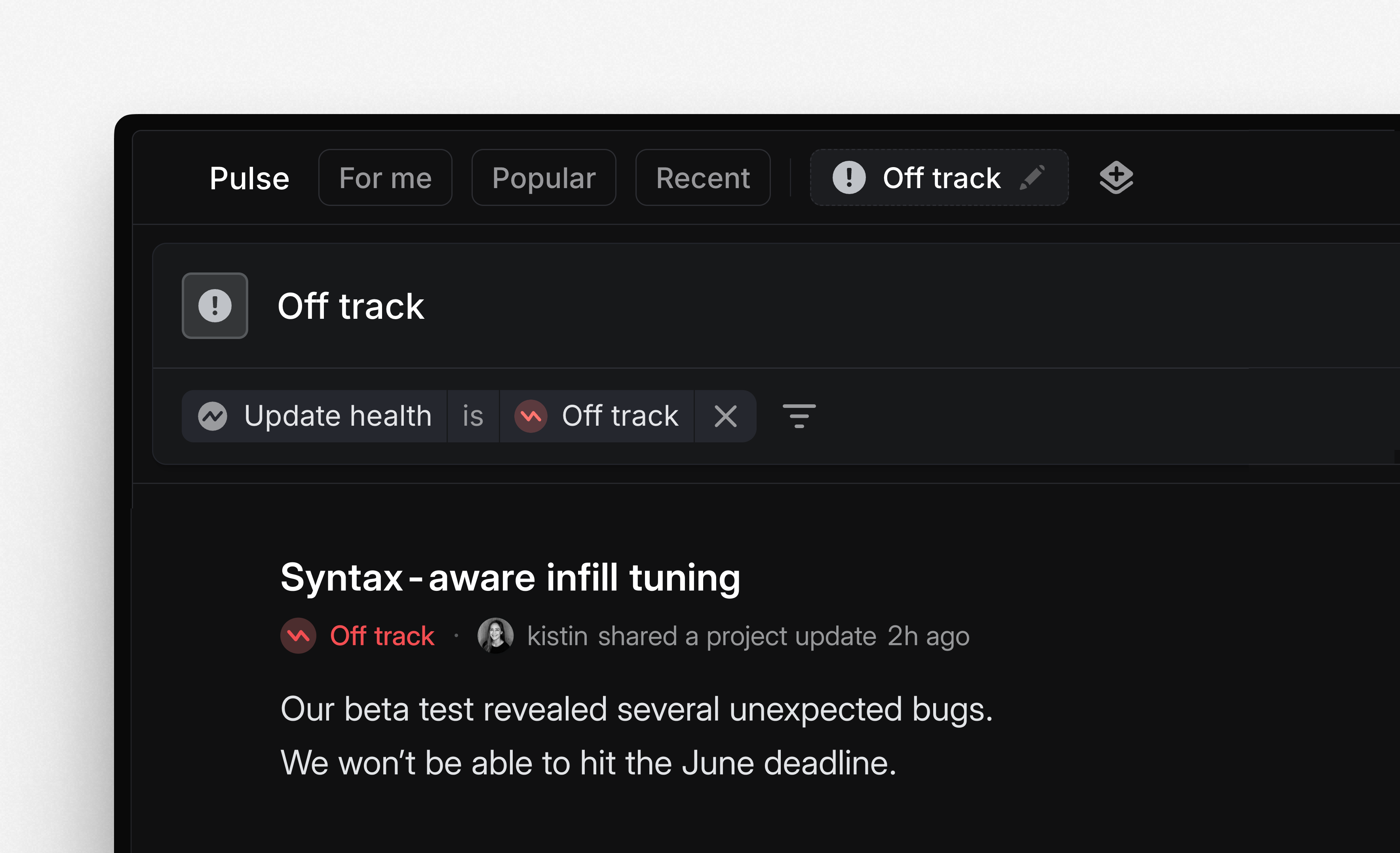
Custom feeds in Pulse

Create custom feeds in Pulse to focus on a targeted subset of updates. Filter recent updates by author, team, project, initiative, status, and more—then save as a personalized custom feed for future access. These custom feeds are only visible to you and not shared with others.
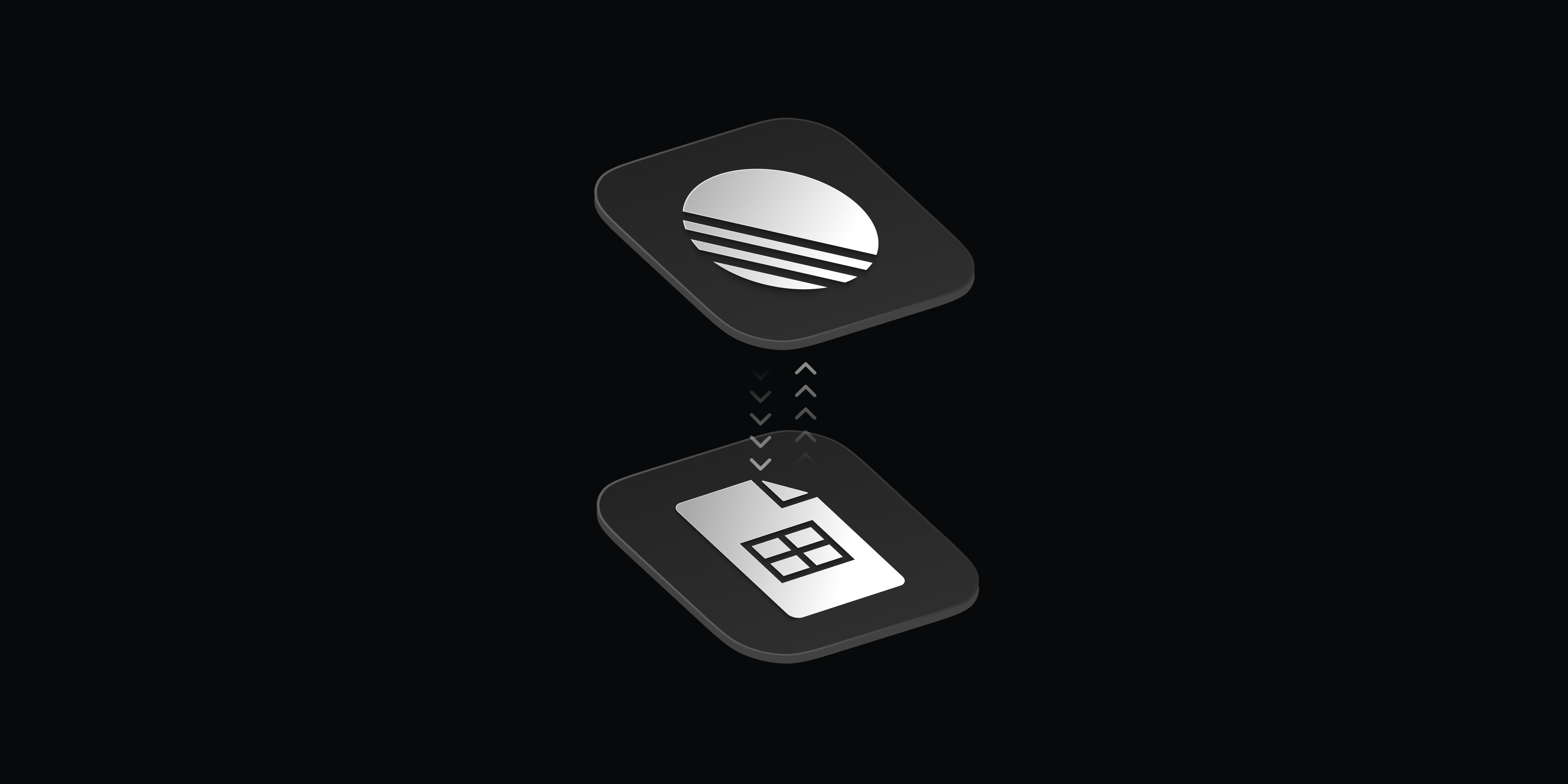
Projects in Google Sheets
Our Google Sheets integration now supports syncing project data in addition to issues. Projects sync to their own dedicated Google Sheet and include all key project properties like status, priority, target date, lead, customer request count, etc. Use this sheet to power external analysis and workflows.
To get started, enable the Linear Google Sheets integration from settings and toggle on Sync projects. To get an idea of how to use the synced sheet, see a basic example here.
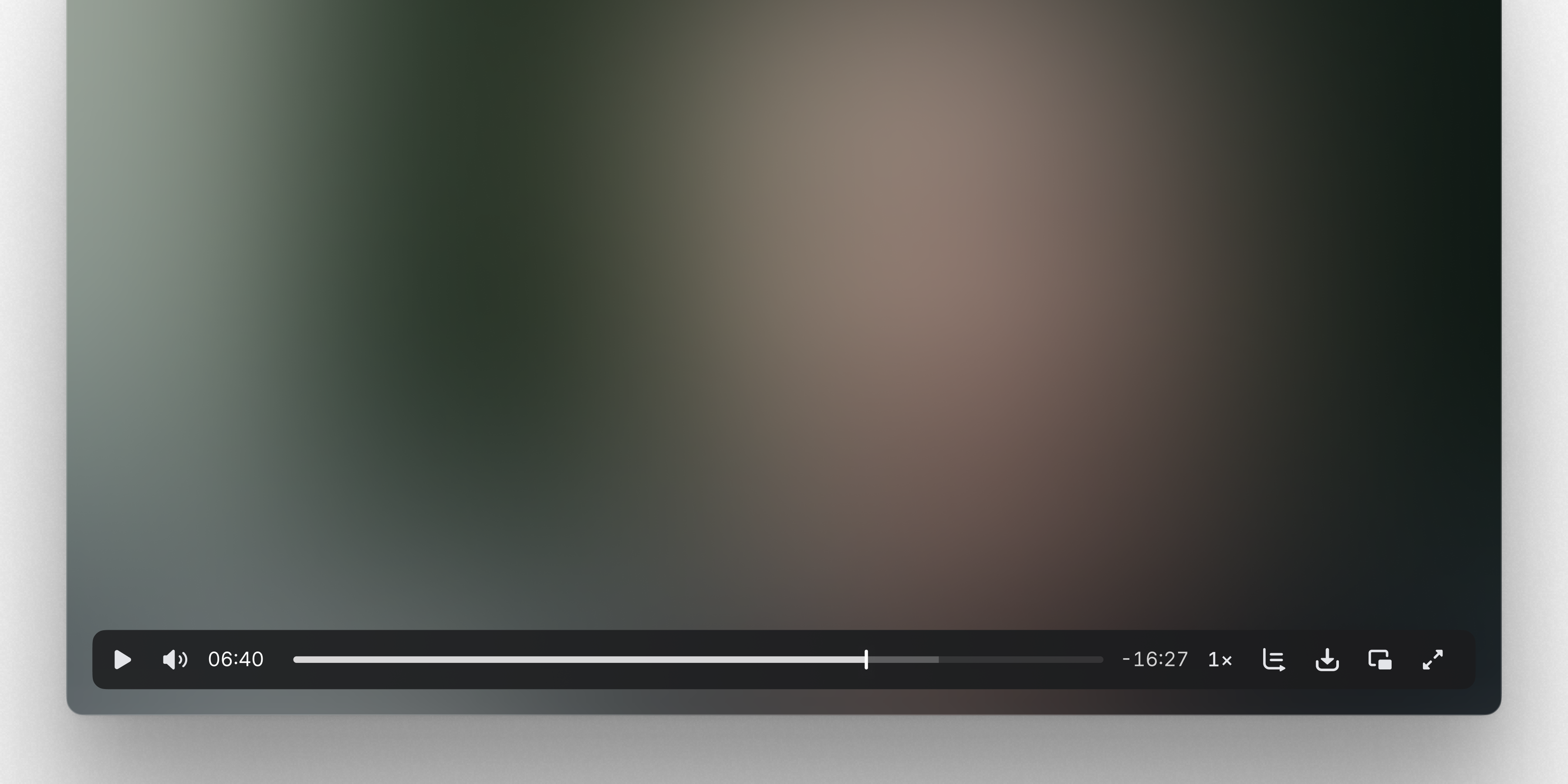
New media players
We’ve redesigned our video player and added a new audio player to improve the media experience in Linear. Drop a video or audio file into an issue, document, or comment to try it out.
Both players support custom controls for adjusting the playback rate, changing volume, and downloading the file. Dozens of new keyboard shortcuts let you control the playback including:
- Seeking ←→ by percent 1234567890 and by frame ,.
- Volume ↑↓ and mute M
- Playback rate <>
- Fullscreen F and picture-in-picture P
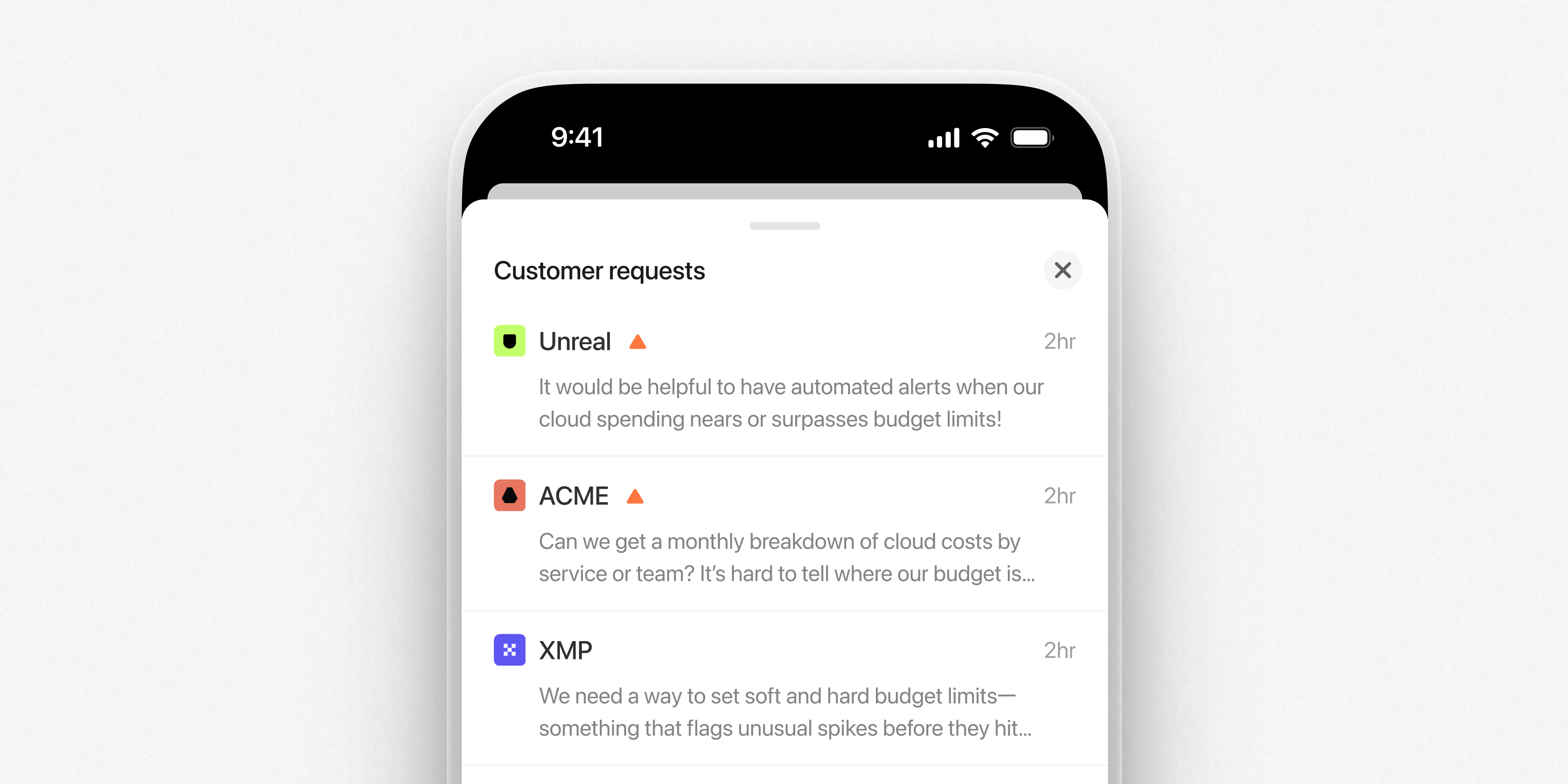
Mobile apps: Customer requests
The latest mobile release brings full support for viewing customer requests on the go. Browse requests linked to projects and issues, open customer pages to view all of their requests and mark them as favorites.
Also available on the Android app:
- You can now save drafts for project and initiative updates
- Pulse audio is now supported
Update now on iOS and Android.