Linear for Agents
Build and deploy AI agents in Linear that work alongside you as teammates.
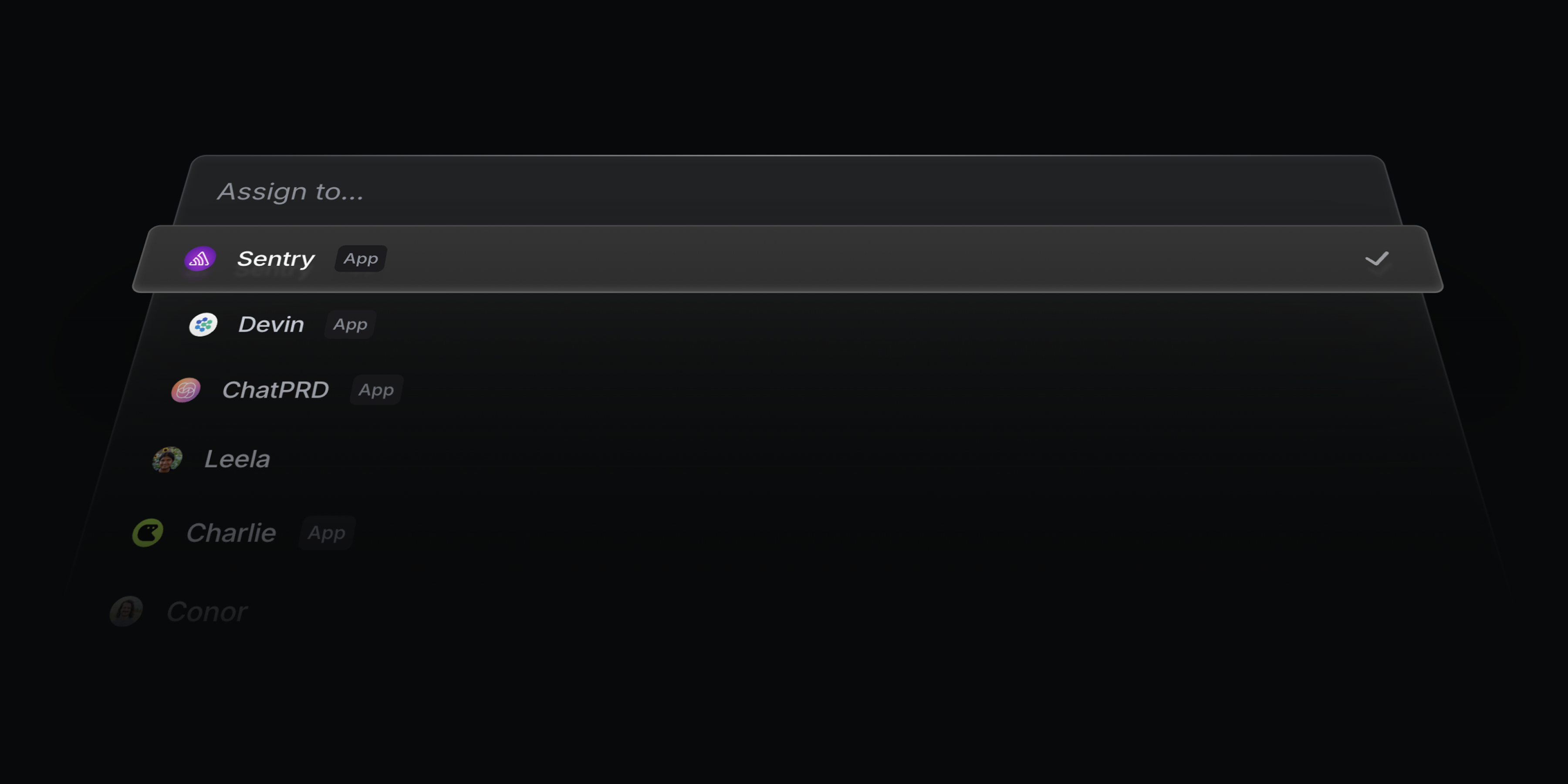
Agents are first-class users in Linear. Assign them to issues, add them to teams and projects, and @mention them in comments – just like any other member of your workspace. Each agent has a full user profile and is clearly identified as an app user, so you can see what they are working on and track their progress.
Today, we’re launching with a first set of agents, each designed to support a different part of the product development lifecycle:
- Devin scopes issues and drafts PRs
- ChatPRD writes requirements, manages issues, and gives feedback
- Codegen builds features, debugs issues, and answers codebase questions
For a full list of available agents, head over to our Linear for Agents page. We’ll continue adding more to our Integration Directory over time, including upcoming agents from partners like Sentry and Intercom, which will be available very soon.
In addition to deploying third-party agents, you can also build your own. Agents you create can be used privately within your own workspace or submitted to the Integration Directory to share with the broader Linear community. To get started, check out the new Agent API in our Developer Docs and join the #api-agents channel in our community Slack to connect with other developers building agents.
LLM summaries for document content changes
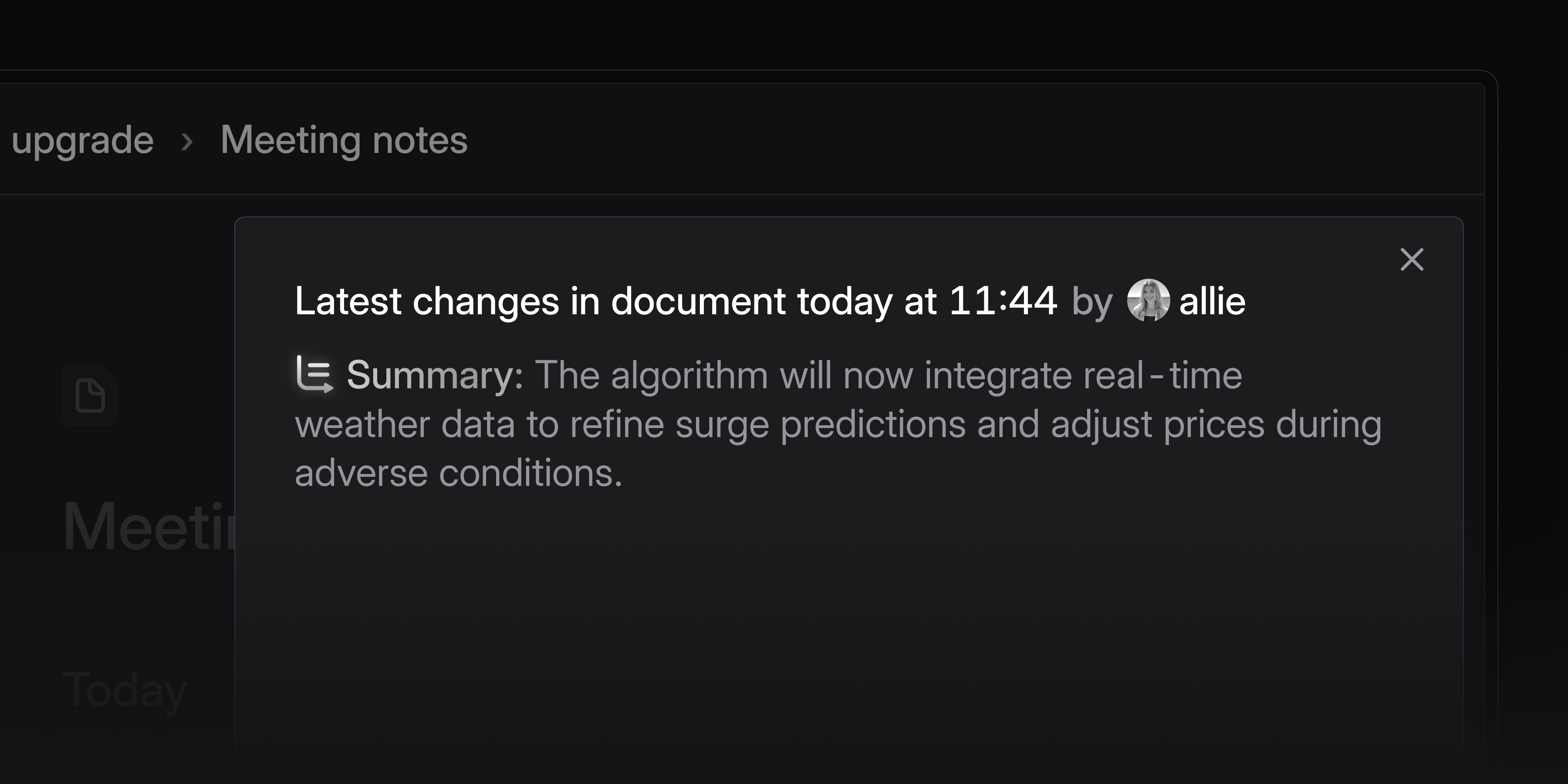
We now generate AI summaries for document changes, so you can quickly see what’s been updated. These summaries appear in inbox, email, and Slack notifications for document and project description changes. We automatically filter out minor changes that fix grammar, styling, or typos.
Sortable column headers
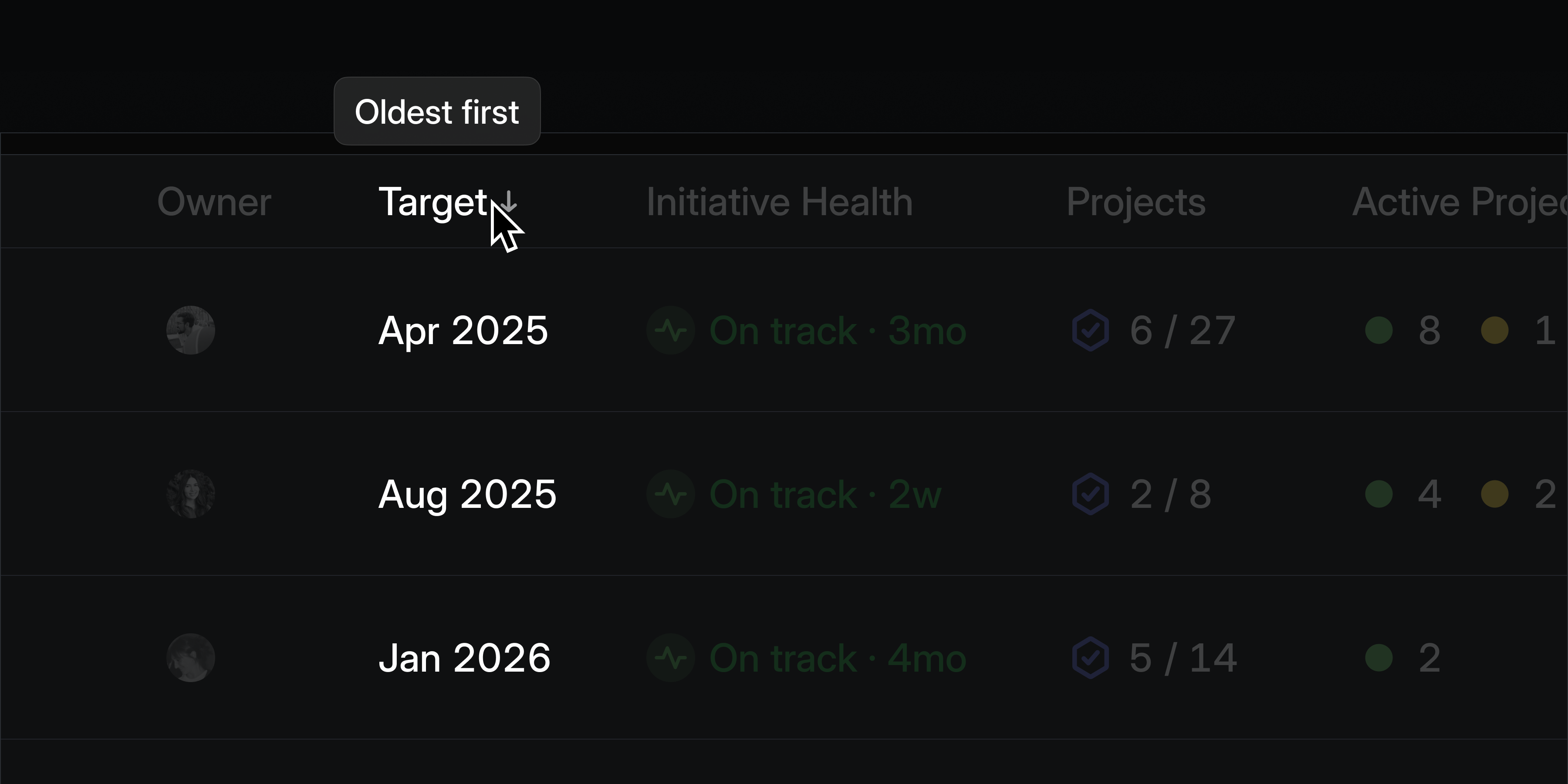
Click on a column header in any list view to re-order the list by that column. Click again on a sorted column header to update the sorting direction. This is supported on lists views such as projects, initiatives, and the members page in settings.