Project labels
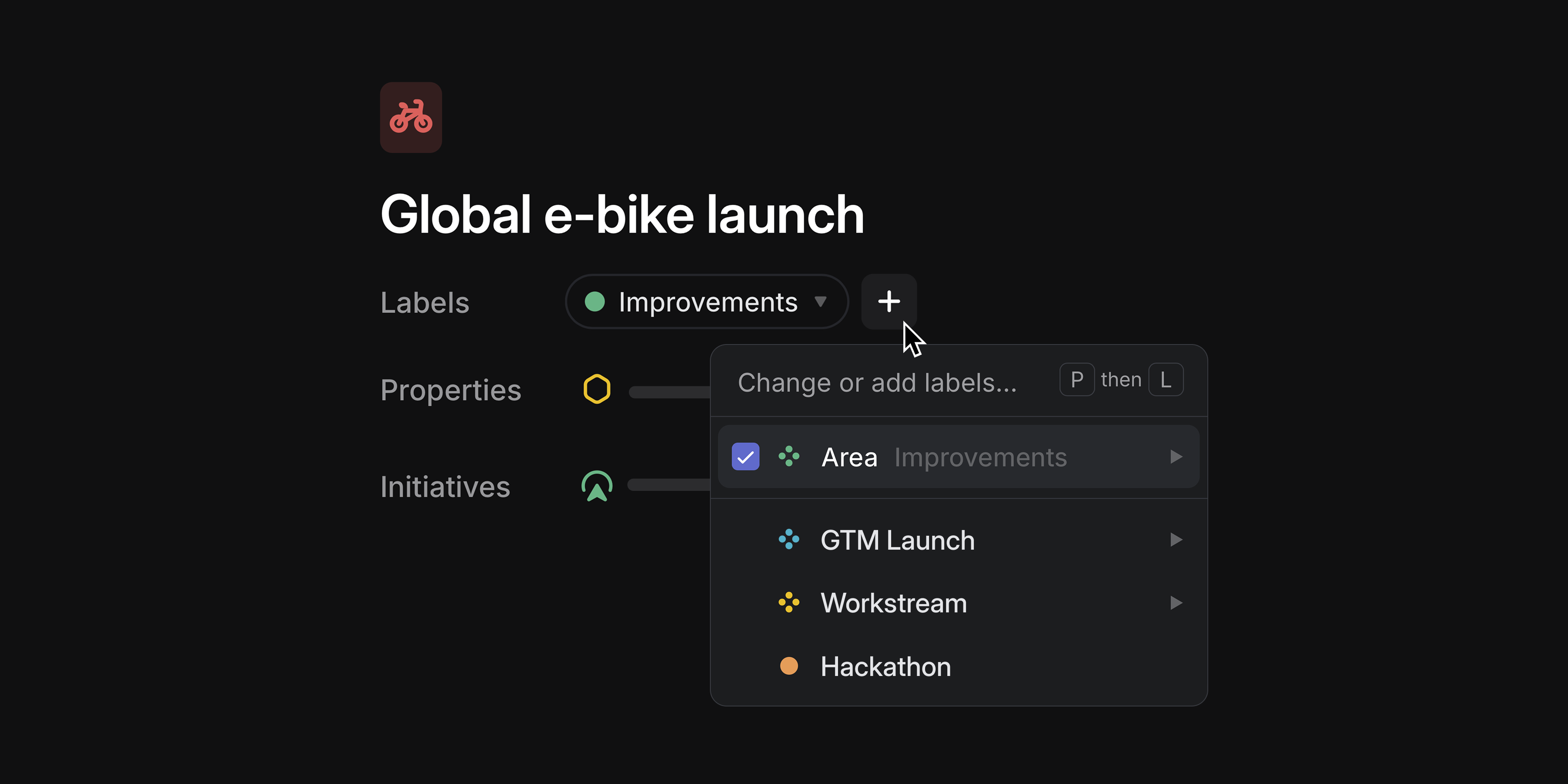
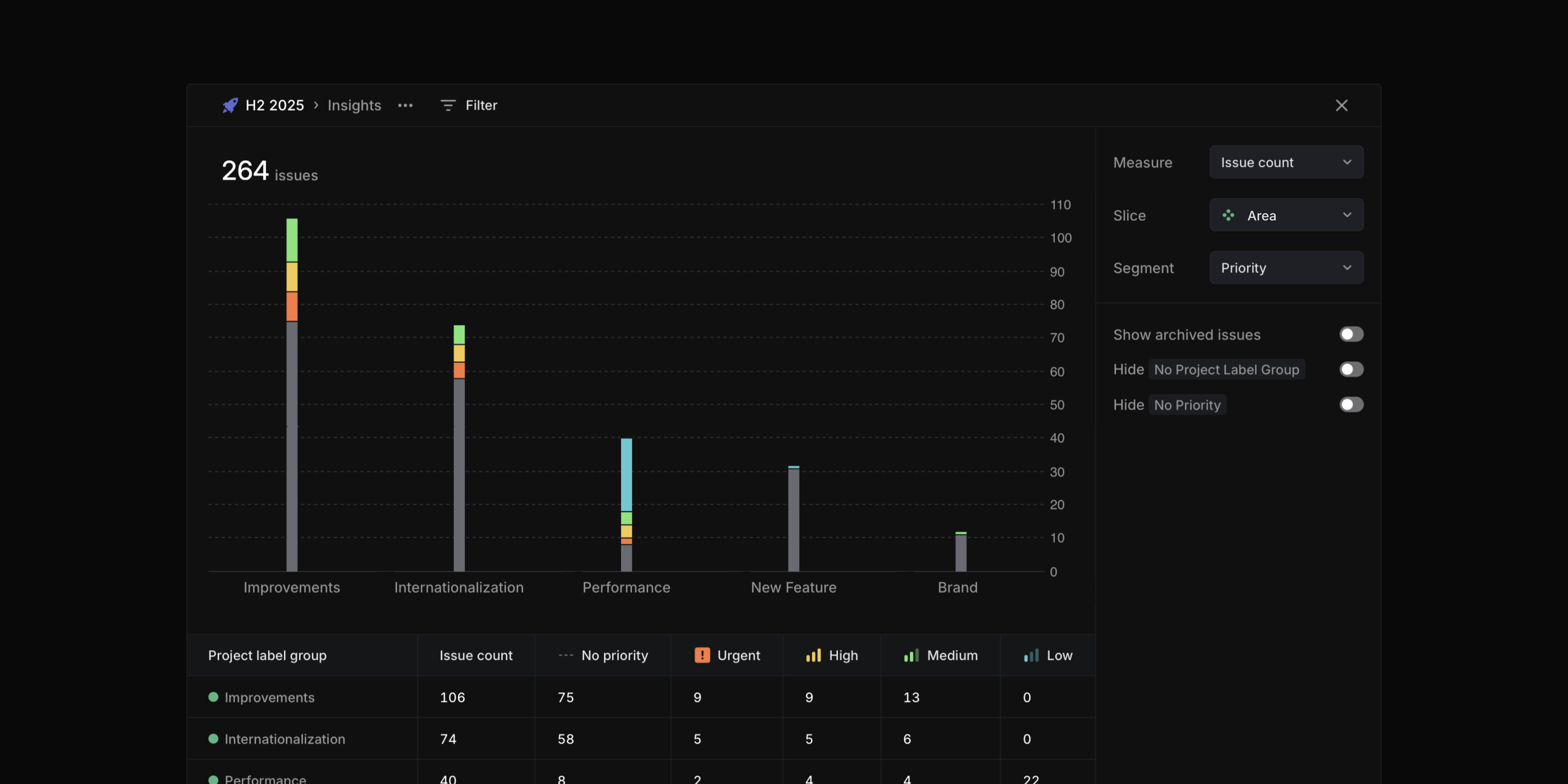
Organize projects across your workspace with project labels. Apply labels to categorize projects with custom attributes, so you can group, filter, and view them in ways that are unique to your organization. Project labels work with custom views and are available within Insights as slice and segmentation options.
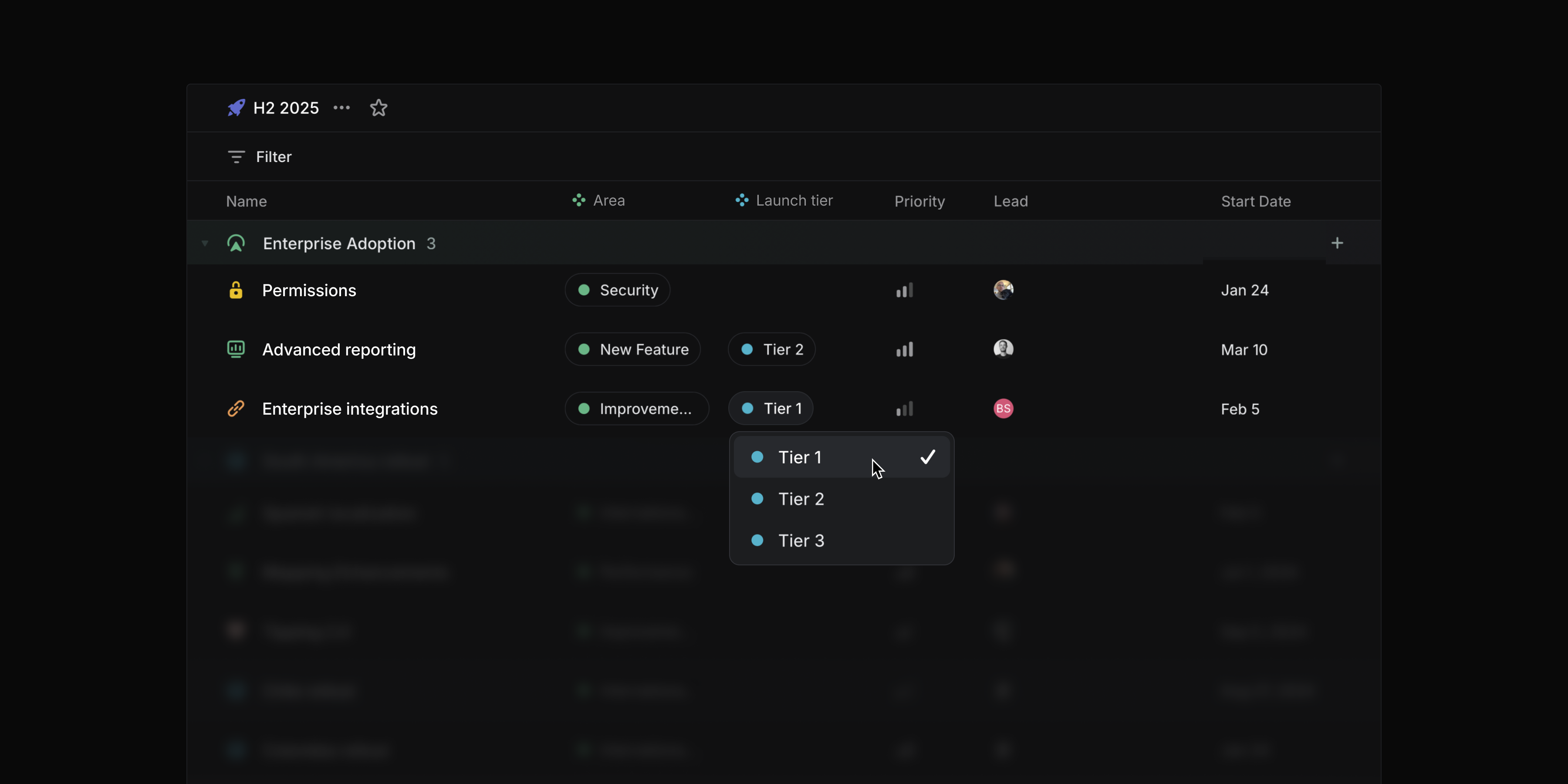
Project list views now support label groups as an explicit display property, giving each group its own dedicated column.
Create and manage project labels in your workspace settings.
Collapsible grouping headers
You can now collapse grouping headers in issue and project views. Use the toggle button, double-click, or press T while hovering over a group to collapse and expand groups. Hold Opt/Alt to toggle all headers at once.
Editing performance
We've improved editing speed for large collaborative documents by as much as 50x. Table editing is now also significantly faster.
Series C fundraise
We’re happy to announce that we've raised an $82M Series C at a $1.25B valuation led by Accel. We remain focused on making product development and coordination across teams and tools effortless. Read more on the blog.