Email intake for Linear Asks
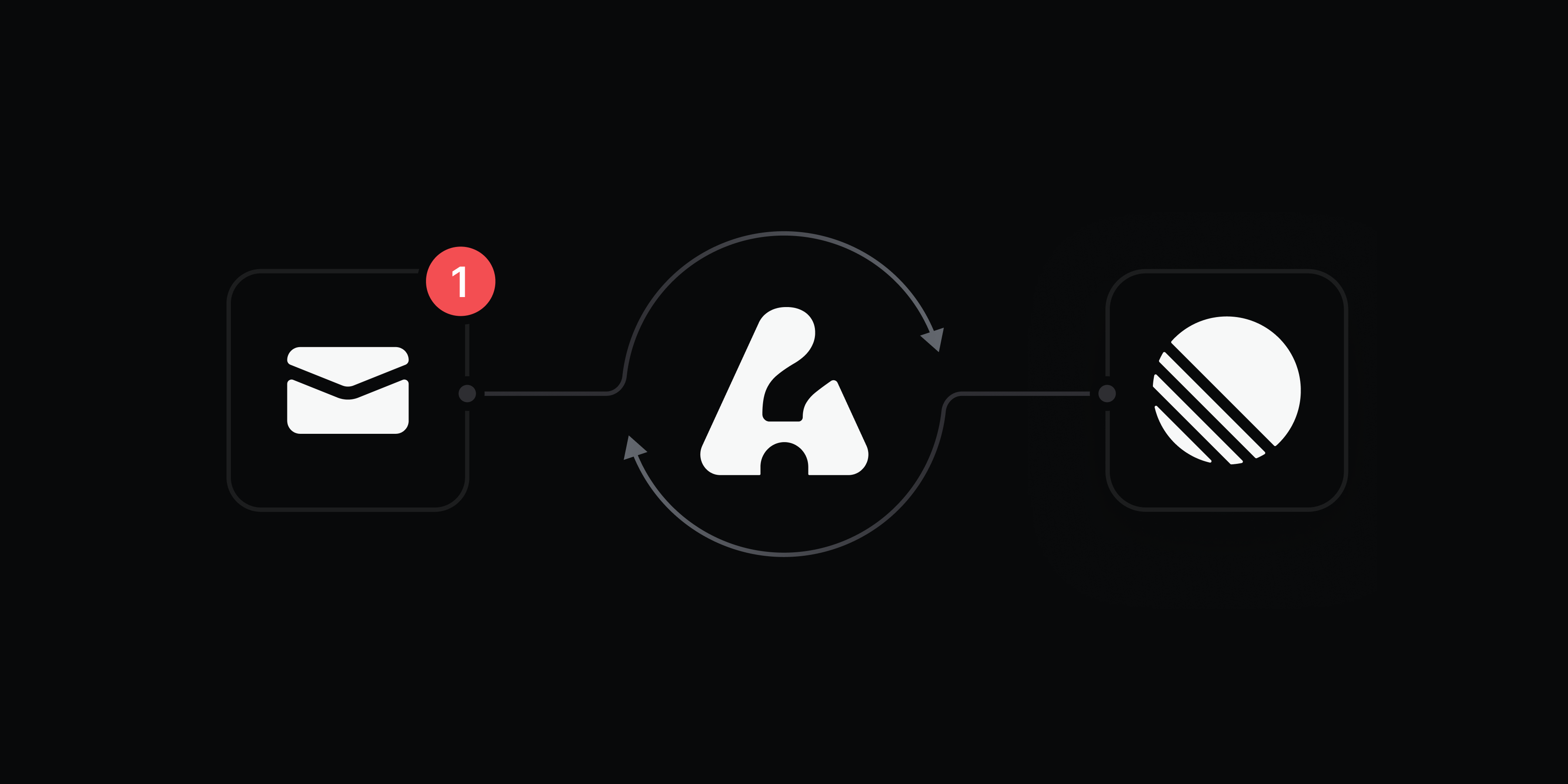
Turn any email thread into a trackable issue with Linear Asks.
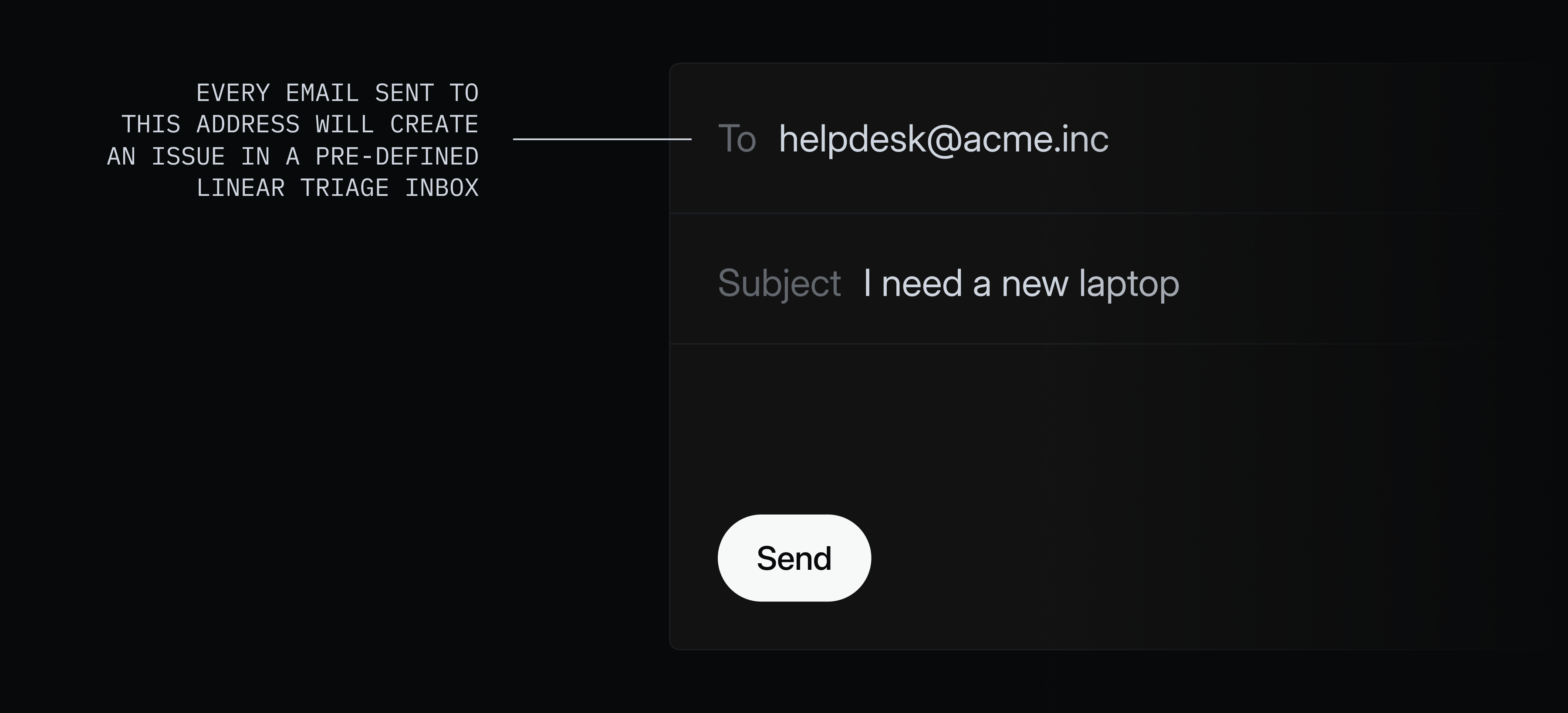
Asks helps internal teams manage workplace requests from Slack and email. Create designated email addresses – such as helpdesk@, legal@, or ops@ – and any messages sent, forwarded, or cc’d to those addresses will create an issue in the selected team’s triage queue.
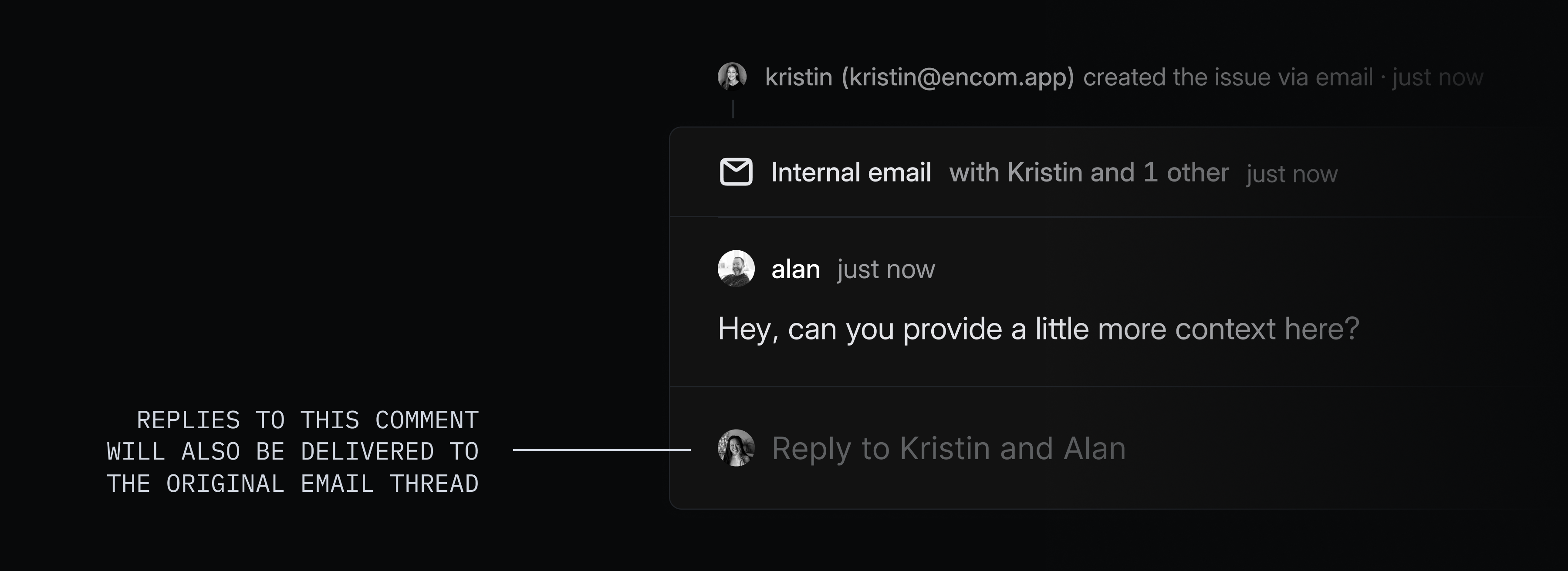
Comments sync both ways with the original email thread, so you can respond to the sender without leaving Linear and email replies will appear as new comments.
Asks is available on Business and Enterprise plans. To get started, go to Asks settings and create your first intake email.