Salesforce integration
Linear's Salesforce integration connects customer cases and account data from your CRM with product work in Linear.
Escalate customer cases to the product team by creating Linear issues or linking existing ones — directly from Salesforce. Customer-facing teams can submit feature requests, share product feedback, and report bugs affecting existing customers or impacting new opportunities.

Linear issue details are surfaced directly in Salesforce and updated in realtime. This lets you keep track of development progress, close the loop with customers when issues are completed, and engage prospects as soon as their feature requests ship.
Salesforce account data also syncs with Linear. Product teams can view customer requests alongside details like revenue, tier, and company size, helping them prioritize the most impactful product work.
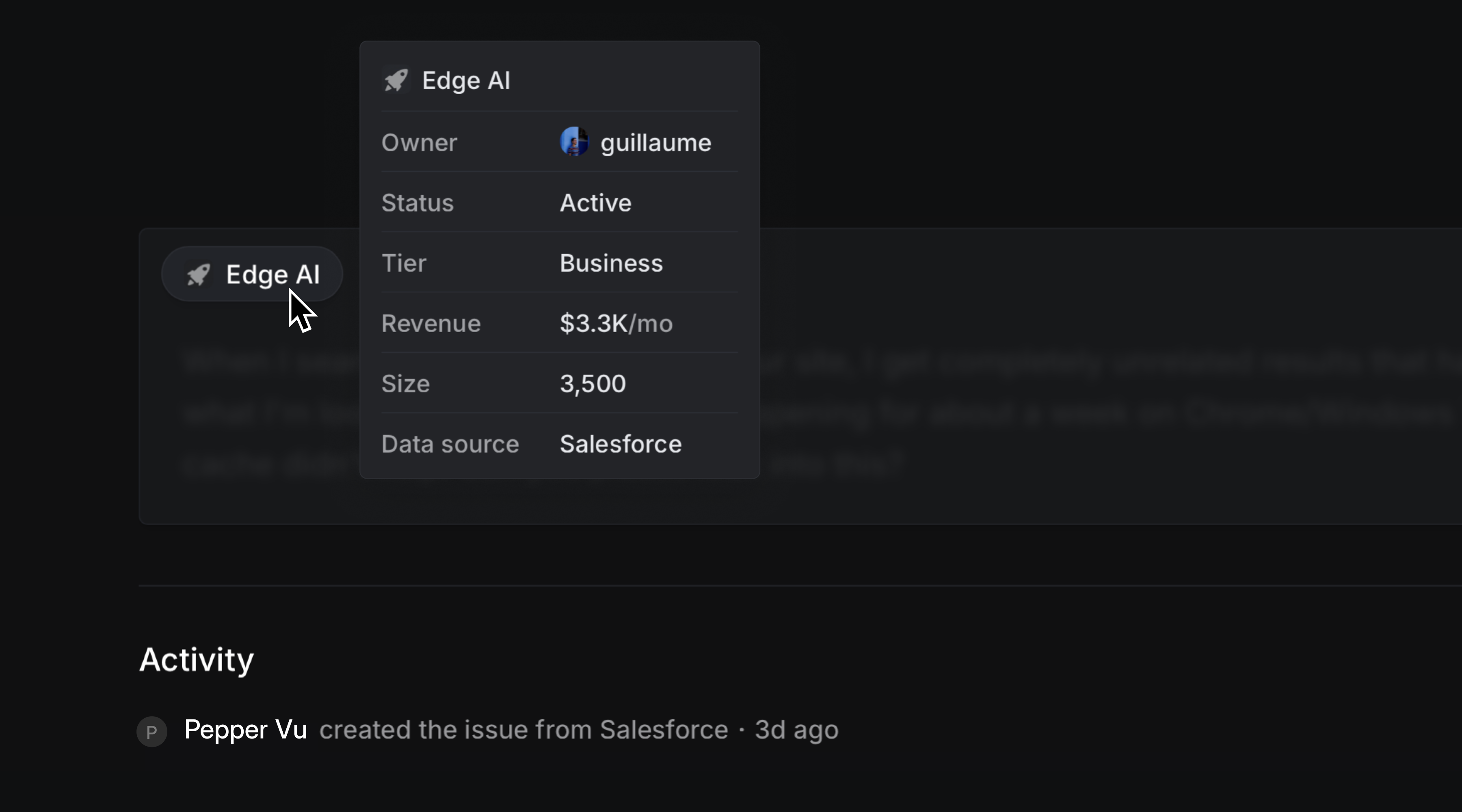
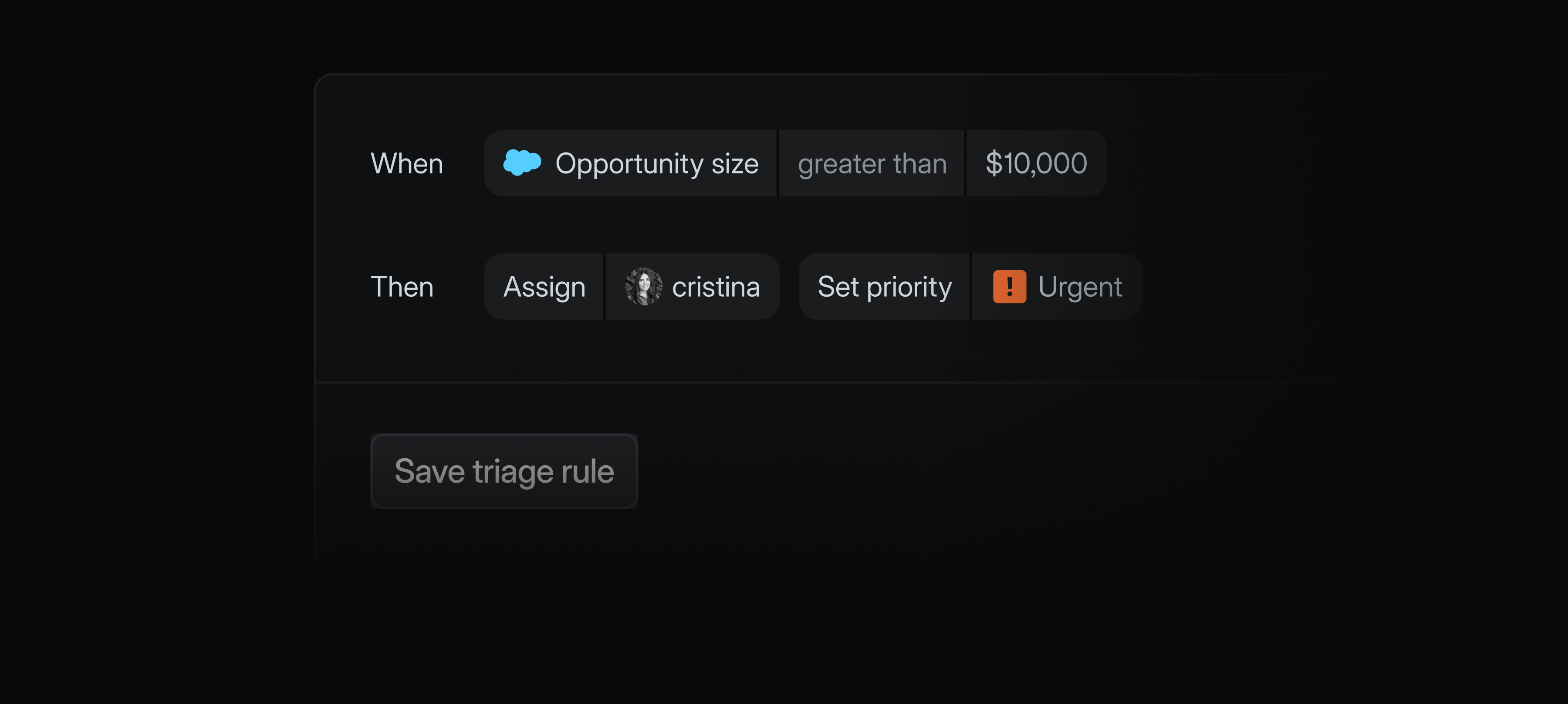
Any Salesforce case field can now be used to filter issues in Linear. Create custom views and stay updated with view notifications, or create Triage rules based on Salesforce case fields to automatically prioritize and route issues.
The Salesforce integration is available as a paid add-on to the Enterprise plan. Contact sales to learn more and request a trial.
Sync customer data
Customer attributes can now be synced from external data sources like Zendesk, Intercom, Front, or Salesforce.

Map attributes in Linear — like revenue, tier, status, customer owner, and company size — to corresponding attributes in your external system of record. Linear automatically syncs updates from your external data source, ensuring data in Linear always stay up to date.
To get started, head to customer requests settings and select a source. Customer data syncing is available on Business and Enterprise plans for Zendesk, Intercom, Front. You must have the Salesforce integration (add-on to the Enteprise plan) in order to sync customer data from Salesforce.