Issue discussion summaries

Discussion summaries now appear on issues with substantial activity. Read these summaries to understand what's happened in an issue without reading every comment.
Summaries capture decisions, blockers, debates and their resolutions, and key people involved. When new comments are posted, summaries automatically regenerate to reflect changes.
Citations point back to specific comments that support the summary's claims. Hover over a citation to view the source material and click through to read the original comment. Issue discussion summaries are available on Business and Enterprise plans. Learn more in the docs.
Updates tab on projects and initiatives
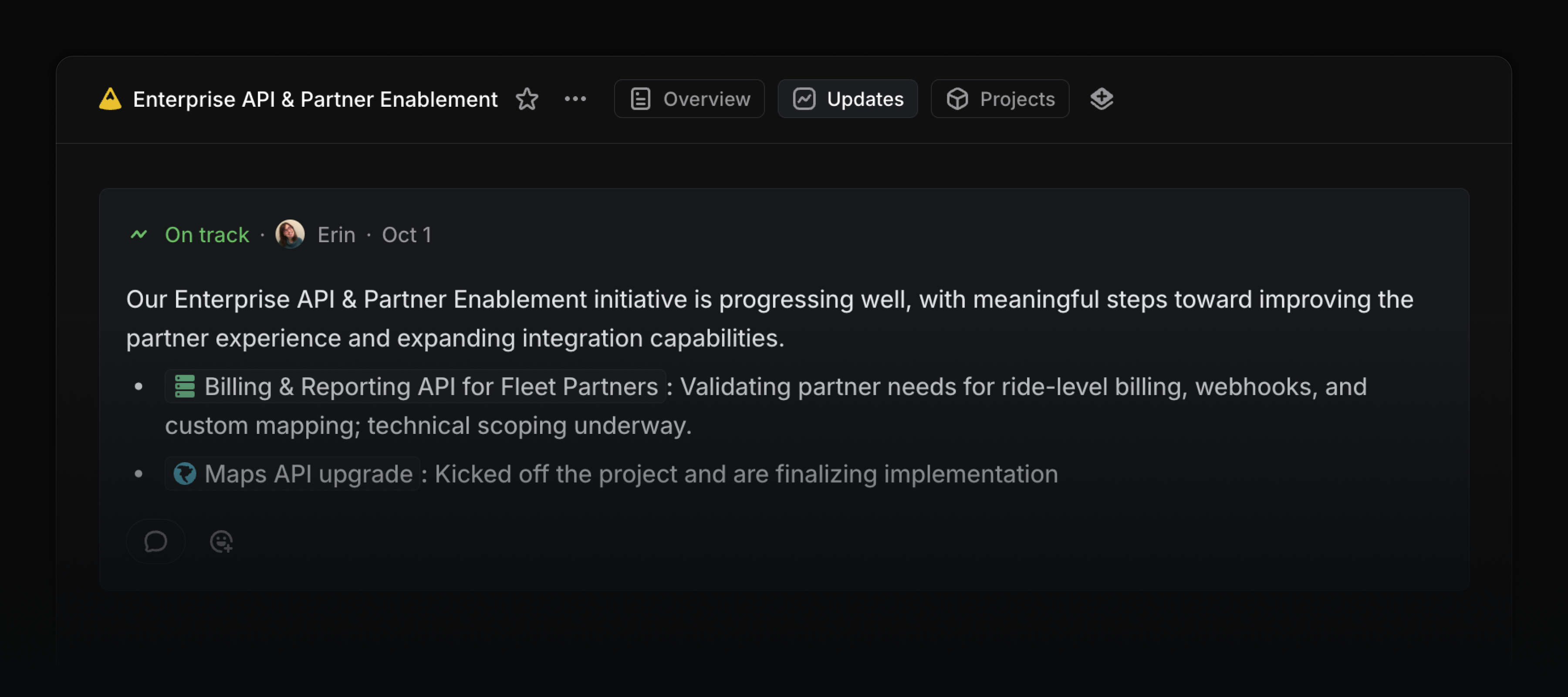
Visit the updates tab to see the history of all updates and changes to a project or initiative. Write new updates from this page and share the link with anyone in your workspace so they can track progress.
Updates appear in chronological order along with any changes to properties such as the target date, members, and milestones. On initiatives, display updates from sub-initiatives and projects, so you can see all relevant information in one place.
Sentry Agent
Use the Sentry Agent to run a root cause analysis on any Linear issue linked to Sentry. Once assigned to an issue, the Sentry agent will analyze the related stack trace, logs, events, and other metadata and share its findings. You can use this analysis as additional context when fixing the problem, either manually or using a coding agent.

Date mentions
Add date mentions in project descriptions, issues, and documents by typing @ followed by a date expression like @tomorrow, @October 12th, or @next Wednesday. Date mentions always resolve to the correct calendar date.
