Label descriptions and archiving
Label descriptions and archiving
Labels let you organize issues and projects in ways specific to your team or workspace. They can be used to define custom views and dashboards, or in Triage and SLA rules. We've made significant improvements to label functionality and management.
Label descriptions
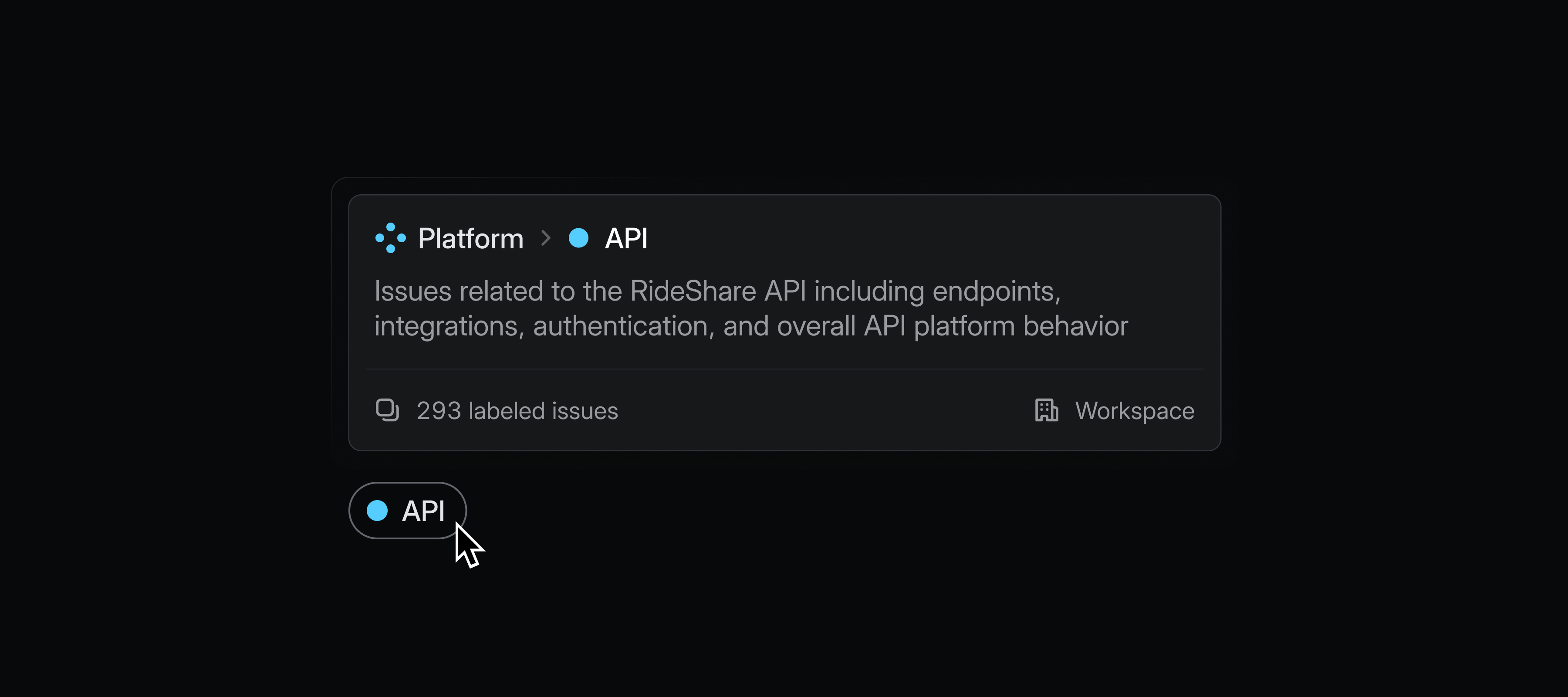
Add descriptions to labels to clarify their purpose and when they should be applied. Hover over a label from anywhere in the app to read its description. Label descriptions also help inform Product Intelligence on when to suggest a particular label.
Archiving labels
Archive labels when they are no longer needed, but you wish to preserve historical data. Archived labels remain visible on issues and projects where they were previously applied and will continue to work in filters, insights, and views.
Label management
We've shipped a series of quality of life improvements for managing labels. You can now easily update labels in bulk, merge multiple labels together, and see triage and SLA rules that they affect.
