GitHub Copilot agent
GitHub Copilot users can now work with the GitHub Copilot agent directly within Linear.
Delegate any issue directly or mention GitHub Copilot in a comment, and the agent will use the full issue context to start an implementation in a draft PR.

You can follow Copilot's progress on the Linear issue or on the PR in GitHub. You'll get notified if the agent needs your input or when the work is ready for review. Prompt Copilot to make further changes by adding comments to the PR.
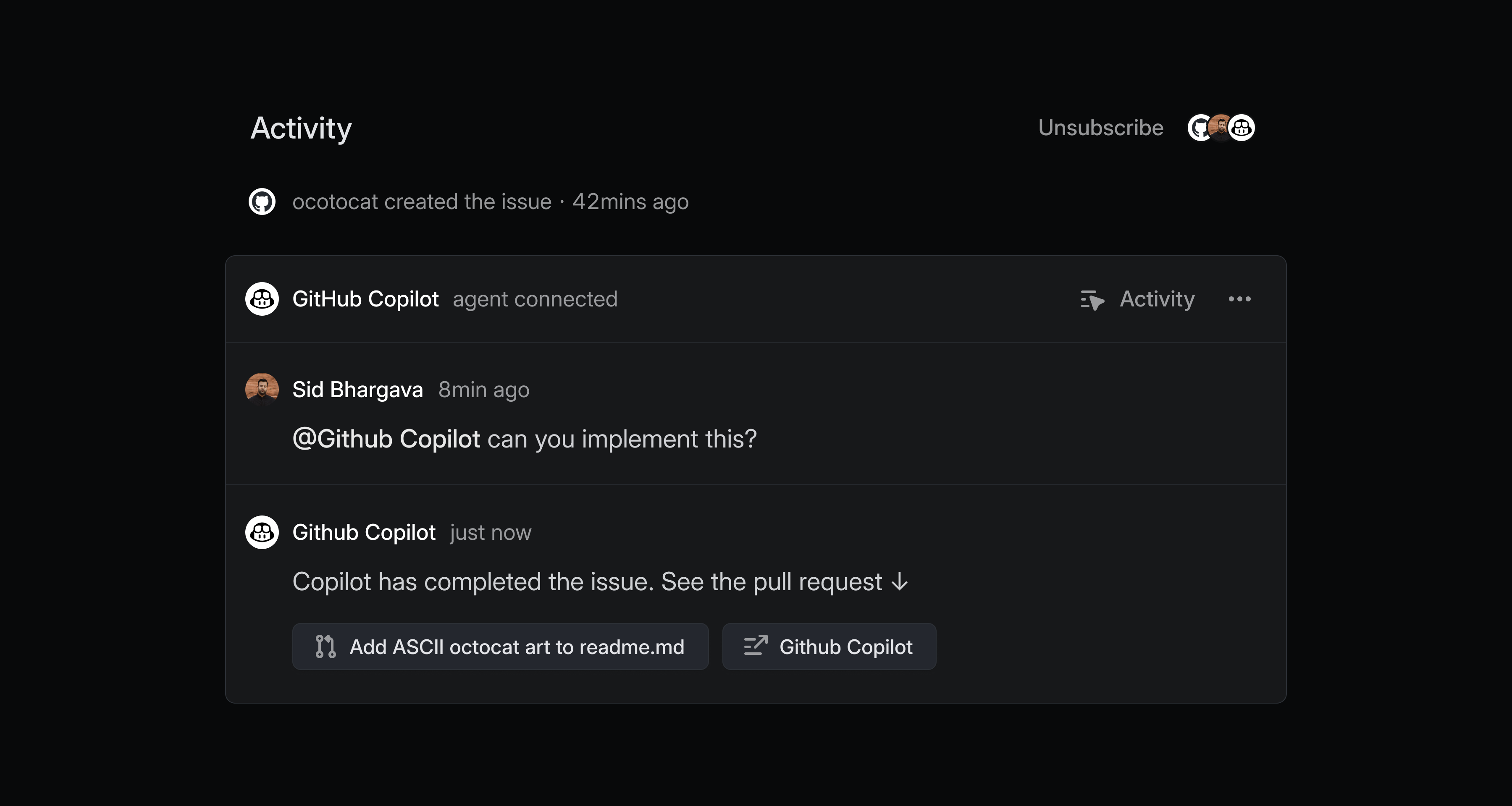
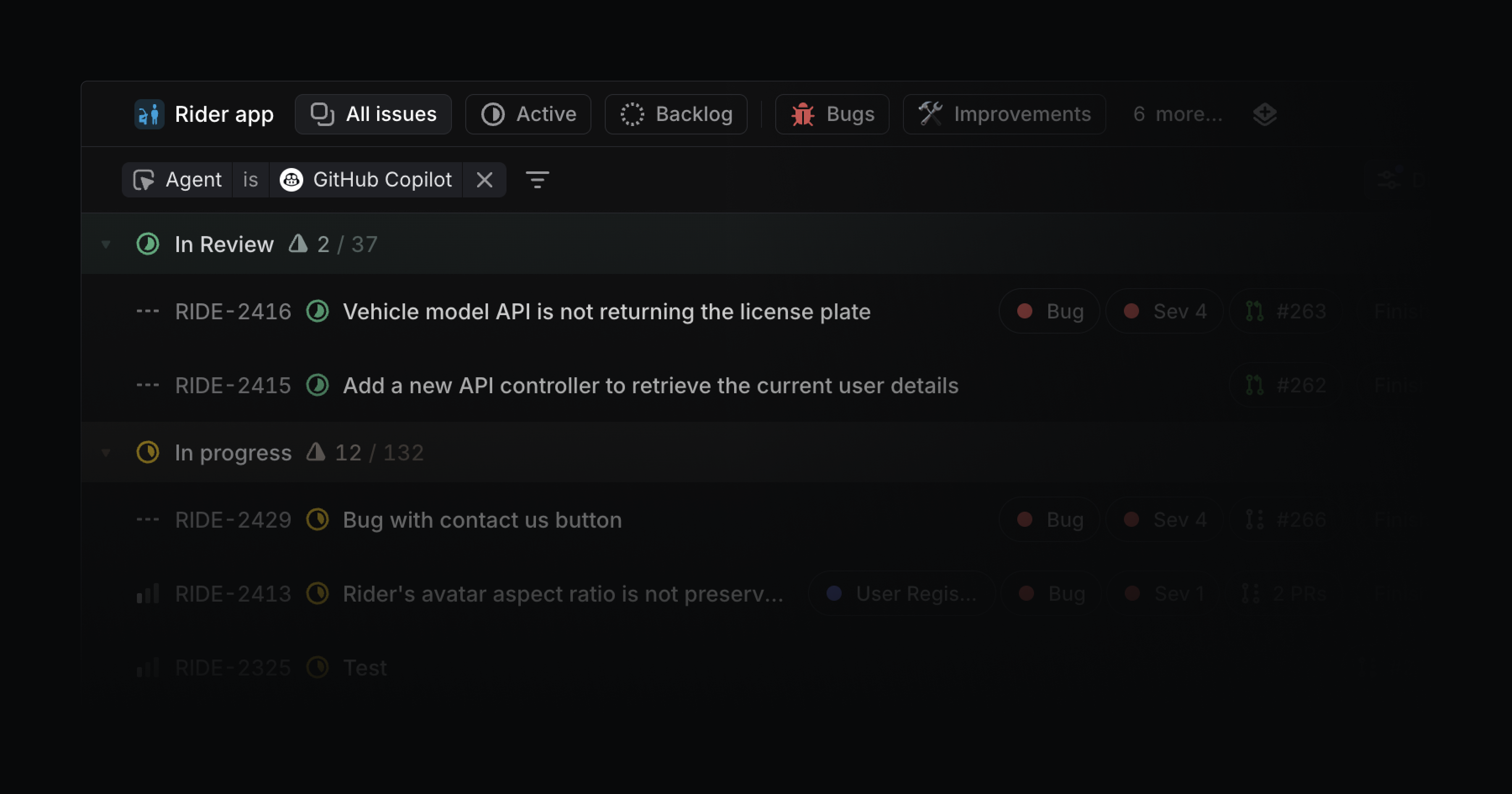
GitHub Copilot agent can handle lightweight tasks in your backlog like quick bug fixes, small refactors, or UI polish so your team can stay focused on complex projects. Track all issue delegated to GitHub Copilot and other agents from My Issues or create a custom view.
To get started, add the GitHub Copilot agent to your Linear workspace. You'll be prompted to link your individual GitHub account when you delegate an issue to GitHub Copilot for the first time. Check out the GitHub documentation to learn more.