Pulse on mobile
Pulse is now available in Linear's iOS and Android apps. Stay up-to-date on the progress of your projects and initiatives, no matter where you are.
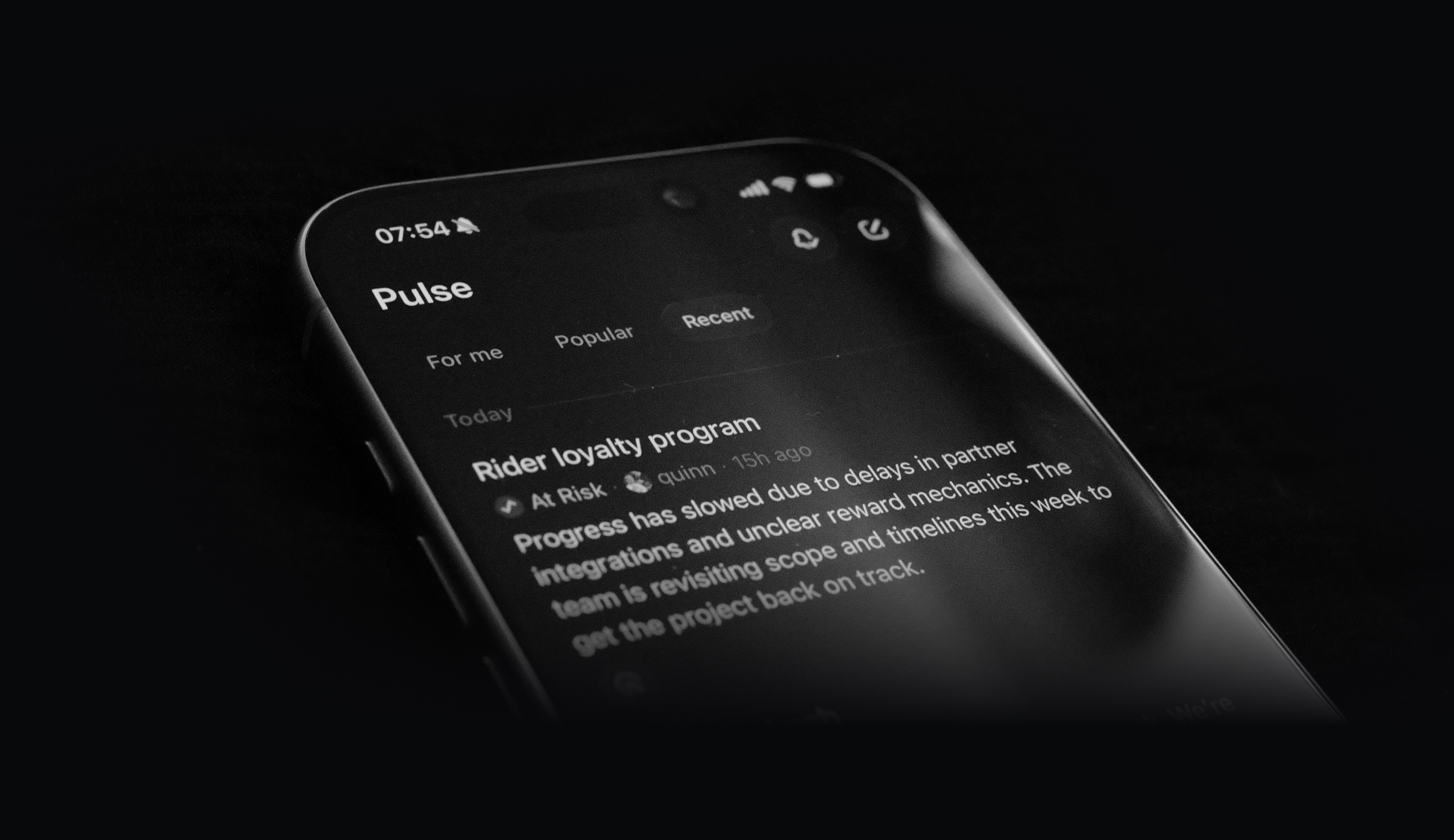
Pulse brings relevant updates from across your Linear workspace into a single unified feed, so you can quickly see what's happening. For me shows you a personalized feed of project and initiative updates most relevant to you. Popular and Recent surface updates from across your entire company, helping you stay informed beyond your immediate focus. Leave a comment on any update, or react with an emoji.
Updated Progress Graphs
Initiative, project, and cycle graphs have been refreshed to make progress and activity trends clear at a glance.
Progress graphs for projects and cycles now include a bar chart to highlight completed issues, providing a clear view of momentum over time.

Initiative graphs have been redesigned to highlight the most active projects at any given time. Each curve represents the rate of completed issues within a single project, rising during periods of high activity and leveling off during quieter periods or after project completion. Hover over the x-axis to see your most active projects in a given week.

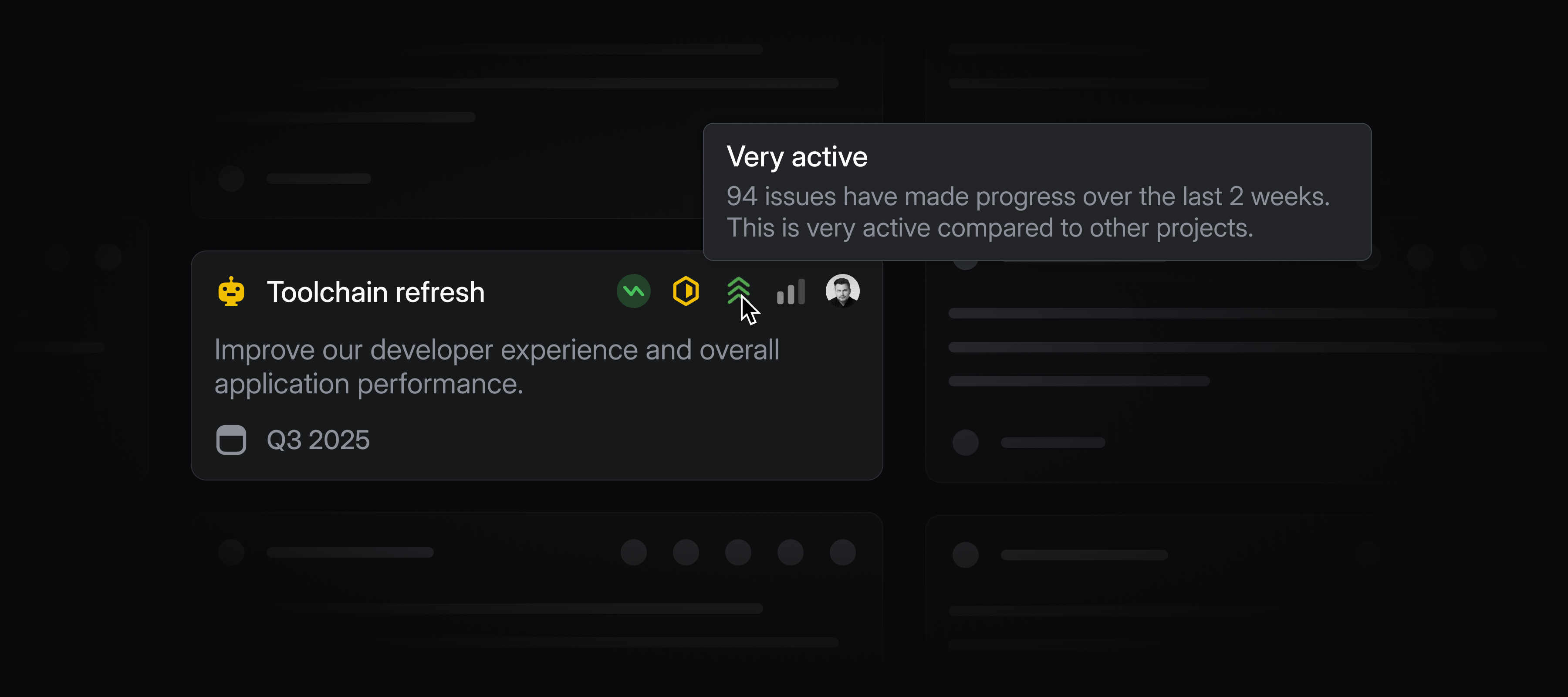
Initiative and project views now include an activity indicator. It highlights which efforts are most active across your workspace, so it's clear where your team is spending time.
Datadog integration
Datadog users can now automatically create Linear issues from Datadog monitor notifications. This ensures that any critical alerts from Datadog are translated directly into tracked and actionable work in Linear. Learn more in our docs.