Form templates
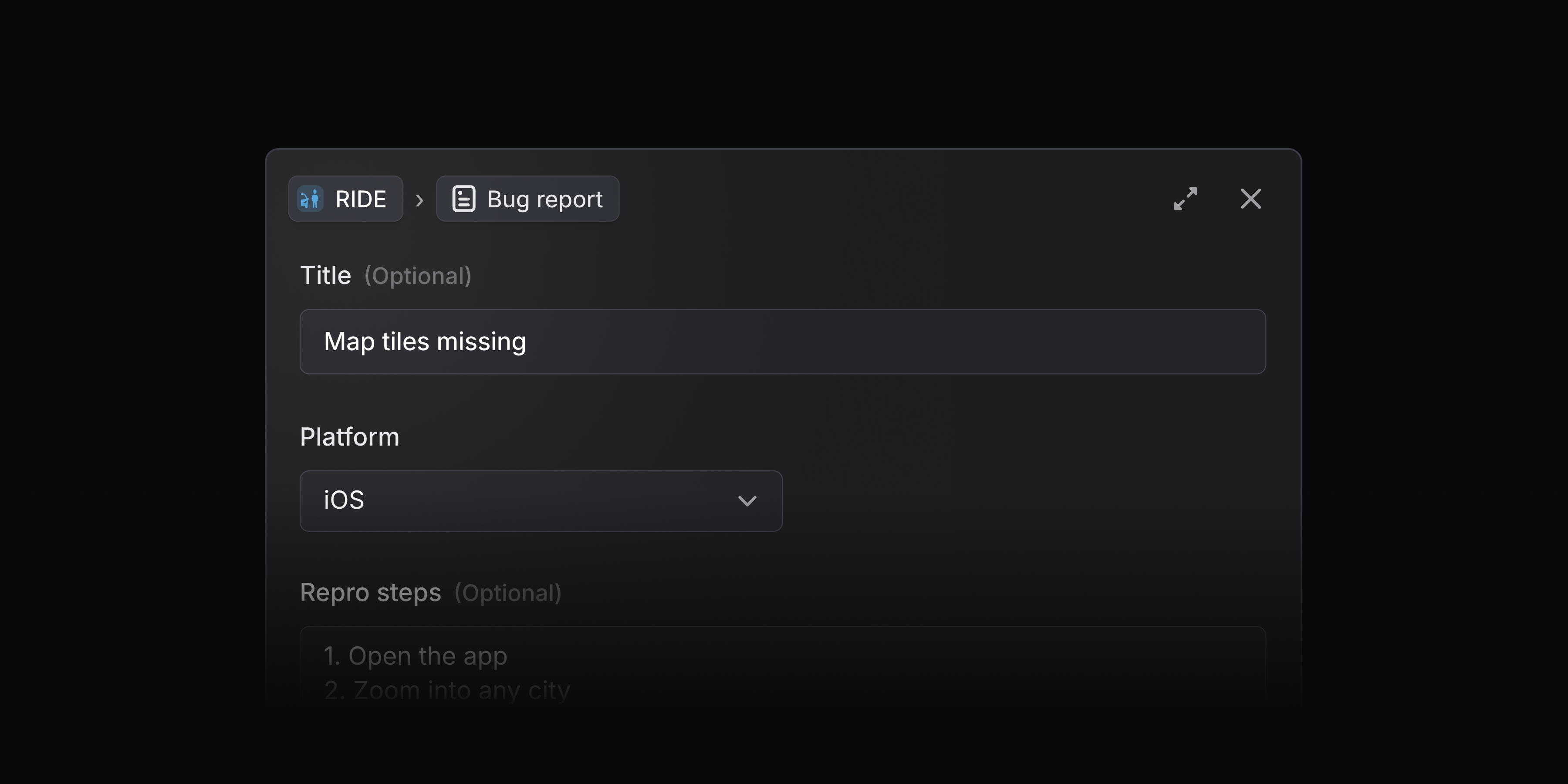
Form templates are a new type of issue template that support form fields. Use these templates to collect specific issue details upfront so work is actionable from the start.
Form templates are useful for teams that require specific details in every request, like bug reports that need repro steps and environment details, security incidents that should capture severity and when the incident occurred, and IT or HR requests for new equipment or onboarding details.
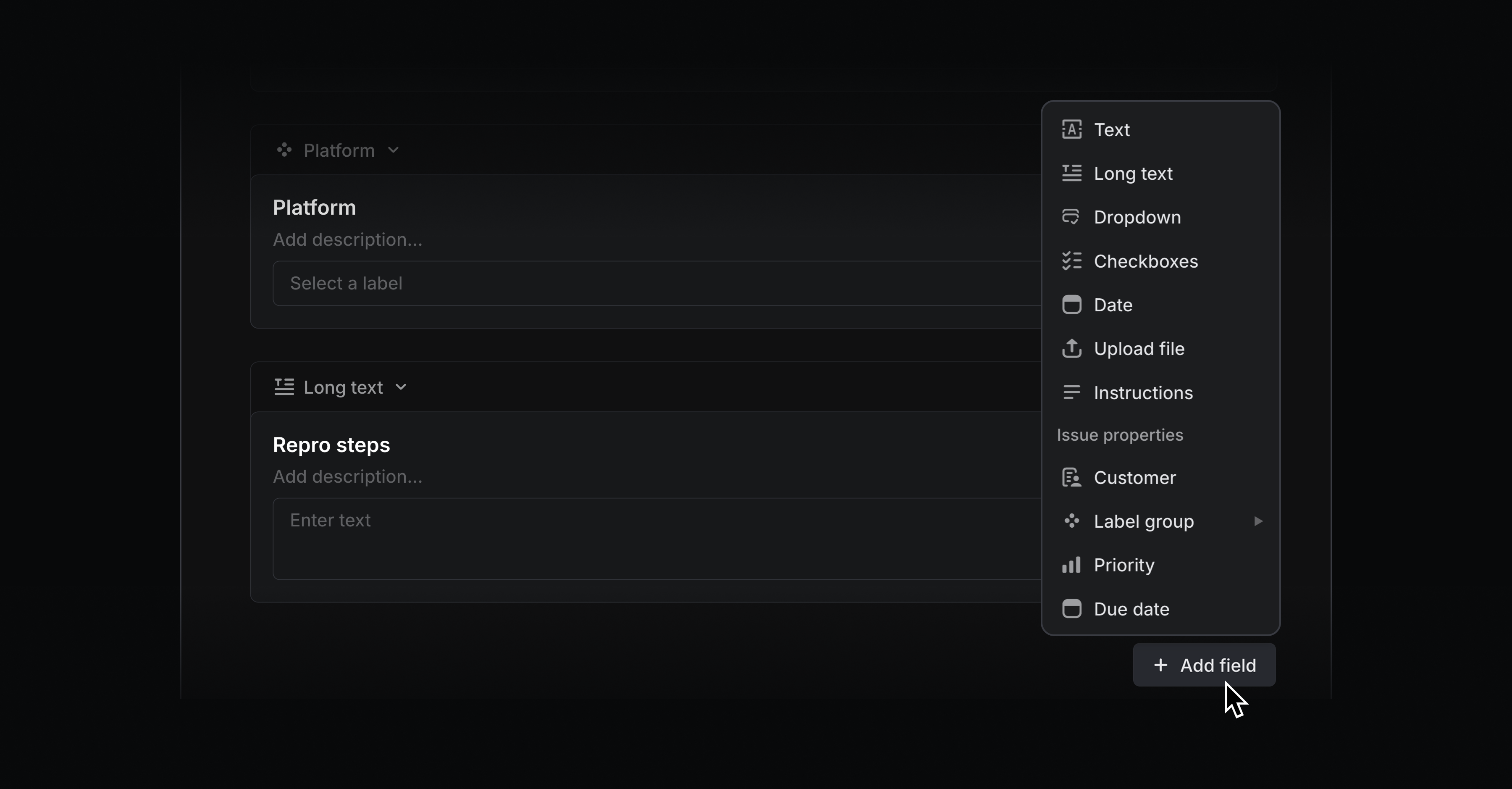
You can specify generic fields like text input, dropdowns, and checkboxes, as well as issue property fields like priority, customer, and label groups. Name each field, add descriptions to give submitters clear instructions, and mark any field as required.
When creating an issue, form templates appear to users as fillable forms. Any user in your Linear workspace can create templated issues in Linear or through the Slack integration.
With Asks, you can add form templates to Slack channels and let everyone in your Slack workspace turn their requests into Linear issues — even if they don’t have a Linear account.

Form templates are available on all plans, and can be used in Asks for teams on Business and Enterprise plans. To create a form template, add a new issue template and choose Form. Any issue templates previously used with Asks have been converted to form templates. Learn more in our docs.
Mermaid diagrams
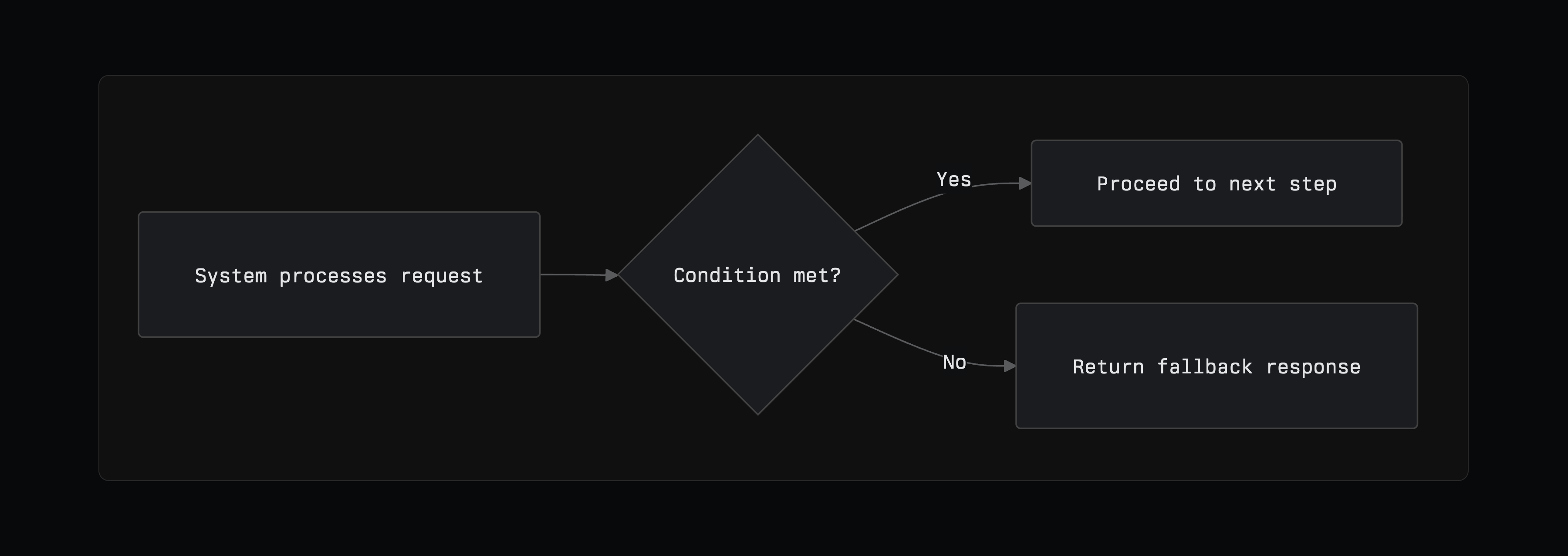
Build modifiable diagrams like flowcharts and sequence diagrams natively in Linear. Create a new diagram by typing /diagram in a text field or searching for mermaid as the language in a code block. See the official Mermaid docs for more on the syntax.
Figma Make connector
Access Linear issues, projects, and documents from Figma Make to design prototypes with full context. You can also create and manage Linear issues and projects without leaving Figma — turning your prototypes into tracked work. All tools supported by Linear's MCP server are accessible in the connector. Learn more in our docs.