OpenAI Codex agent
OpenAI Codex users can now delegate issues directly to the Codex agent without leaving Linear.
Codex can answer questions about your codebase, fix bugs, or take a first pass at issues in your Triage queue. Assign issues to the Codex agent, and it will use the full issue context, automatically choose the right repo, and start working on a solution.

Engineers can fully delegate well-defined issues to Codex, so they can stay focused on more complex projects. Follow Codex's reasoning as it works on the issue or just review the summary when the task finishes. When you’re ready, open the Codex task on web to review the code changes and turn them into a PR.
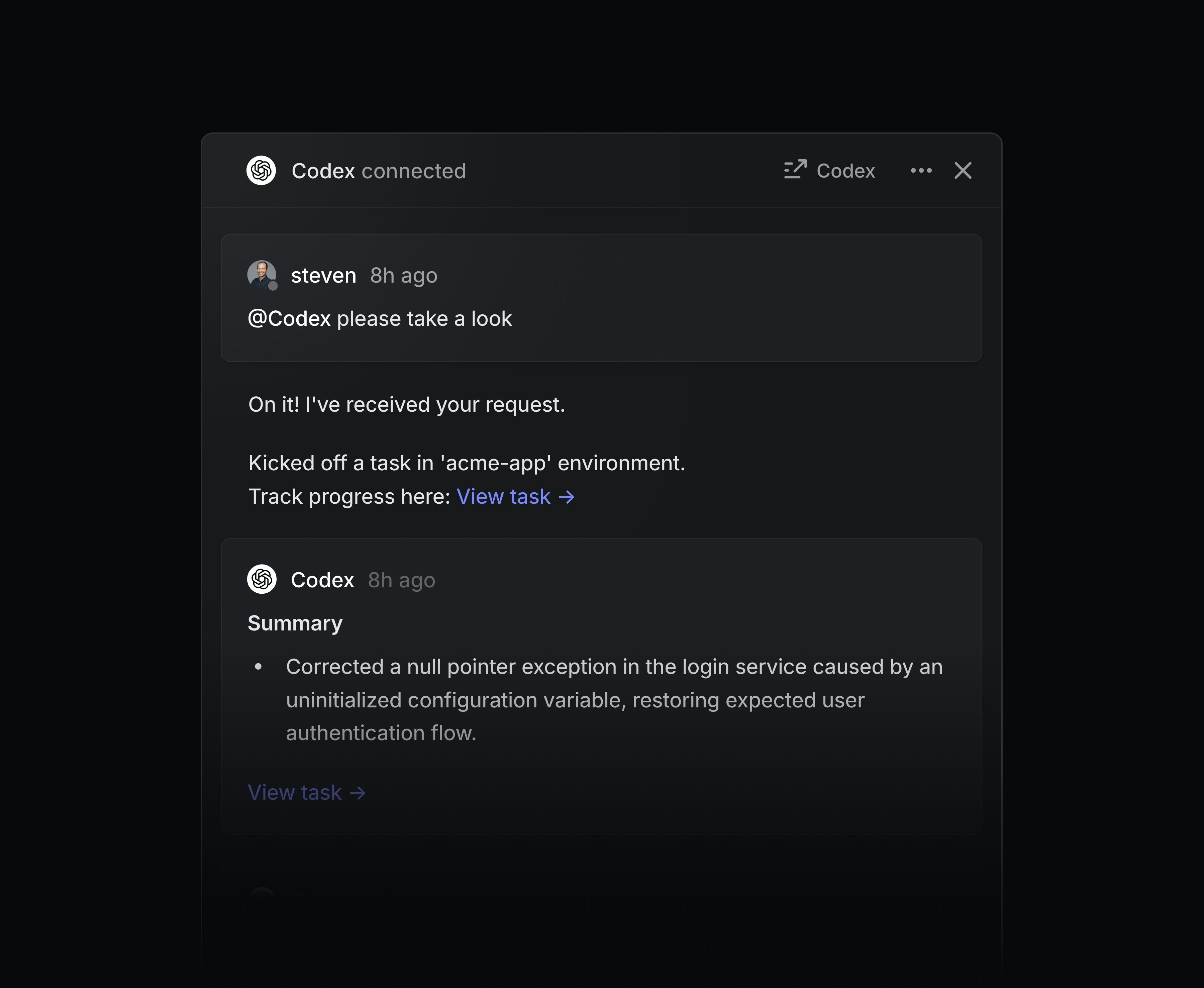
Codex gives every team engineering-level help — without consuming actual engineering time. Support teams can ask Codex to explain how the code works when triaging bug reports. PMs and designers can use Codex to prototype new ideas, or even handle small coding tasks like updating copy or fixing UI issues.
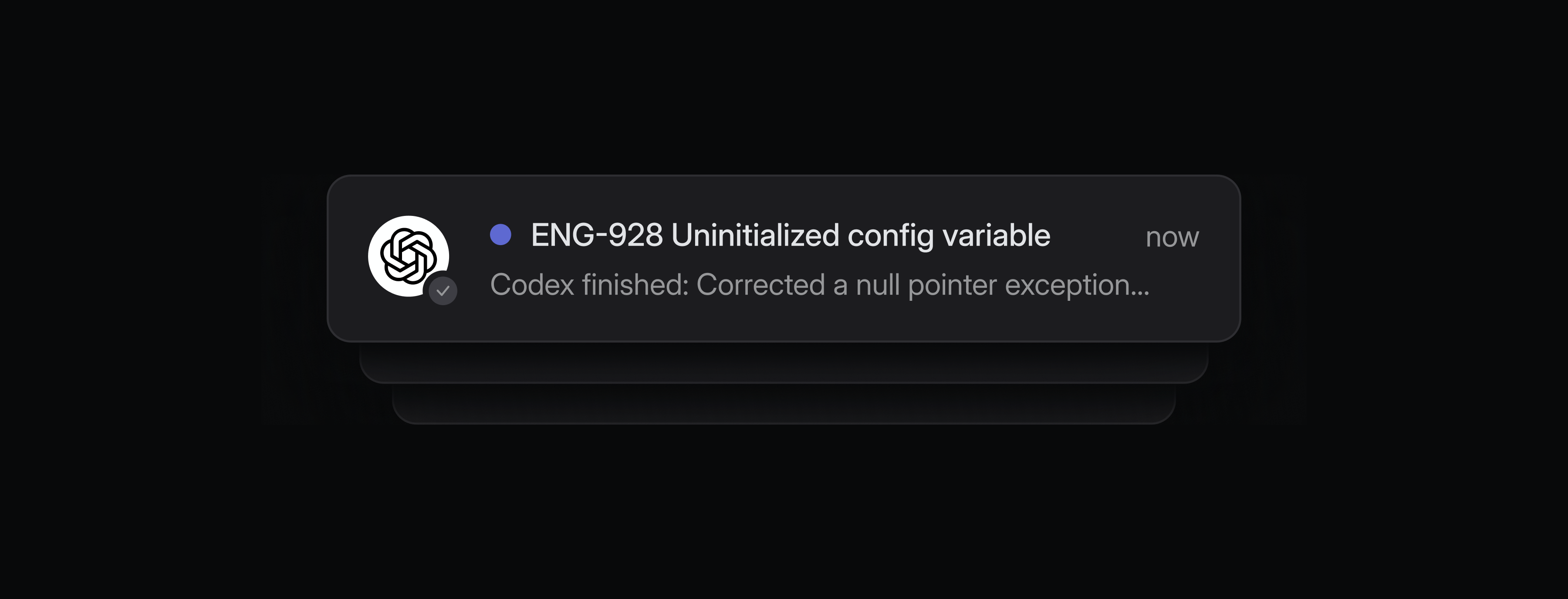
You can assign multiple issues to Codex and it will work on them in parallel. You'll receive inbox notifications when Codex needs your input or when work is ready for review.
To get started, add the Codex agent to your Linear workspace. You'll be asked to connect your ChatGPT account when you delegate an issue to Codex for the first time. You must be on a ChatGPT paid plan and connect your Github account to use Codex. Learn more in our docs.
Workspace owners
Enterprise plans now have a new Workspace owner role, the highest permission level in Linear. Workspace owners have exclusive control over billing, security settings, OAuth app management, audit logs, and workspace exports. This change enables admins to continue to handle everyday management needs while limiting who has access to the most sensitive settings in your Linear workspace. Learn more in the docs.
Initiatives in Google Sheets
Linear's Google Sheets integration can now sync initiatives in addition to projects and issues. Initiatives sync to their own dedicated Google Sheet with properties including owner, teams, description, health, and target dates.
Use this sheet to power external analysis and workflows for high-level planning. To get started, enable the Linear Google Sheets integration from your Linear workspace settings and toggle on Sync initiatives.