Linear agent for Intercom, Zendesk, Gong
The Linear agent can now handle the tedious work of turning customer conversations into actionable issues. Available through our Intercom, Zendesk, and Gong integrations, the agent parses conversations and automatically files issues with the relevant details. This ensures your product team gets the right customer context while your customer-facing teams spend less time manually filing issues.
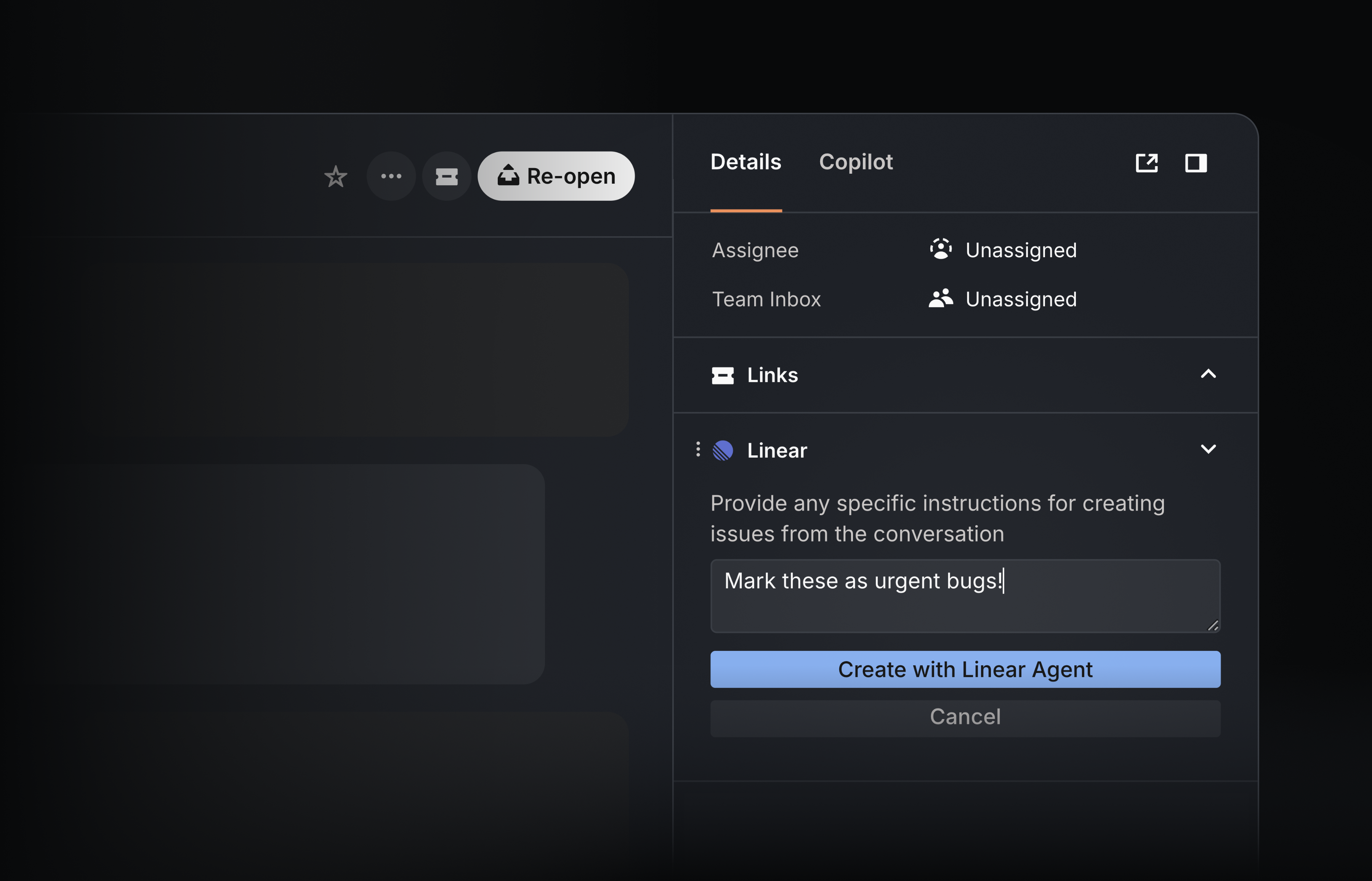
From Intercom and Zendesk, use the Linear agent to turn support tickets into issues with a single button click. The agent analyzes the full conversation and files any relevant bugs or feature requests — even from long, multi-topic threads. Issues are created with concise summaries, key details, and include relevant screenshots. When a conversation contains several distinct requests, the agent can automatically create multiple issues at once.
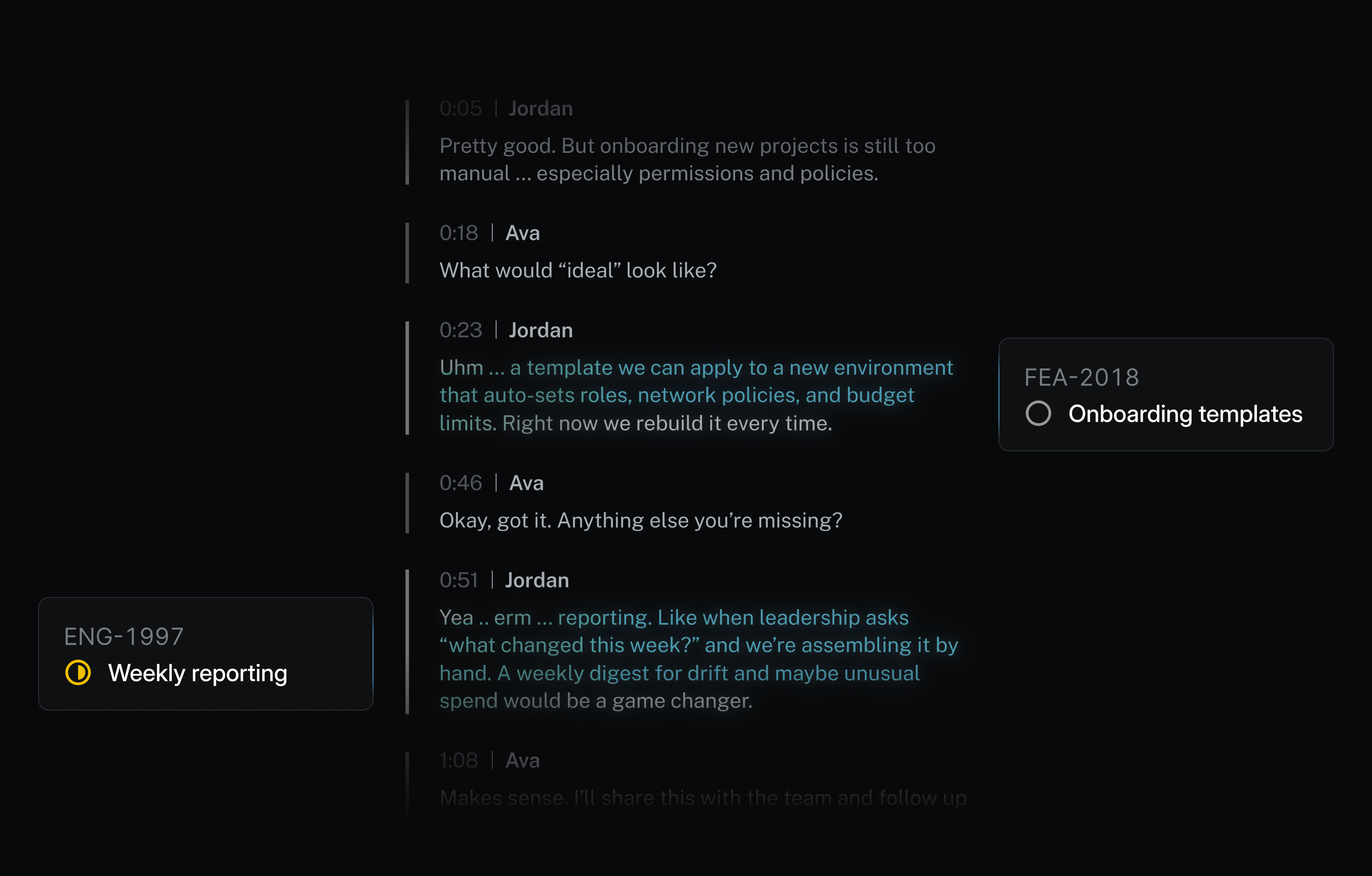
The new Gong integration brings a fully self-driving issue creation workflow to customer calls. The Linear agent reviews each transcript to capture product feedback and feature requests and automatically routes them to Linear. No prompts or clicks required.
Every issue filed by the Linear agent is routed to the relevant team’s triage queue and attributed to the right customer. With Triage intelligence, duplicate requests are automatically merged into existing issues, keeping your backlog clean without losing important customer context.
The Linear agent is included with the Intercom and Zendesk integrations on Business and Enterprise plans, and with the Gong integration on the Enterprise plan.
Linear agent in Slack workflows
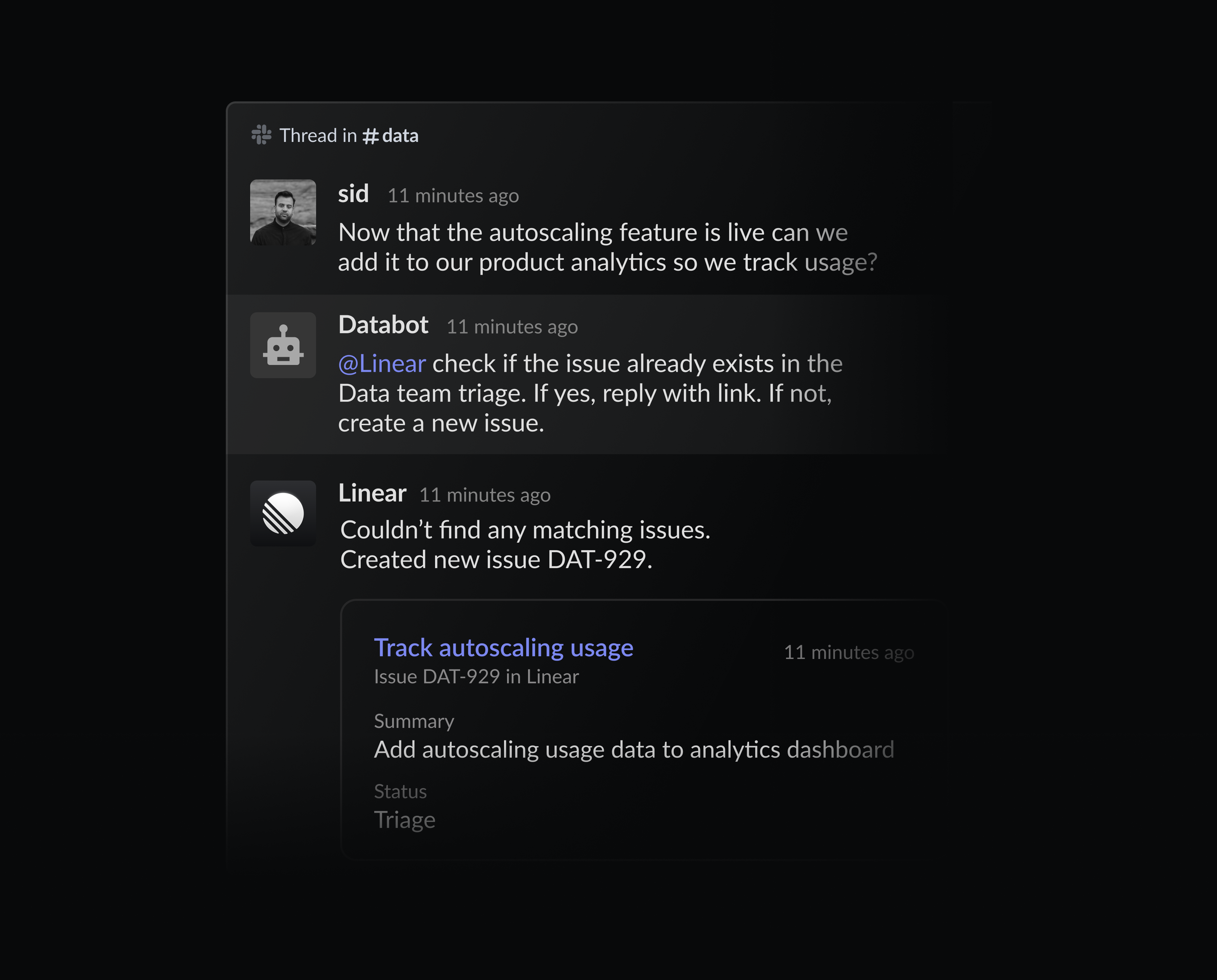
The Linear agent for Slack now works inside Slack workflows. You can already mention @Linear in any Slack thread to turn conversations into issues using natural-language prompts. With this update, the Linear agent can also be invoked by automated steps in Workflow Builder, allowing bots to request @Linear to create issues and take actions.
Warp agent
Users of Warp can now delegate issues to the Warp agent directly from Linear. Assign an issue to Warp and the agent will create a plan and start working on implementing it.
You can follow how the agent is progressing against its plan, steer it further, or review the PR once the agent finishes. You can always open the remote session in Warp to take over directly. Warp cloud agents are available to paid Warp users. Learn more and install the agent.