Team owners

We are introducing a new team owner role to give teams more control over their team settings. Alongside this new role, we’re adding team permissions so you can choose who can manage team settings, labels, templates, and membership — either any team member or only team owners. This empowers teams to define their own policies, while ensuring workspace owners and admins retain control over workspace-wide settings.
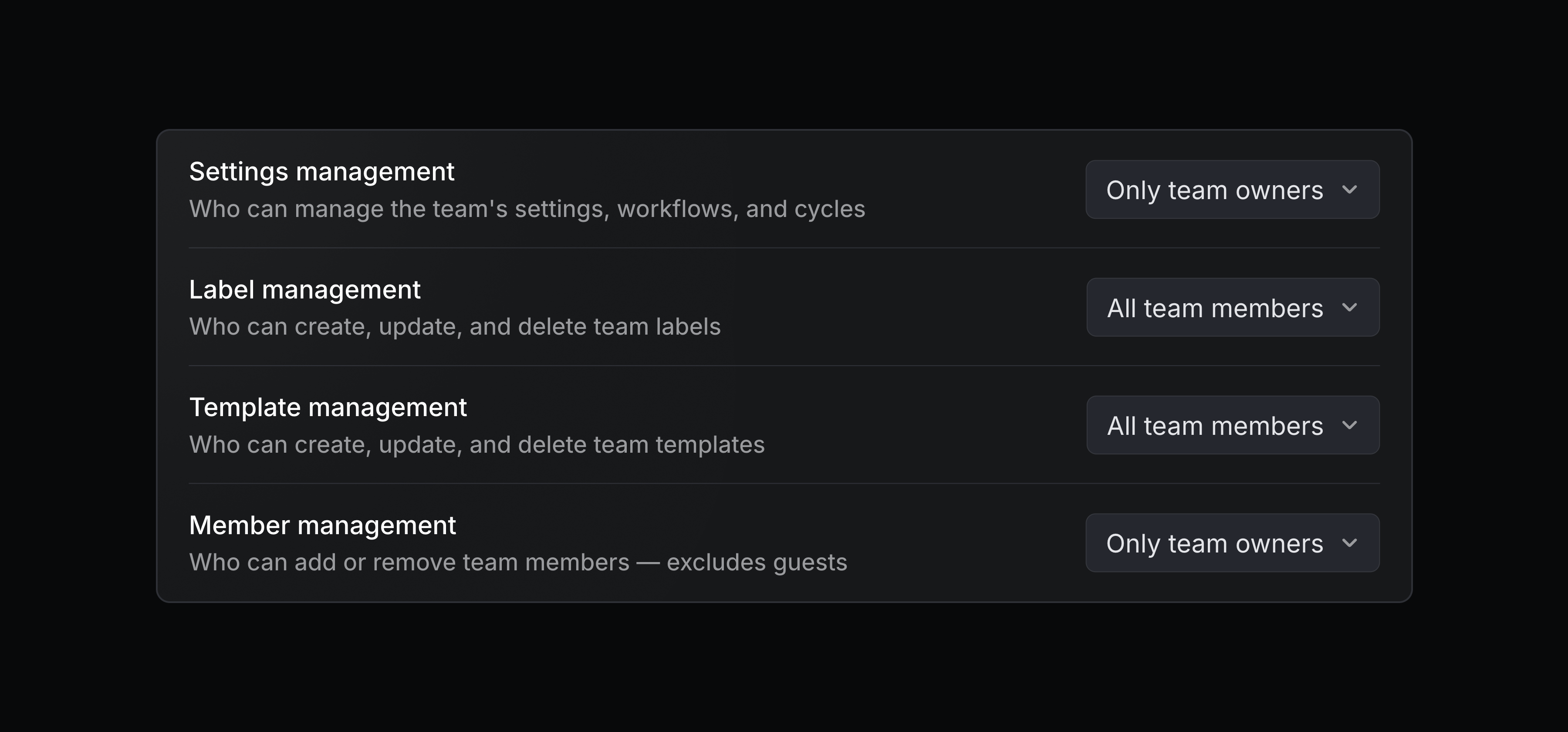
You can also control access and require an invite to join a team. Issues and projects of any team will still remain visible to everyone, and workspace owners and admins can always manage the settings for any team.
Configure these permissions on your team's Access and permissions page. Team owners and permissions are available on Business and Enterprise plans. Learn more in the docs.
v0 by Vercel MCP connector
Access your Linear data from v0 to generate prototypes, dashboards, and internal tools. After connecting Linear's MCP server, you can pull context from Linear issues, projects, and discussions when building in v0. Learn more.