Linear MCP for product management
We've expanded Linear's MCP server with support for initiatives, project milestones, and updates. These allow product managers to keep plans up to date and communicate progress from other tools like Cursor and Claude.
Newly added MCP tools:
- Create and edit initiatives
- Create and edit initiative updates
- Create and edit project milestones
- Create and edit project updates
- Manage project labels
- Support for loading images
We also improved performance and reduced token usage through better tool documentation, and added broad support for loading Linear resources through URLs.
Deprecation of /sse MCP endpoint
SSE as a transport was deprecated starting with protocol version 2024-11-05. As all modern clients now support the more reliable HTTP streams, Linear MCP is fully removing SSE support. To switch, update your endpoint from https://mcp.linear.app/sse to https://mcp.linear.app/mcp.
Deprecation errors for SSE will be rolled out gradually over the next two months.
Read more in Linear MCP documentation.
Nested sub-issues
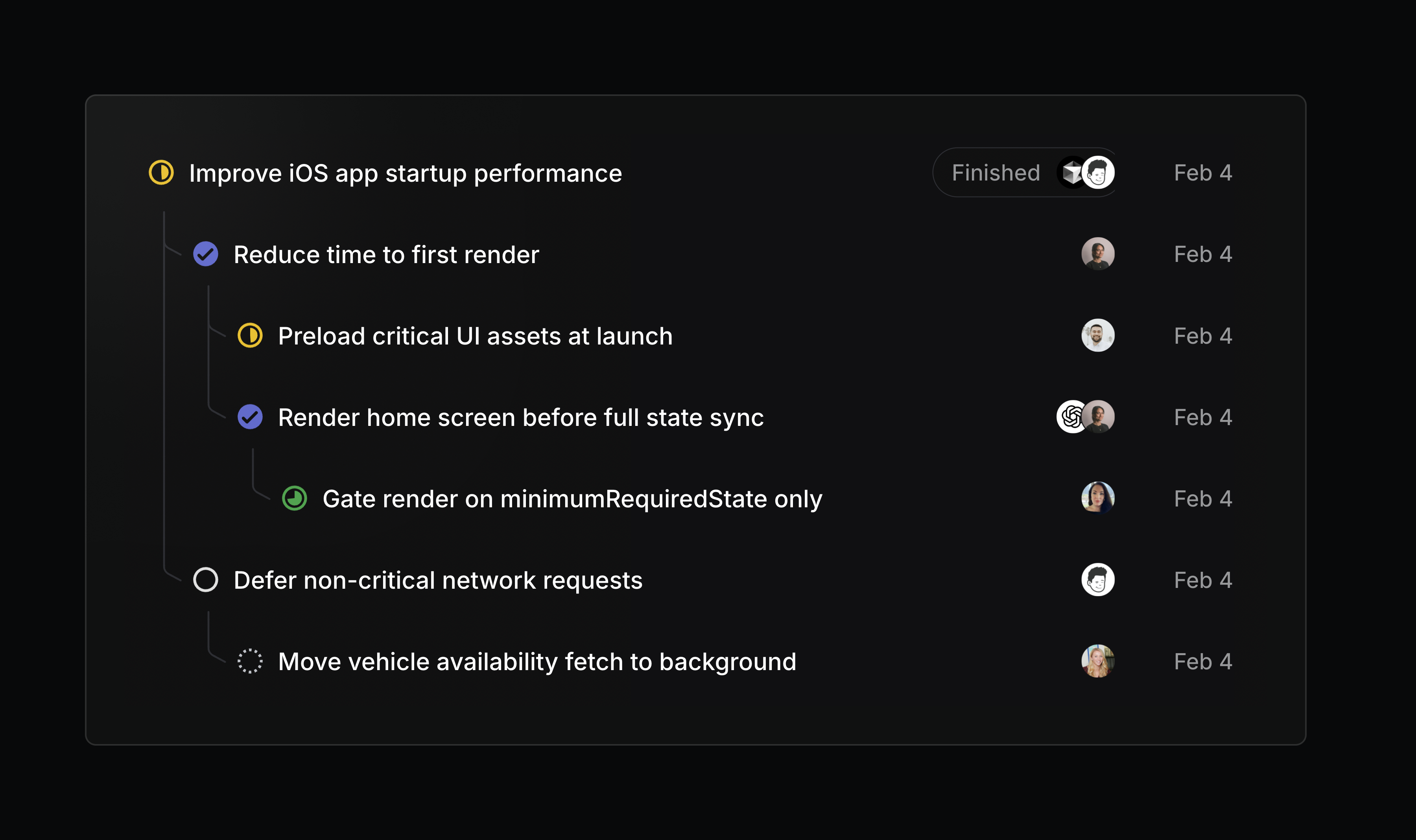
Issue lists can now show sub-issues as a nested hierarchy. Turn on this display option from any issue list view.
Retired teams
Teams form and disband as organizations evolve. When a team is no longer active, its issues and projects still hold useful context, but shouldn't clutter your workspace.
We're introducing the ability to retire teams, giving you a clean way to wind a team down while preserving its project and issue history.
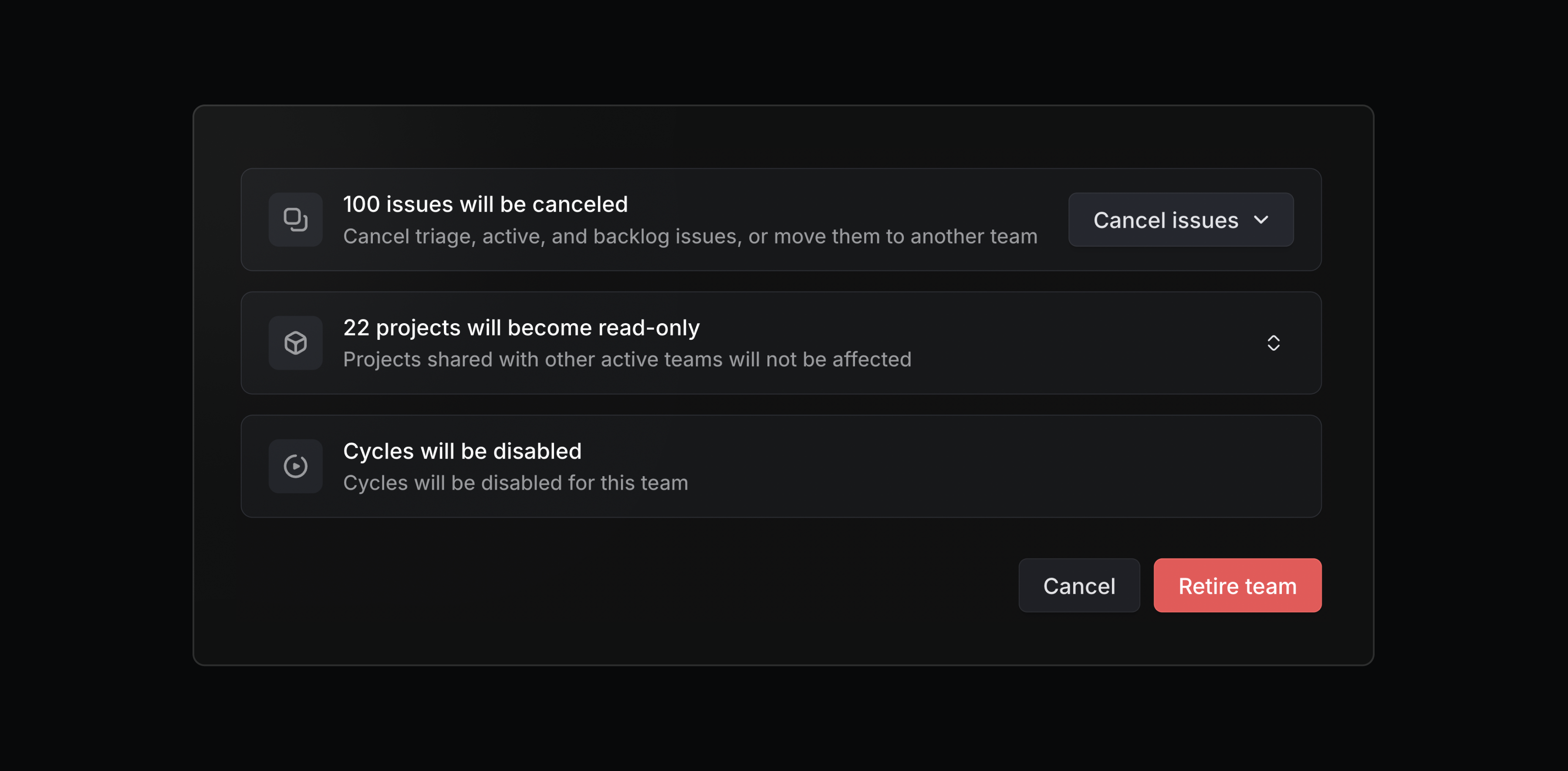
Retired teams are read-only and hidden from the sidebar, but their issues, projects, and documents are still accessible. When retiring a team, you can choose to cancel any remaining open issues or move them to another team. Retired teams can be restored at any time.
Admins, workspace owners, and team owners can retire a team from its settings page.