Time in status
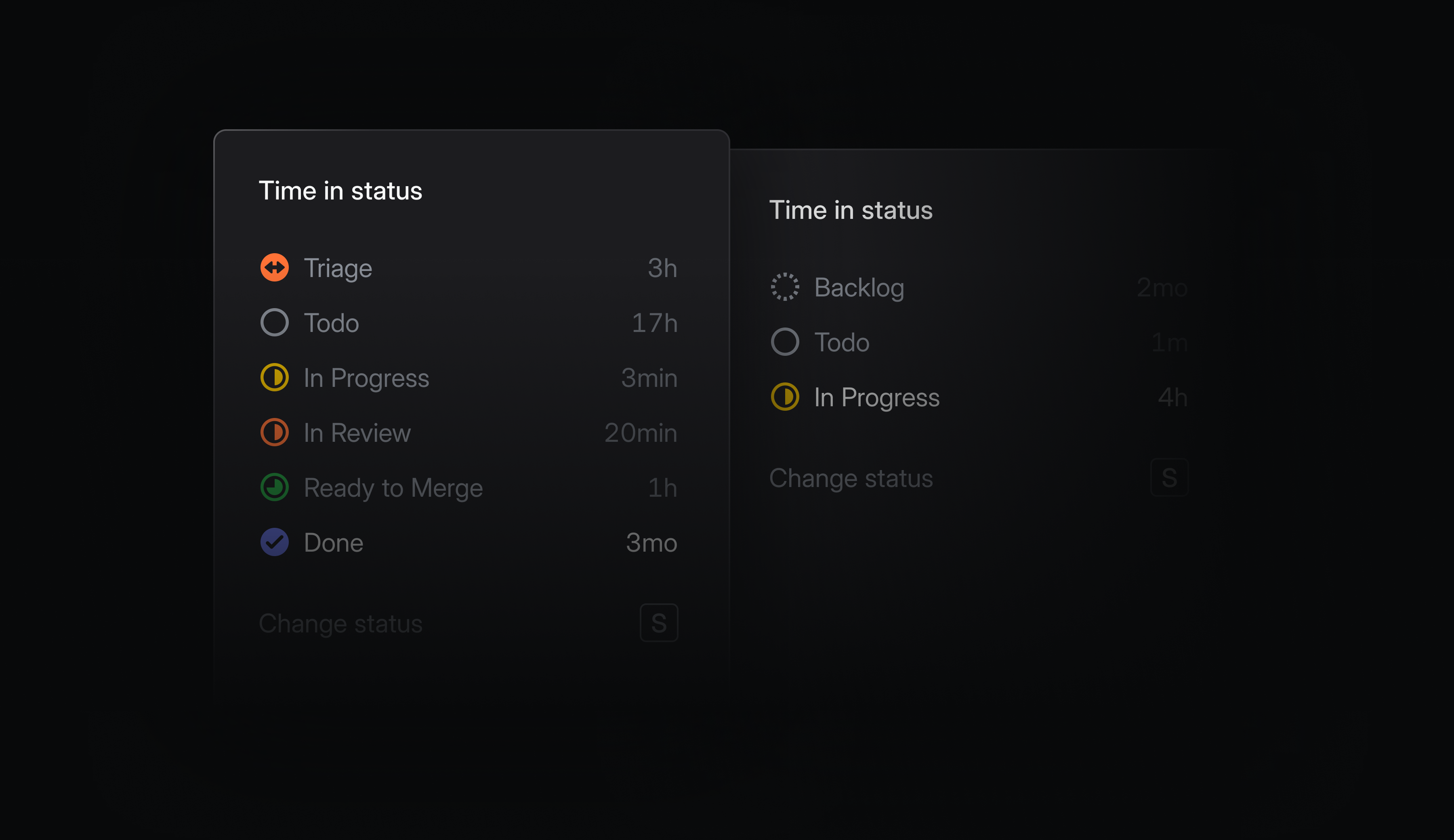
Time spent in individual statuses is now tracked and available throughout Linear. Hover over any issue's status indicator to see the cumulative time it's spent in each status. You can use this to spot where things are getting stuck, identify bottlenecks, and optimize your development process.
On lists and boards, you can see how long items have been in their current status. Order by time in status to surface blocked work, or filter by conditions like In Review > 7 days to catch issues that have fallen through the cracks.
In Insights and Dashboards, analyze the time spent in any status and slice by time period or other attributes to see how performance changes and differs across your workspace. Use this to quickly uncover systemic bottlenecks and outliers.
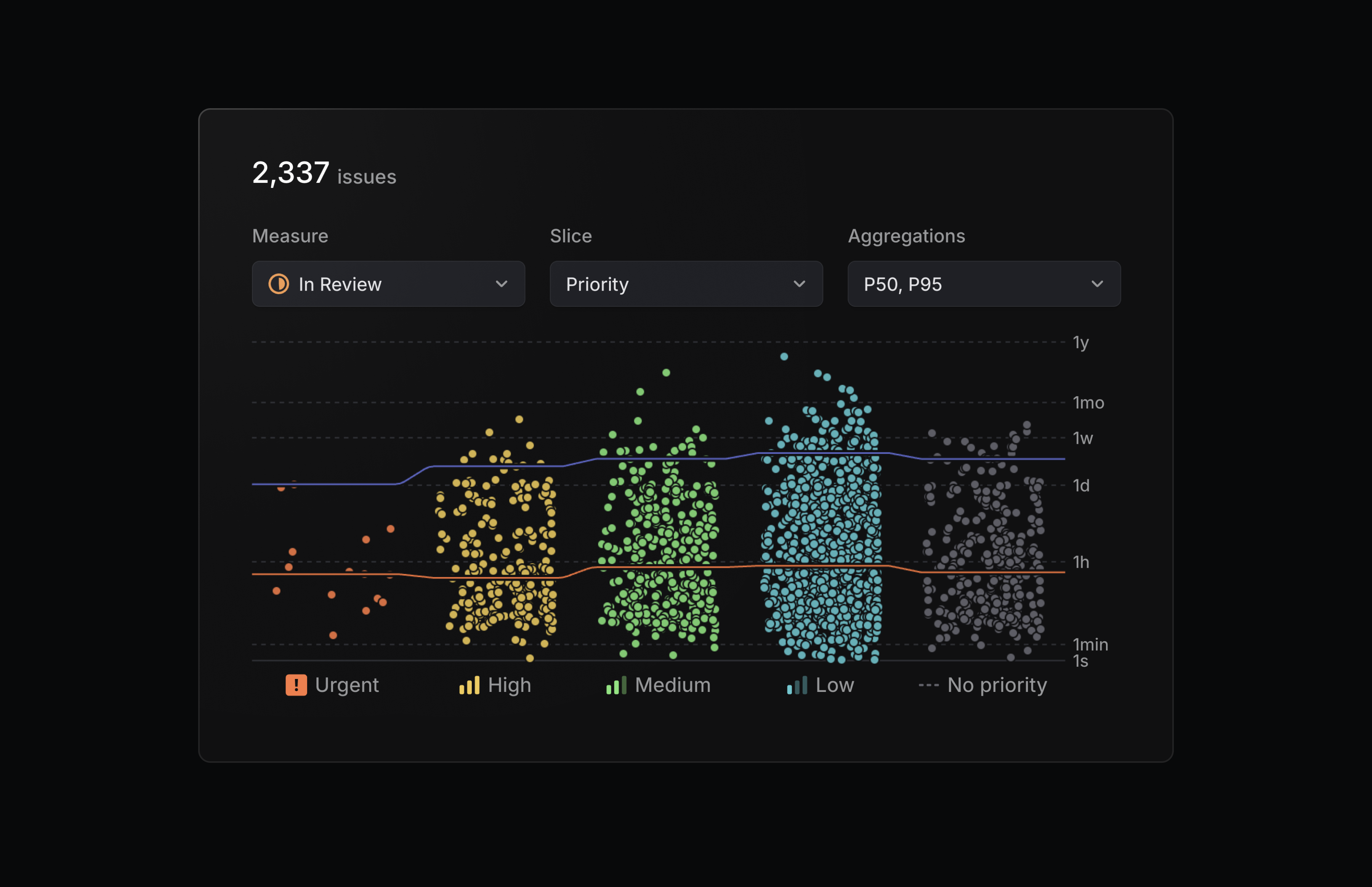
Time in status is available as a display option in views, and as a new measure in Insights.
Jira Epic sync
We’ve upgraded our Jira integration to support bi-directional syncing between Jira Epics and Linear projects. Changes to properties like status, target date, and description automatically reflect in both applications, so you don't have to update them manually.
Configure the Jira integration from your Linear workspace's integration settings.