UI refresh
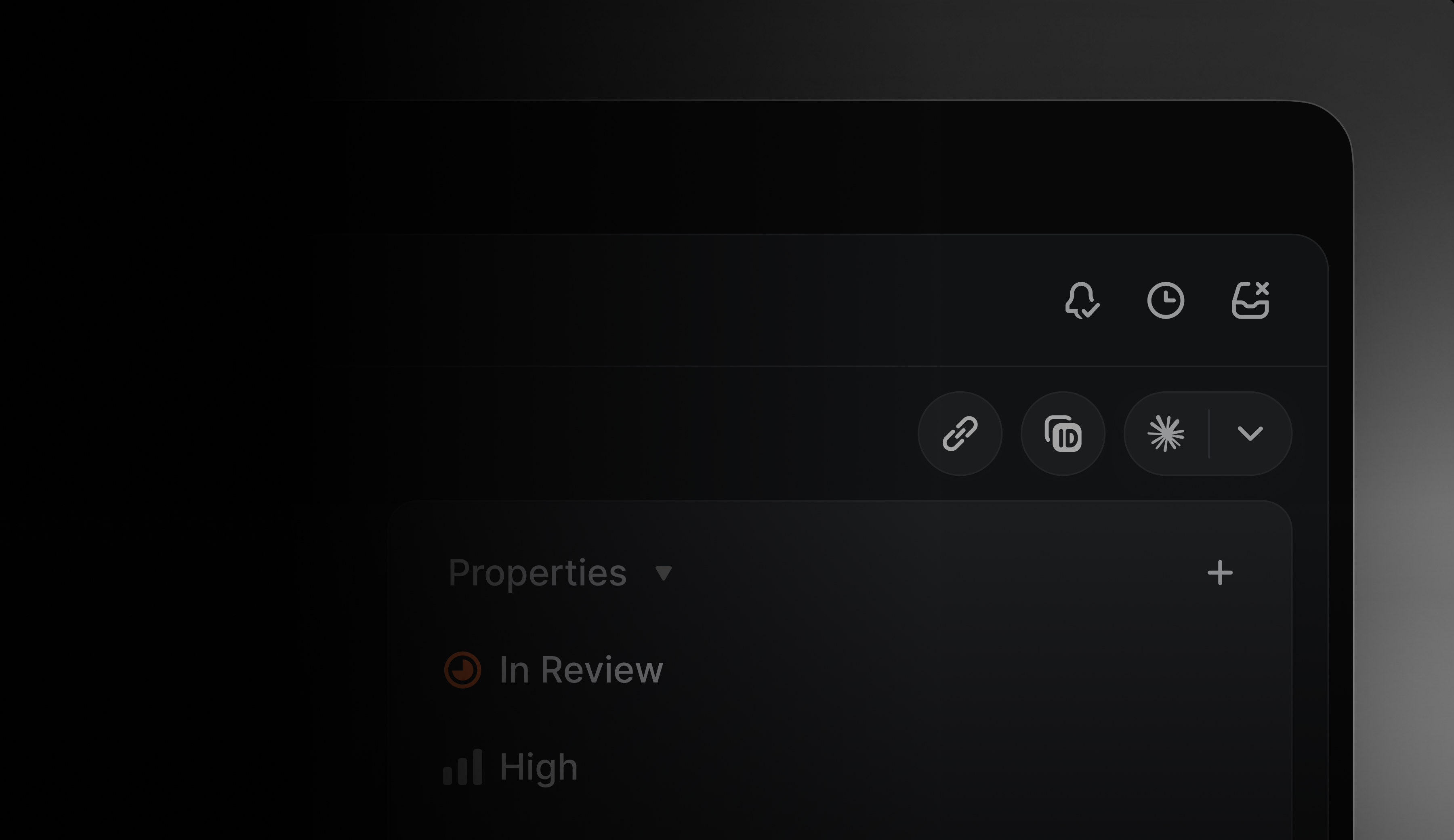
Introducing a calmer, more consistent interface.
We've visually refreshed Linear's interface design to make it easier to scan information, navigate between workflows, and stay focused.
A few highlights:
- Headers, navigation, and view controls are now consistent across projects, issues, reviews, and documents, making it simpler to orient yourself and move between workflows
- Icons across the app have been redrawn and resized
- Navigation sidebars are slightly dimmer, allowing the main content area to stand out
Learn more about our design process on our blog.
Additional launchers for AI coding tools
We recently gave you the ability to open issues directly in your AI coding tools with all of the context they need to take a first pass.
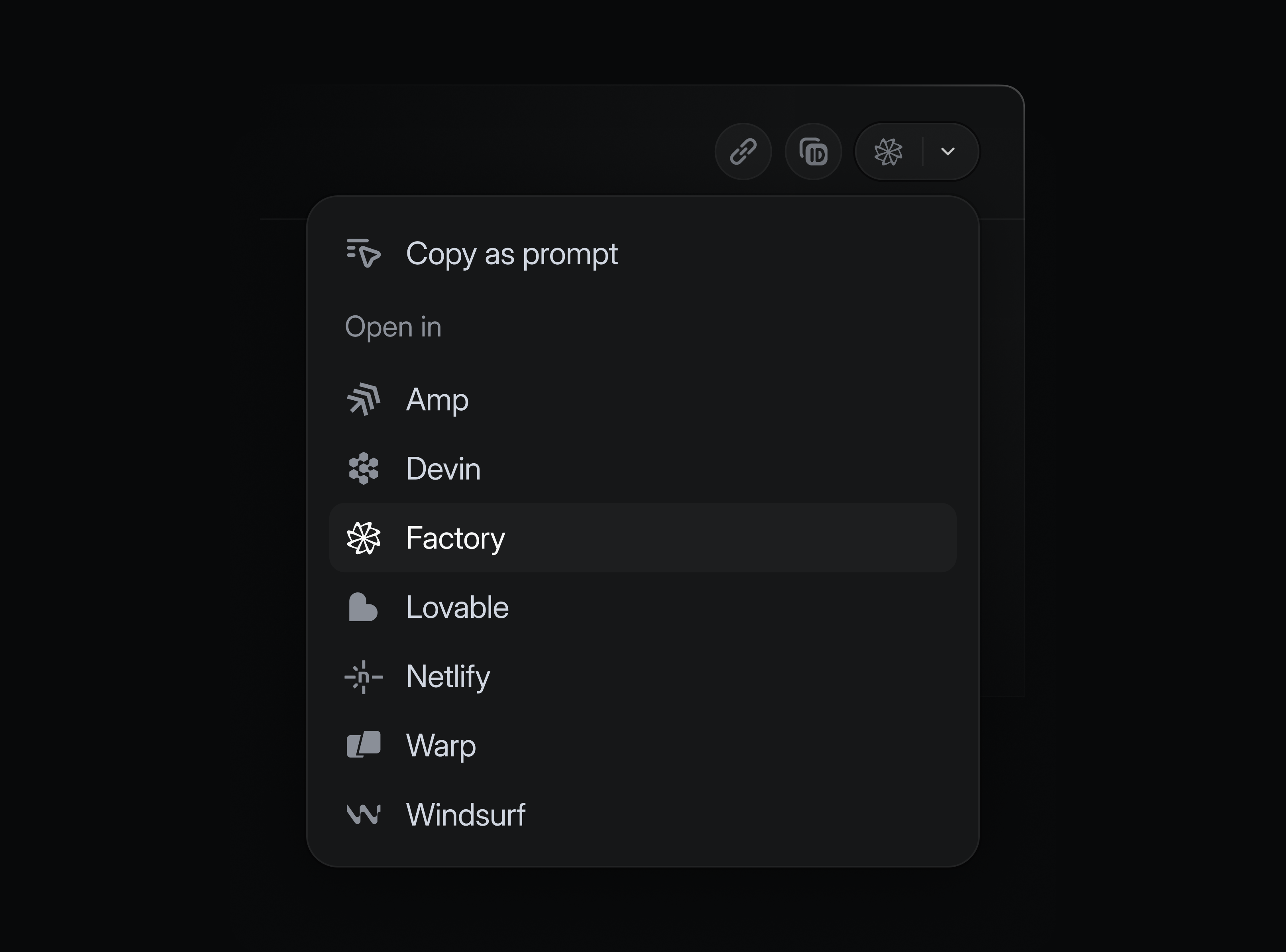
We've now expanded the list of supported tools. In addition to popular options like Claude Code, Cursor, and Codex desktop, you can also now open issues in:
- Amp
- Codex CLI
- Devin
- Factory
- Lovable
- Netlify Agent Runners
- Warp
- Windsurf
Enable your tools in preferences, and launch them from any issue using the dedicated shortcut or with ⌘ Opt . (Mac) or Ctrl Alt . (Windows/Linux).
Mobile agent sessions
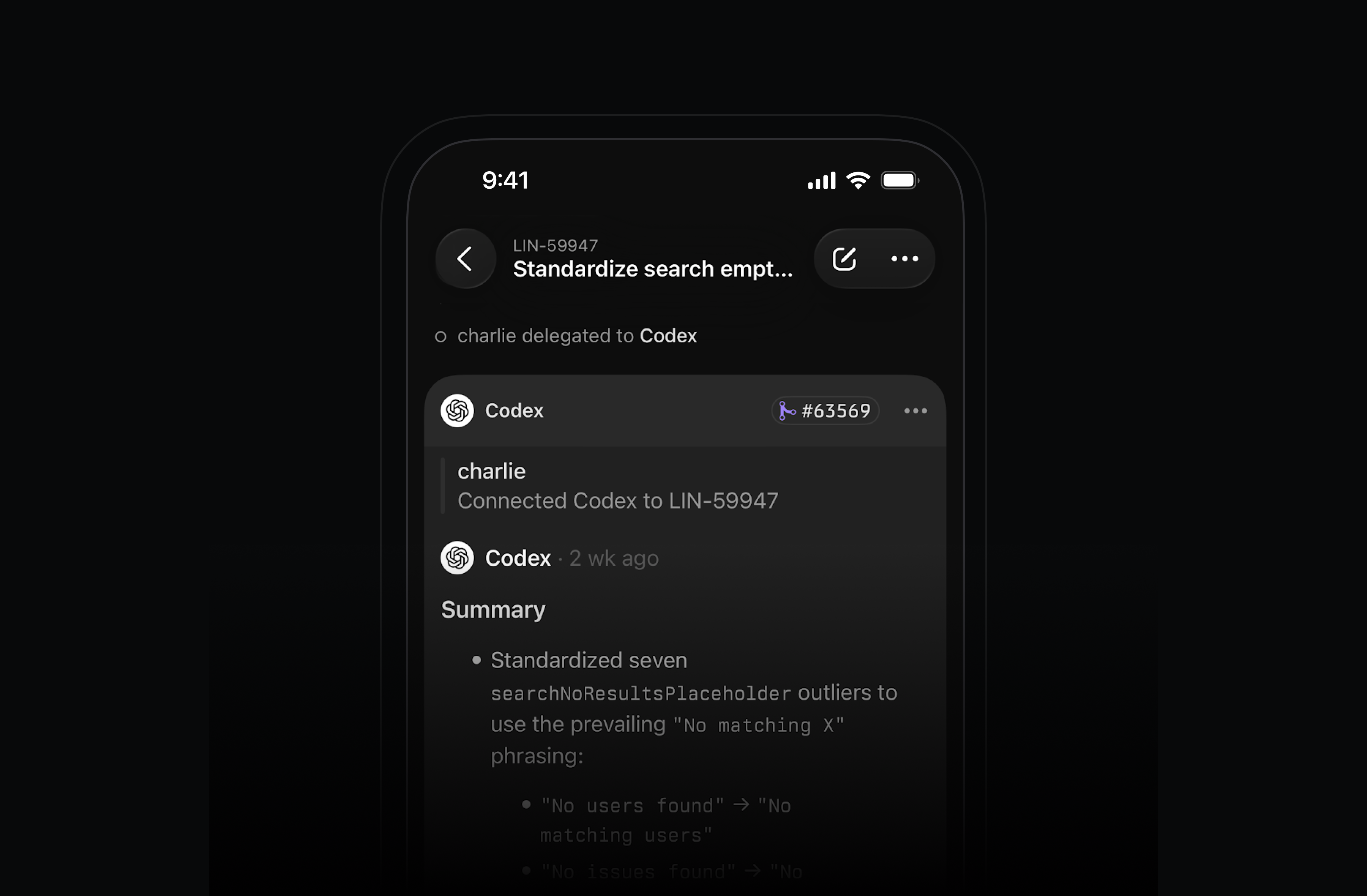
Work with your coding agents on the go. After delegating an issue to an agent, open its session in the Linear mobile app to see realtime reasoning or review past sessions. For agents that support it, you can also send additional messages in the session to help steer the work.
Multiple parents for sub-initiatives
Sometimes a sub-initiative contributes to multiple high-level goals. This is common in goal setting frameworks like OKRs.
Sub-initiatives can now belong to multiple parent initiatives in Linear, allowing you to express how work rolls up in different ways across your org.
Available on Enterprise plans.
Send comment on Enter preference
As part of our design refresh, we've made commenting across Linear more lightweight. You can now select between sending comments with just the Enter key or with ⌘/Ctrl Enter in preferences.