Linear Agent MCP support

Linear Agent can now connect to your tools via MCP, giving it access to data and actions beyond your Linear workspace. Bring external context into your workflows to investigate issues, plan projects, write specs, and draft updates grounded in your full context.
For example:
- Pull meeting takeaways from Granola into a project update and create follow-up issues
- Use enterprise context from Glean to draft a more complete project spec
- Turn interview notes from Notion into customer requests
- Use PostHog data to validate a product hypothesis
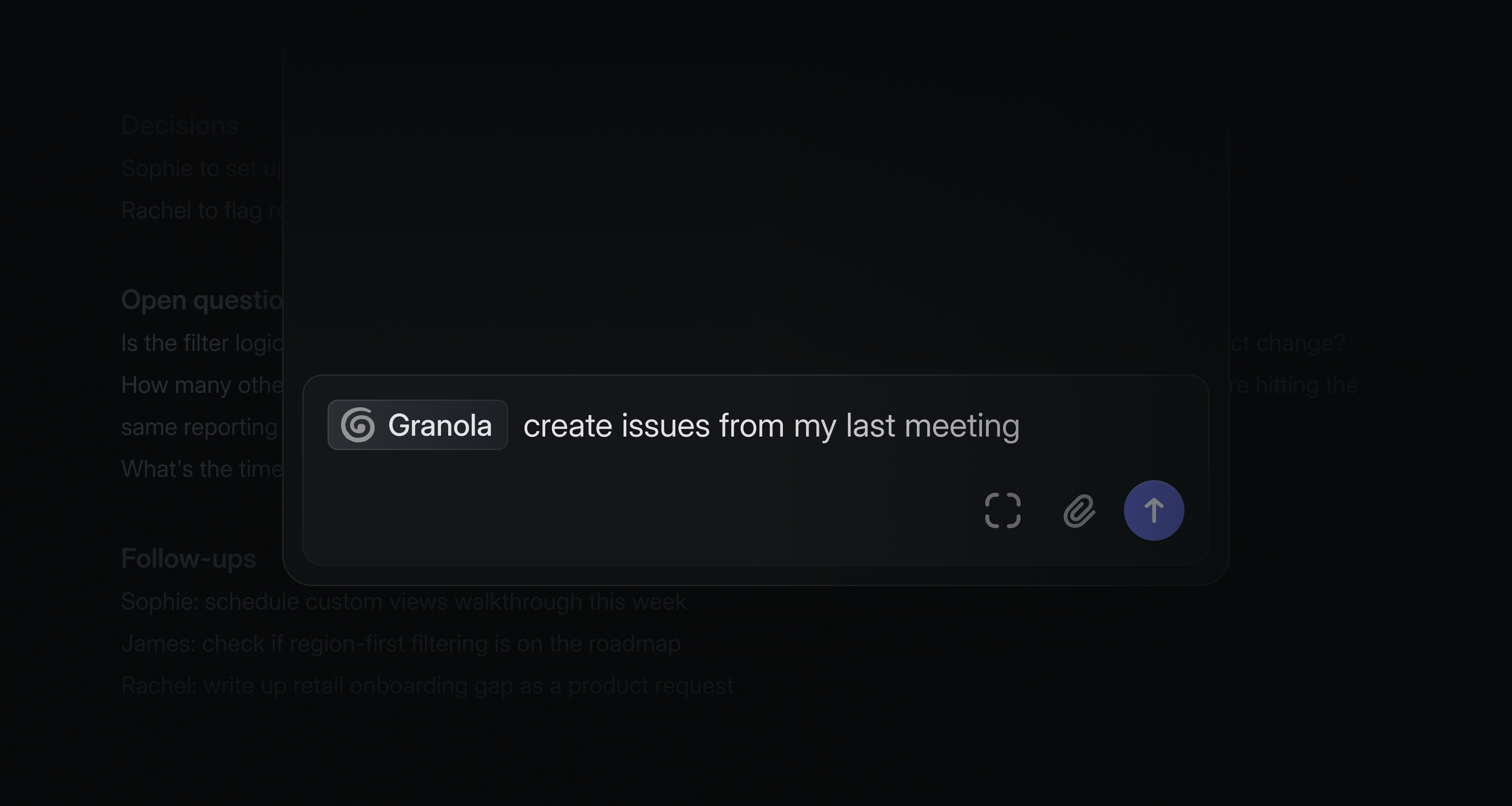
Admins can control access with allowlists and workspace-level MCP permissions. Connect servers in your agent personalization settings or within triage automations. See the docs for supported servers and setup instructions.
Improvements to Linear Agent
We're continuously improving Linear Agent and adding new capabilities and features.
- Select text anywhere in Linear and press ⌘J to send it directly to the agent as context
- Agent chat now opens in a maximized overlay, so it feels like a natural extension of the toolbar chat instead of a separate page
More control over sharing issues
We recently introduced issue-level sharing, which lets teams share individual issues from private teams with guests and members who don’t have team-level access.
This update gives team owners more control over how that access is managed. Team owners can now configure who can share issues with non-members in team settings. Sub-issues also no longer inherit the parent issue’s share state and can be shared independently.
Issue-level sharing is available on Enterprise plans. Learn more in our docs.