Collapsible sections
Collapsible sections
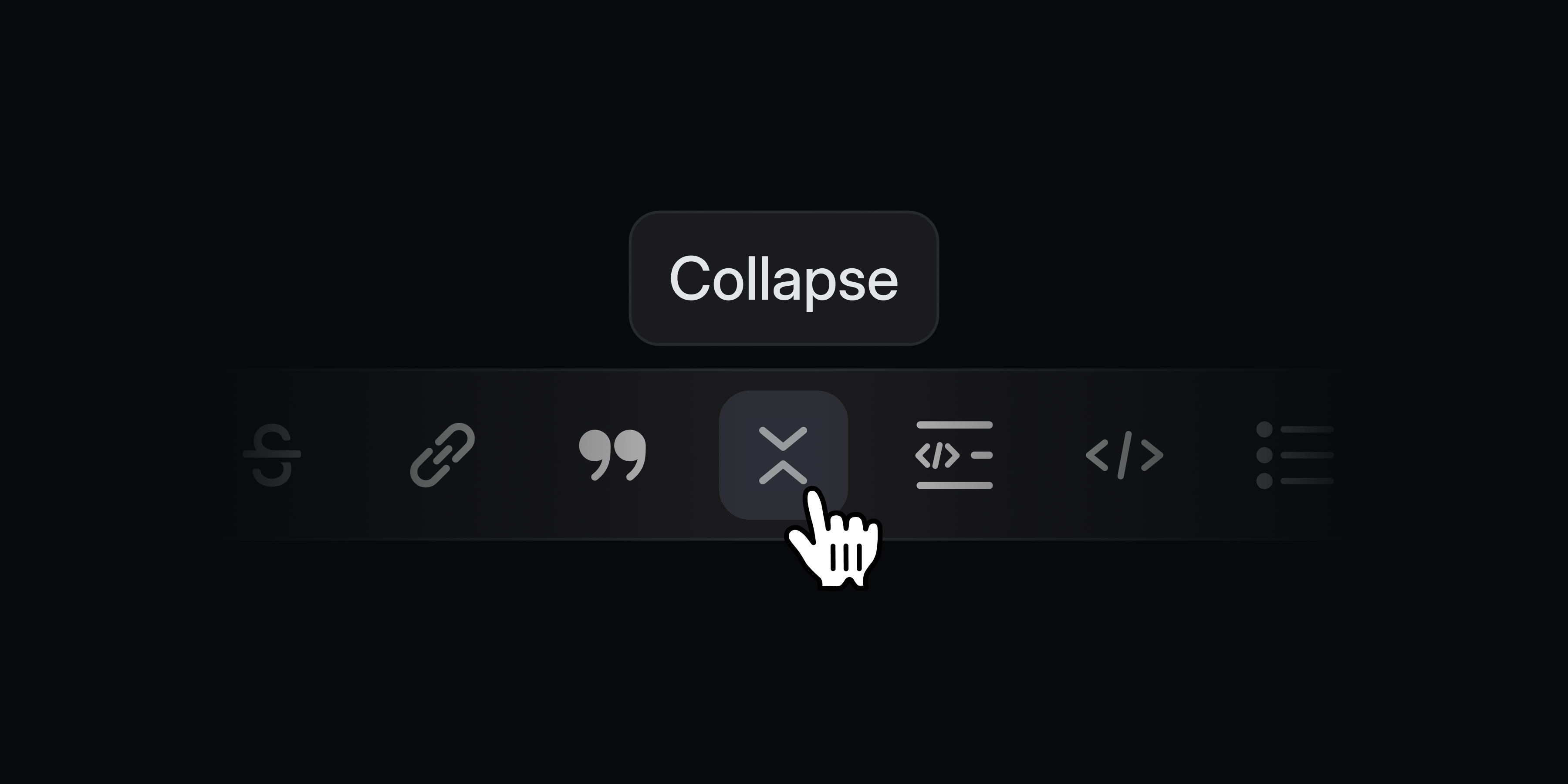
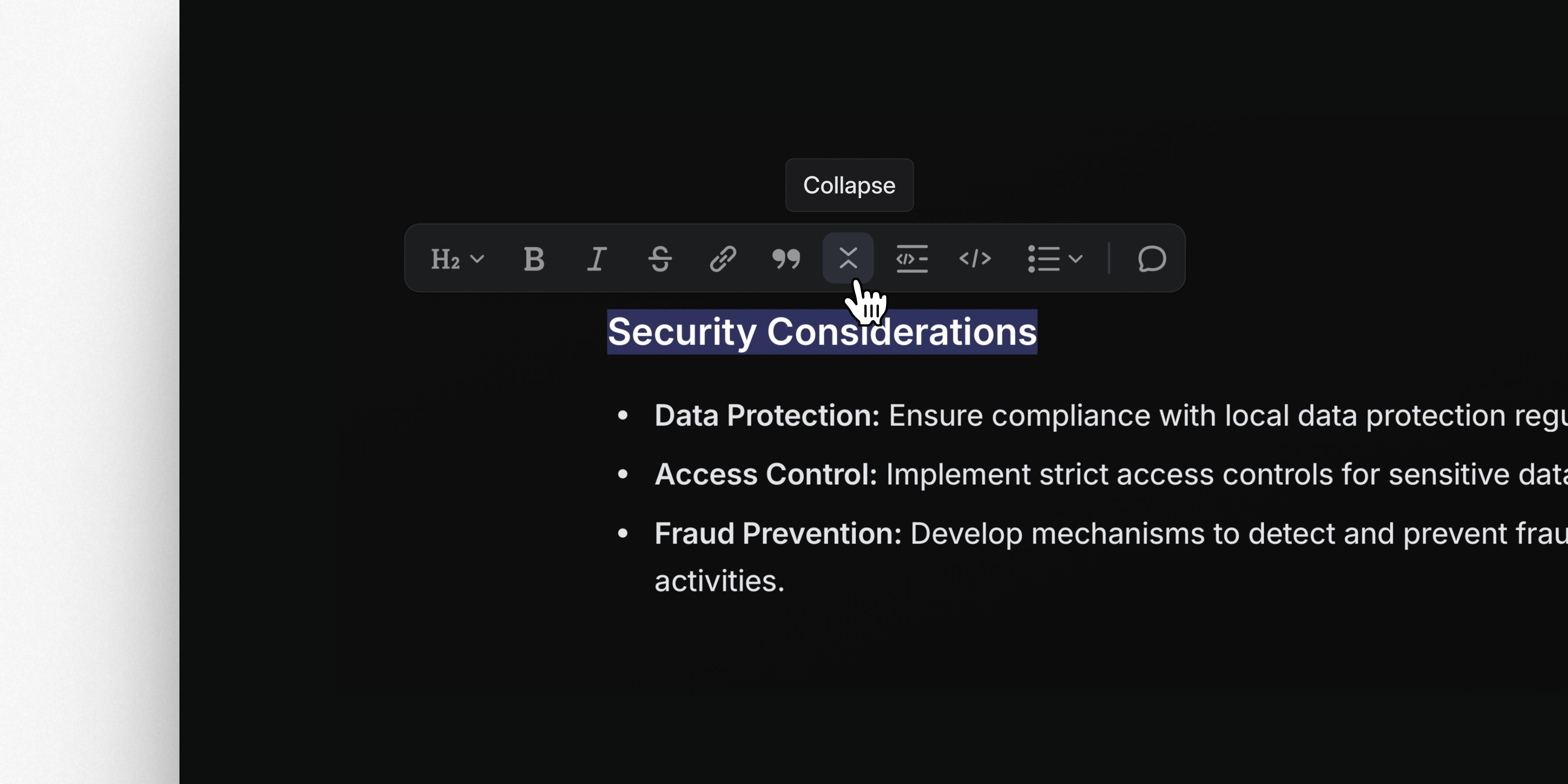
Keep long documents and descriptions tidy with collapsible sections. Conceal supporting details and notes so that they're hidden by default but available to anyone who wants to read them. Create a collapsible section by typing the command /collapsible, using the text shortcut >>>, or selecting text and applying formatting.
Initiative grouping
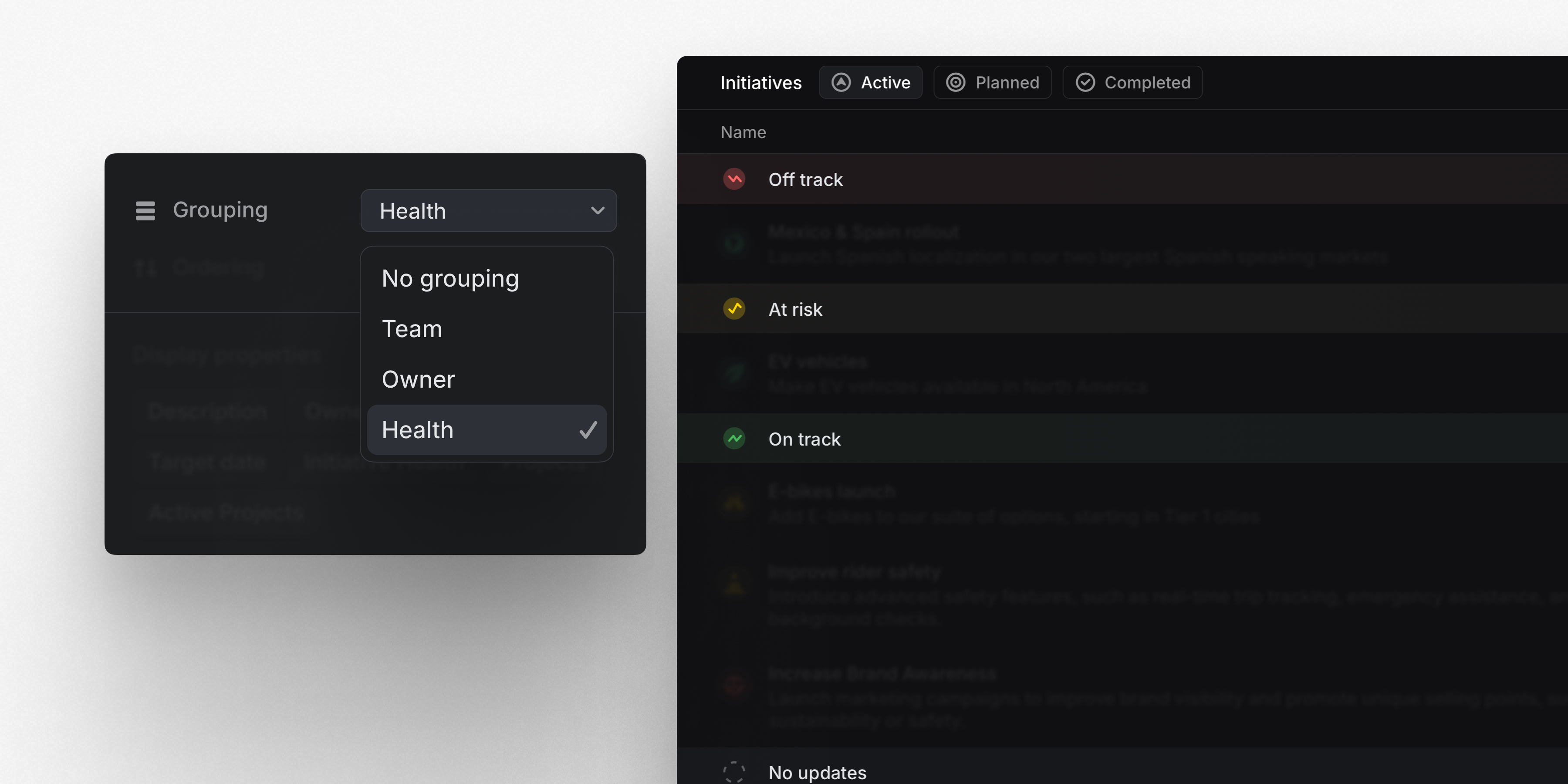
We’ve added new grouping options for Initiatives. Group initiatives by team, owner, and health to scan and navigate larger lists of product initiatives efficiently.
Graphite integration
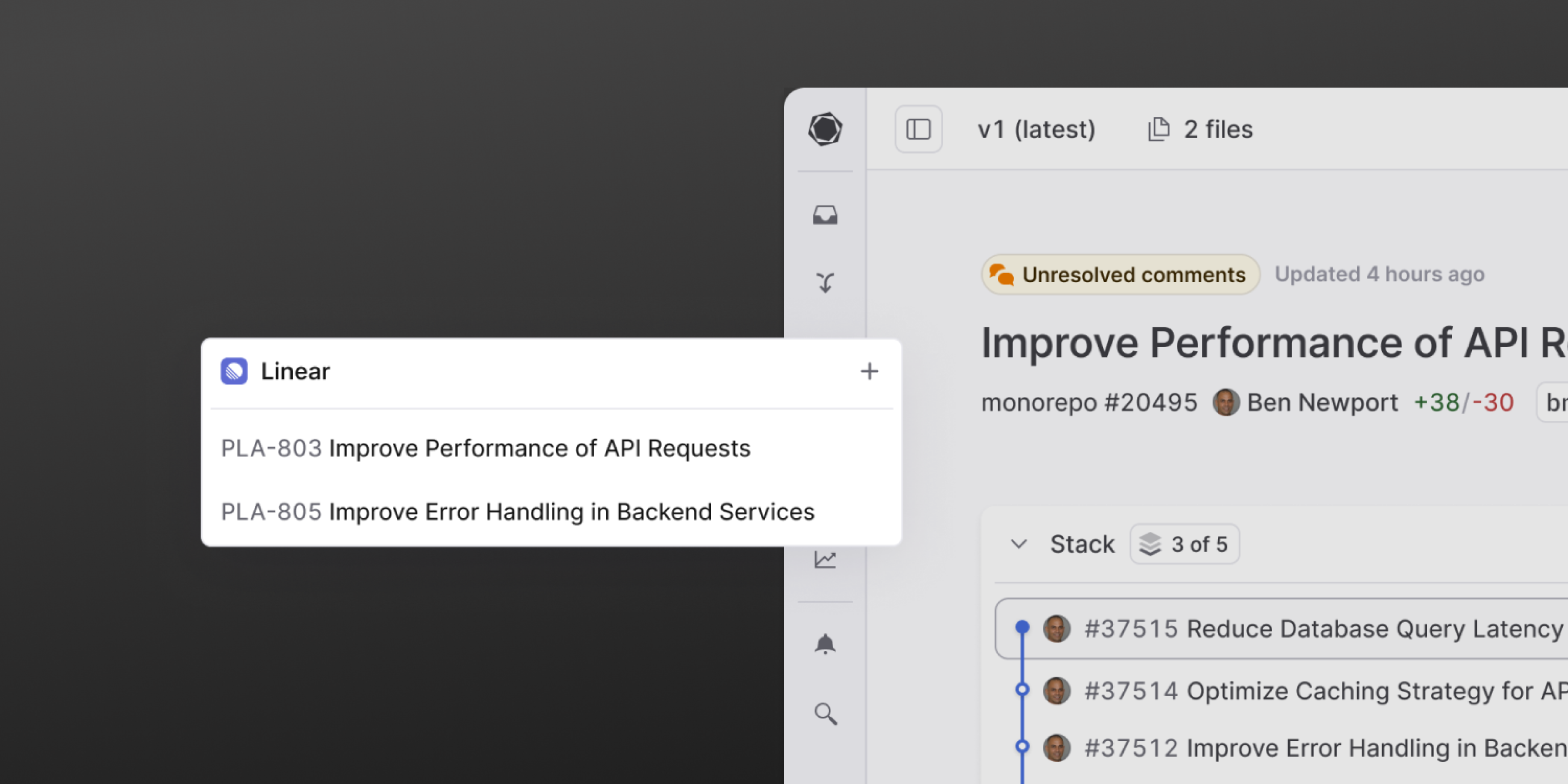
Graphite users can now connect Linear issues directly to pull requests. From Graphite, create new Linear issues, link existing ones, and view all Linear issues associated in the Graphite sidebar. Learn more