Collapsed issue history

Collapsed issue history
When there’s a lot of activity in an issue, it’s easy to lose track of important changes. To reduce clutter and keep the issue activity feed focused, we now group similar consecutive events and collapse older activity between comment threads.
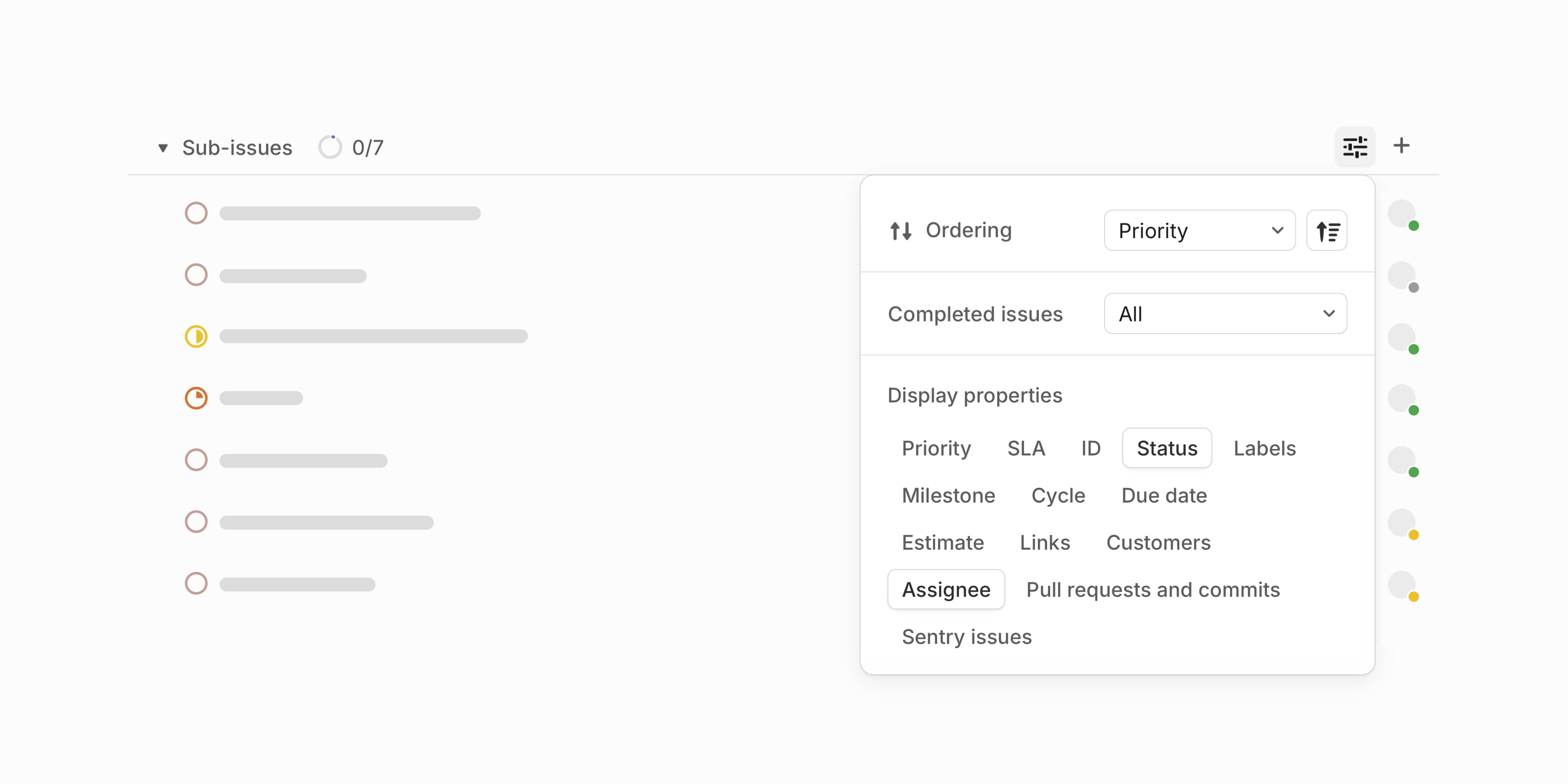
Sub-issue display options
Customize how sub-issues appear when viewed from parent issues. For example, update the list to only show properties relevant to you or hide completed sub-issues to focus on remaining work. Your preferences will be applied across all issues you view.
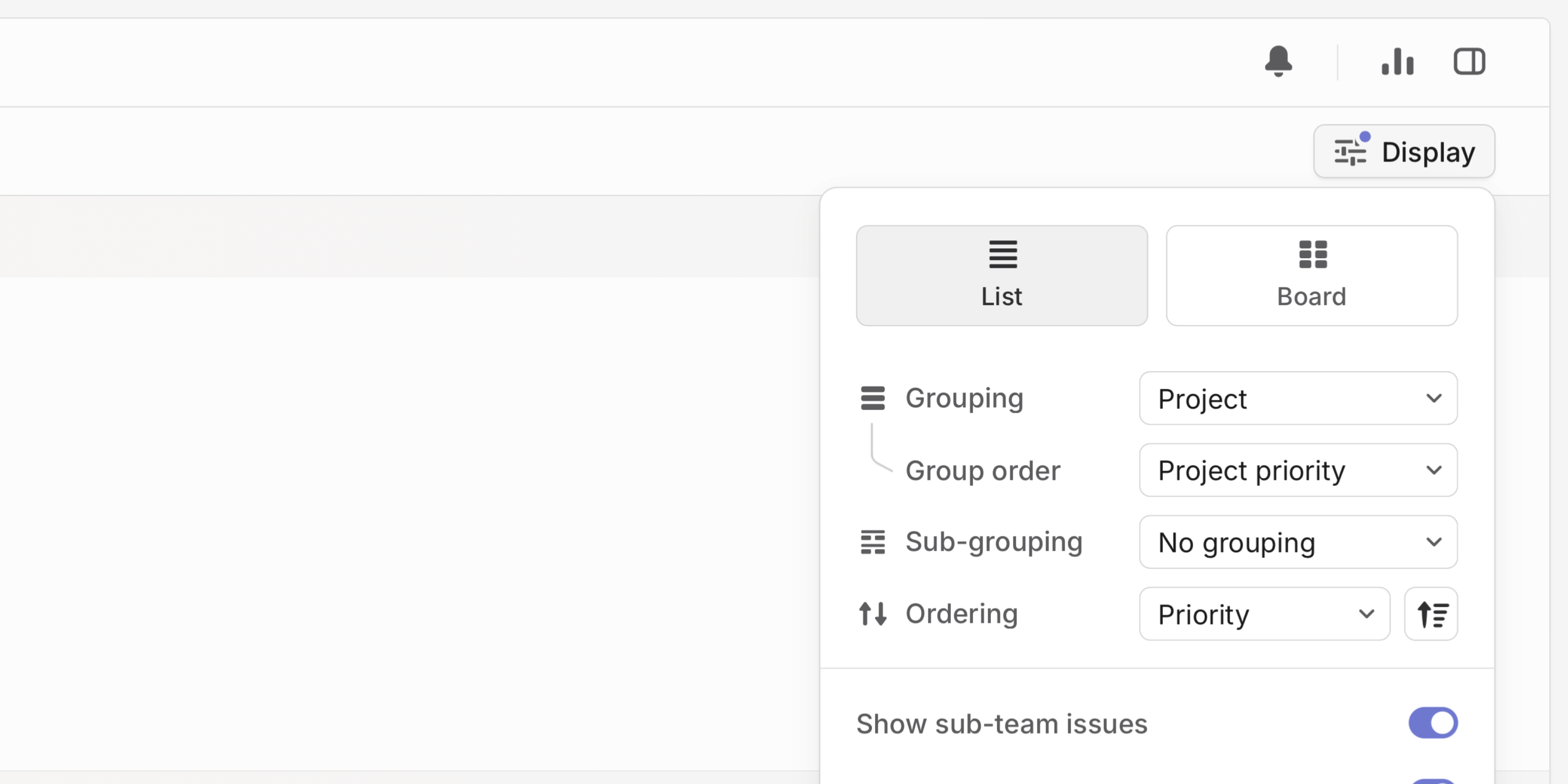
Project group order
When viewing issue lists grouped by project, customize the order in which these groups are displayed.
Mobile improvements
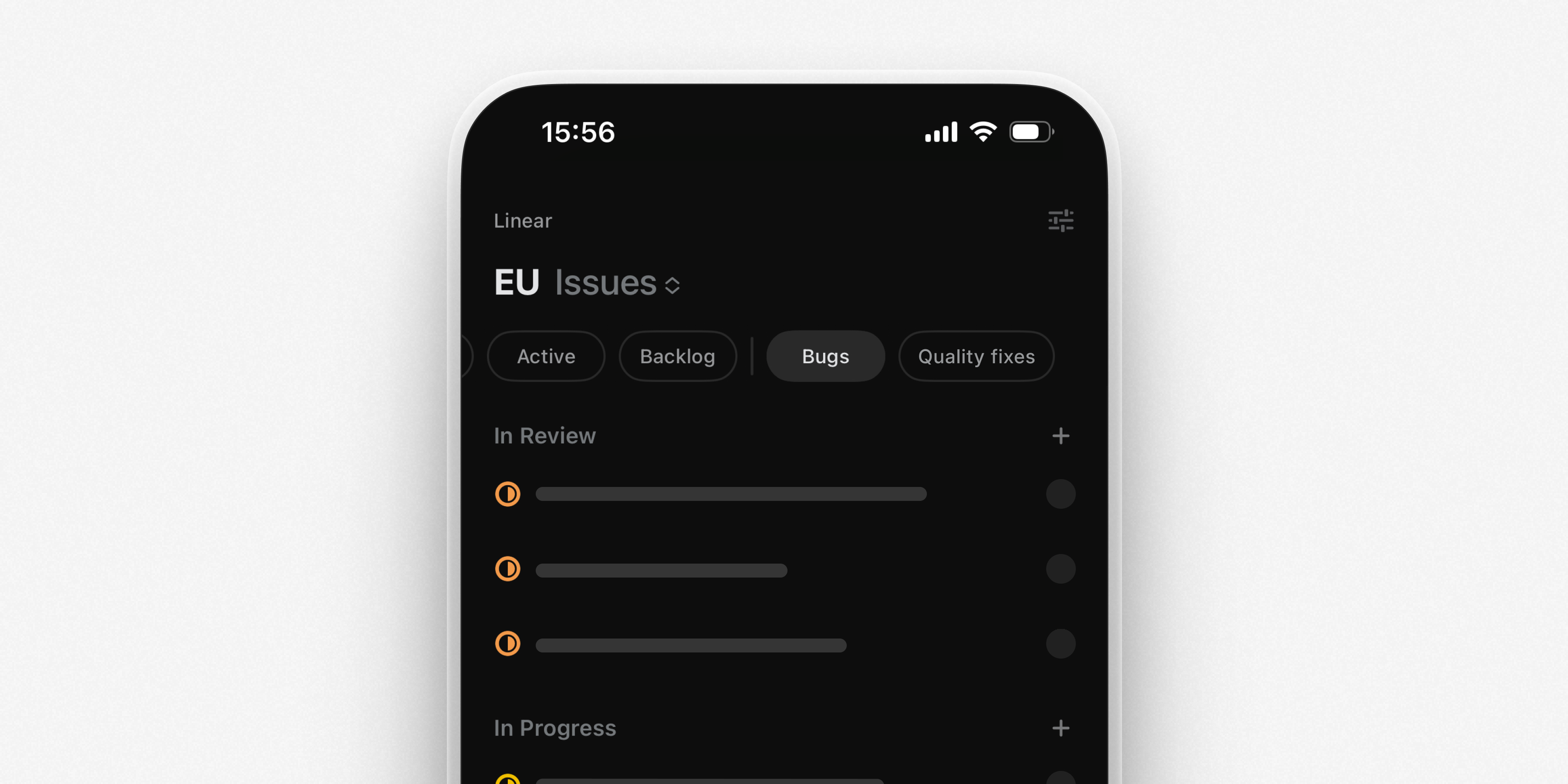
We've made several improvements to Linear on iOS and Android. Download the latest version from their respective app stores.
- Custom views attached to projects and teams appear as tabs, giving you quick access to your most important issues
- From a team's cycles view, easily navigate between current, upcoming, and all cycles for that team
- We've added native support for initiative updates from your Inbox. Comment or react to updates directly from the notification
- Long-press on reaction emojis to see who reacted to a comment, issue, or update