Audit log
Audit logs show you a record of workspace events over the last 90 days.
Overview
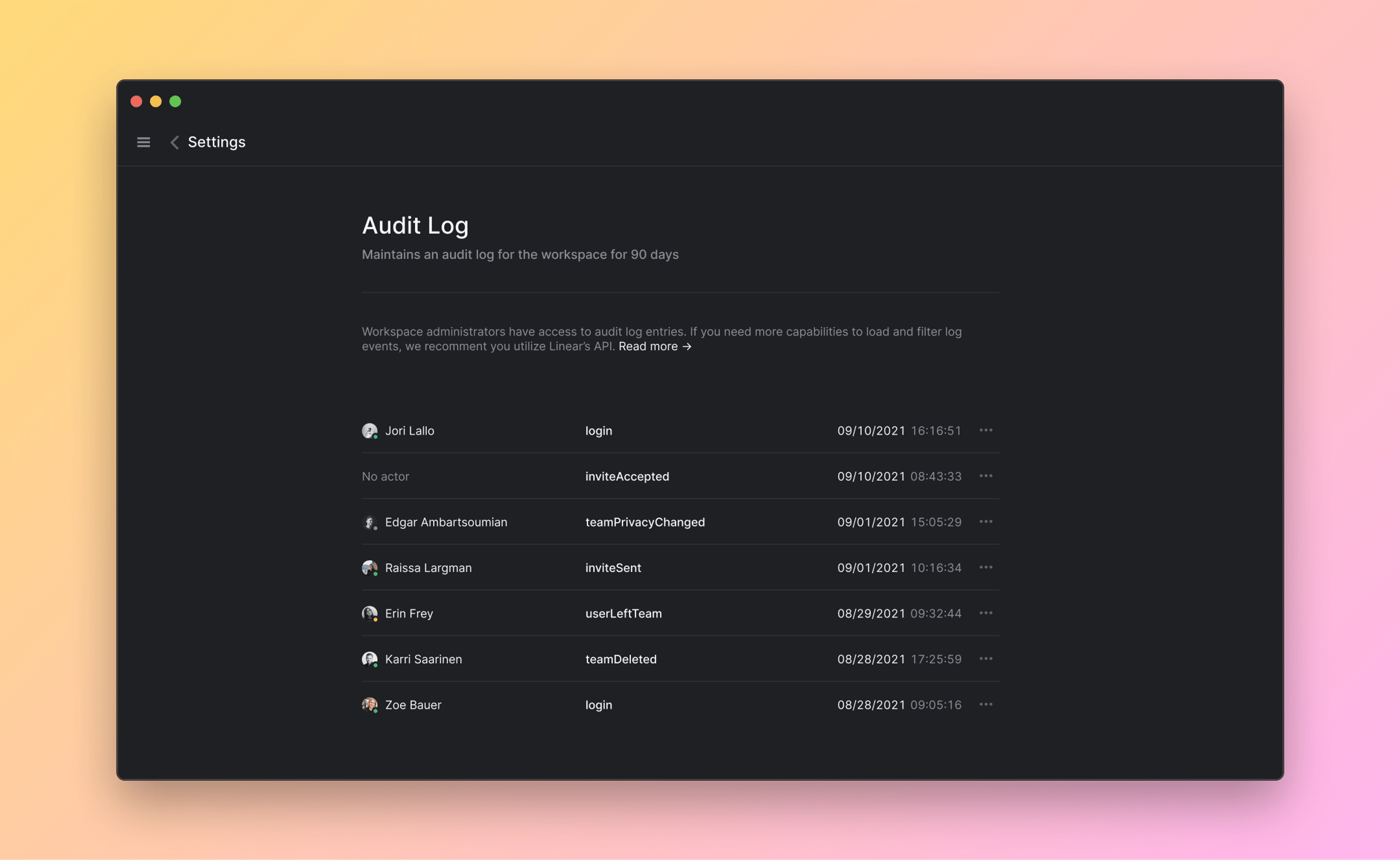
Linear automatically tracks events related to account access, subscriptions, and settings changes including the IP and country of the actor. All audit logs are retained for 90 days. In the UI, you can browse recent events and filter by event type, and you can also filter out session-creation events from the recent events list. For more advanced queries, such as filtering by actor, email, IP address, or date range, we recommend accessing the audit log through the API.
Configure
Only workspace owners can access audit logs given the sensitive nature of the information. An owner can access the audit logs under Workspace Settings > Administration > Audit Log.
Access via API
To perform complex queries based on type, actor, and other metadata, we recommend that you access the audit log through Linear's GraphQL API. Visit our API documentation to read more about making GraphQL API requests.
You can utilize the advanced filtering capabilities of our API to narrow down your query.
You can also get the list of all the available log entry types from our API.
Webhook and SIEM support
Audit logs can be streamed to a webhook and configured for Security Information and Event Management data ingestion. To enable the audit log webhook, visit the Audit Log under workspace settings and enable Stream logs. To learn more about securing your webhook using a signing secret, visit our API documentation.
Sample responses
User joins a team:
A webhook is created: