SCIM
SCIM, or System for Cross-domain Identity Management allows for the automation of user provisioning for your Linear workspace.
Overview
With SCIM enabled, user accounts can be automatically created, updated, and suspended based on your IDP settings—eliminating the need for manual account management in Linear. This integration helps ensure that your team's access stays in sync with your organization’s directory.
SCIM is available for workspaces on plans that include SAML/SCIM. If a workspace later moves to a plan that does not include SAML/SCIM, new user provisioning through SCIM will no longer be allowed. Existing users provisioned through SCIM can still sign in.
Configure
Enable and test
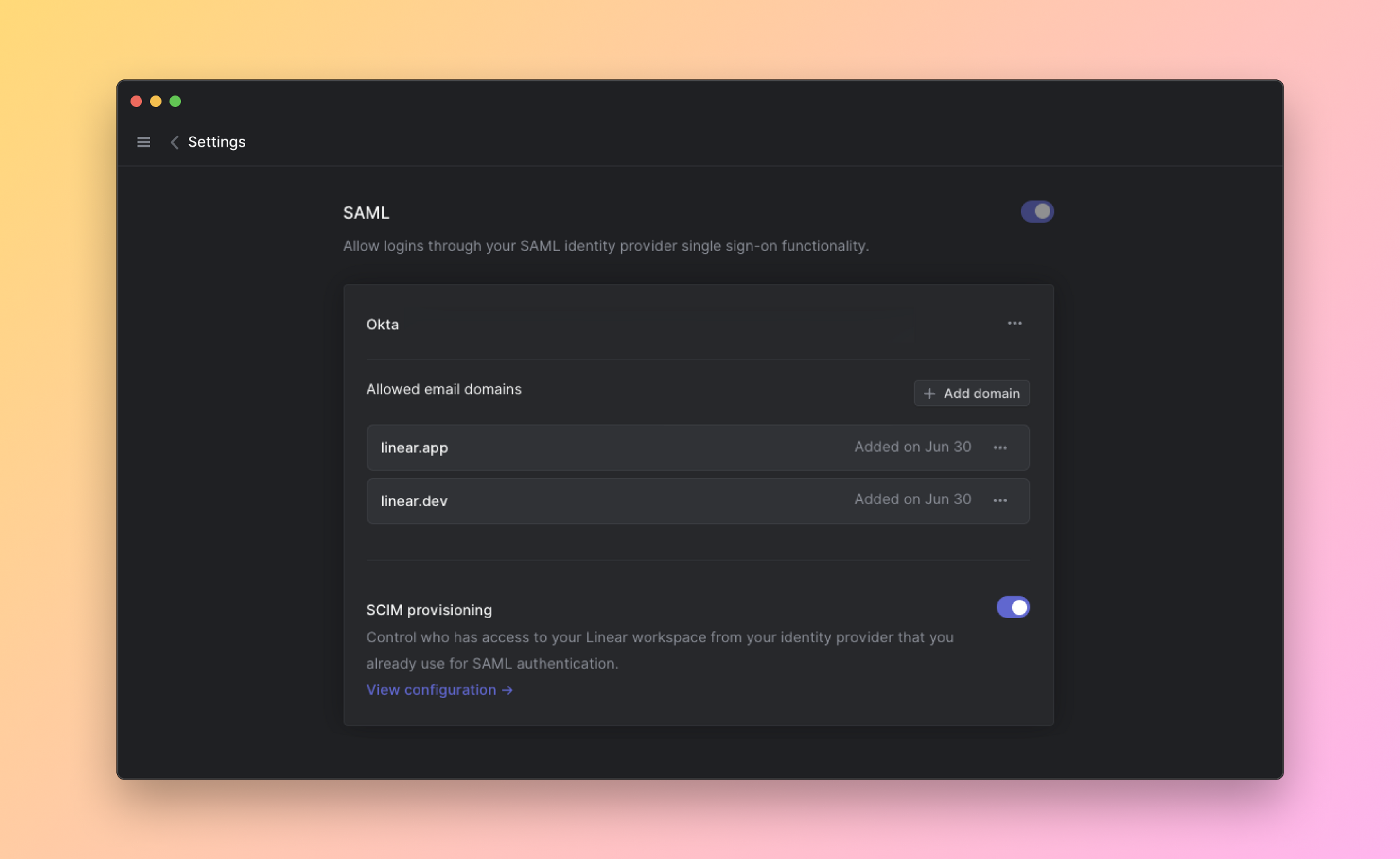
- Navigate to Settings > Administration > Security.
- Under the "Authentication" section, click Configure next to "SAML & SCIM".
- Toggle the option to enable SCIM
- Click "View configuration" to get your SCIM base connector URL and Bearer Auth token. Keep these values at hand as you will need them to configure SCIM in your Identity provider.
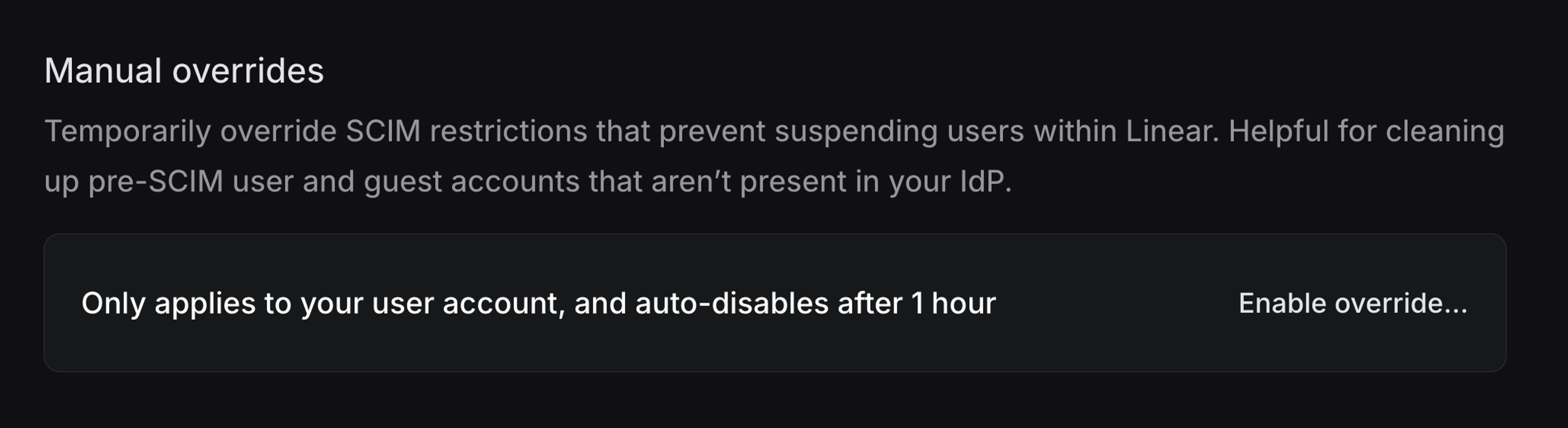
If necessary, you can temporarily enable a manual override to allow user suspension. This may be useful if you need to remove members or Guests that were added to Linear before you enabled SCIM.
IdP-specific configuration notes
- In OneLogin's Admin panel > Applications, click Add App
- Search for the "SCIM Provisioner with SAML (SCIM v2 Enterprise, full SAML)" app and add
- Click on the Configuration tab and add your SCIM base URL and Bearer token
- Click on the Provisioning tab and Enable Provisioning
- Save your App
Group push
Linear's SCIM integration also supports group push. From your side all you have to do is start pushing groups from your Identity provider to Linear. These will then map 1:1 with teams in Linear.
Link by importing teams
To link an existing team to a Group, you first need to import teams from Linear. These teams will be recognized as groups by your Identity provider. Once imported, you can then select the appropriate team when configuring group push.
Link by name matching
If your identity provider does not support importing Linear teams before configuring group push, you can instead map a pushed group to an existing team by name. In Linear, go to Settings > Teams > [team] > General and set the SCIM group mapping to the group display name used by your identity provider. When that group is pushed, Linear links it to the existing team instead of creating a new team.
Once a team is linked to a Group, this team's membership is solely managed through your identity provider and not in Linear directly.
If you choose to disconnect the Push group from Linear in the future, you may see different options offered by your IDP:
- Opting to delete the group on Linear's side will remove all members from the Linear team and convert the team to private. Issues will remain unchanged.
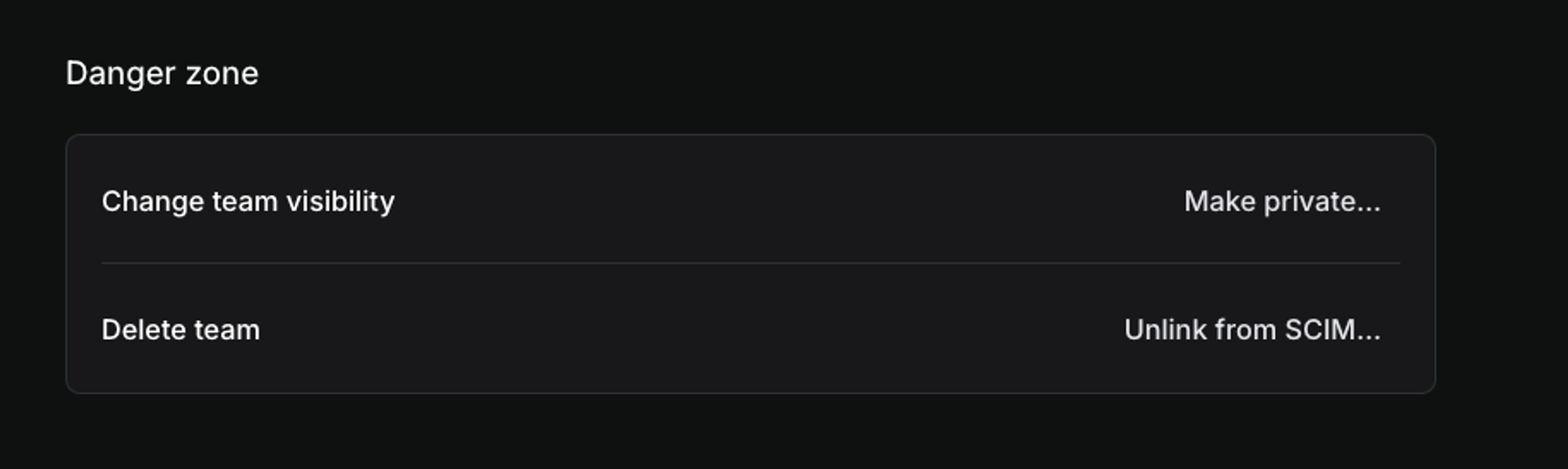
- Disconnecting the group without sending a delete request will leave the team unchanged and not sync any changes to the team on Linear's side. From the team’s Settings > Danger Zone you can then unlink SCIM manually to resume managing the team as normal.
Provisioning Roles
By default, all accounts created via SCIM via individual assignment or group push are provisioned as Members. You can also choose to provision specific users into Owner (if on an Enterprise plan), Admin and Guest roles directly from your IDP.
To do this, you need to create linear-owners (only if on an Enterprise plan), linear-admins and linear-guests as push groups on the IDP side and sync their members with Linear.
Once these have been connected to Linear, any users added to the group will be given the corresponding role in Linear.
- These particular groups do not create Teams in Linear or sync membership with existing teams.
- You can rename these groups from your IDP after you've pushed them at first as
linear-owners(if applicable),linear-adminsandlinear-guests - You will not be able to assign or edit admin or guest roles manually when this link is in place.
If your workspace already uses SCIM and is now migrating to an Enterprise plan for the first time, follow this migration guide to make sure both Owner and Admin roles get provisioned correctly going forward.

SCIM Sync
Linear keeps the following user and team properties in Linear up to date in near real time when we receive SCIM updates from your IDP.
Users
- Email (
userName): primary identifier; must be a valid email. SCIM updates are accepted when the email domains are claimed by your workspace. - Full Name: resolved in order from
name.givenName+name.familyName, thenname.formatted, thendisplayName. - Username/Nickname: updated from
displayName. Linear ensures uniqueness by appending a number when needed. - Active:
active: falsesuspends the user;active: trueunsuspends. - Avatar: updated from
avatarUrlorphotos[].value
Teams
- Name (
displayName): updates the team name; uniqueness enforced with a suffix if needed (e.g., “Engineering (2)”). - Members (
members): add/replace/remove members to SCIM-managed teams via user references (value= user ID).
Disabling SCIM
Once SCIM is disabled on Linear side:
- SCIM requests coming from your Identity provider will be rejected on Linear side.
- Any team that was linked to a Group will be unlinked.
- All SCIM restrictions will stop being enforced.
This does mean that if SCIM is re-enabled on Linear side, any changes or member removals that happened on your Identity provider will have to be pushed again to Linear. Refer to your Identity provider documentation for more information on accomplishing this.
If you need to remove some Linear accounts that are not part of your IDP, we recommend enabling the temporary override from your Linear SCIM settings, rather than disabling SCIM.
You'll find the option for this at the bottom of your SCIM settings page and it will allow the Admin or Owner who toggles the setting to manually suspend users temporarily.